101
4. Input/output signal settings
4-1-4. Colour corrector
When the colour corrector is enabled, the colours of the input video signals can be corrected.
This function can be set for the signals that are input to IN9 to IN16.
Enabling the colour corrector
Press the [INPUT] button to light its indicator and display the INPUT menu.
Refer to “2-1-5. LCD menu area”.
Turn [F1] to display the INPUT XX sub menu.
(X: IN9 to IN16)
The input used to enable the colour corrector function is selected for X.
Turn [F2] to display the third menu of CC.
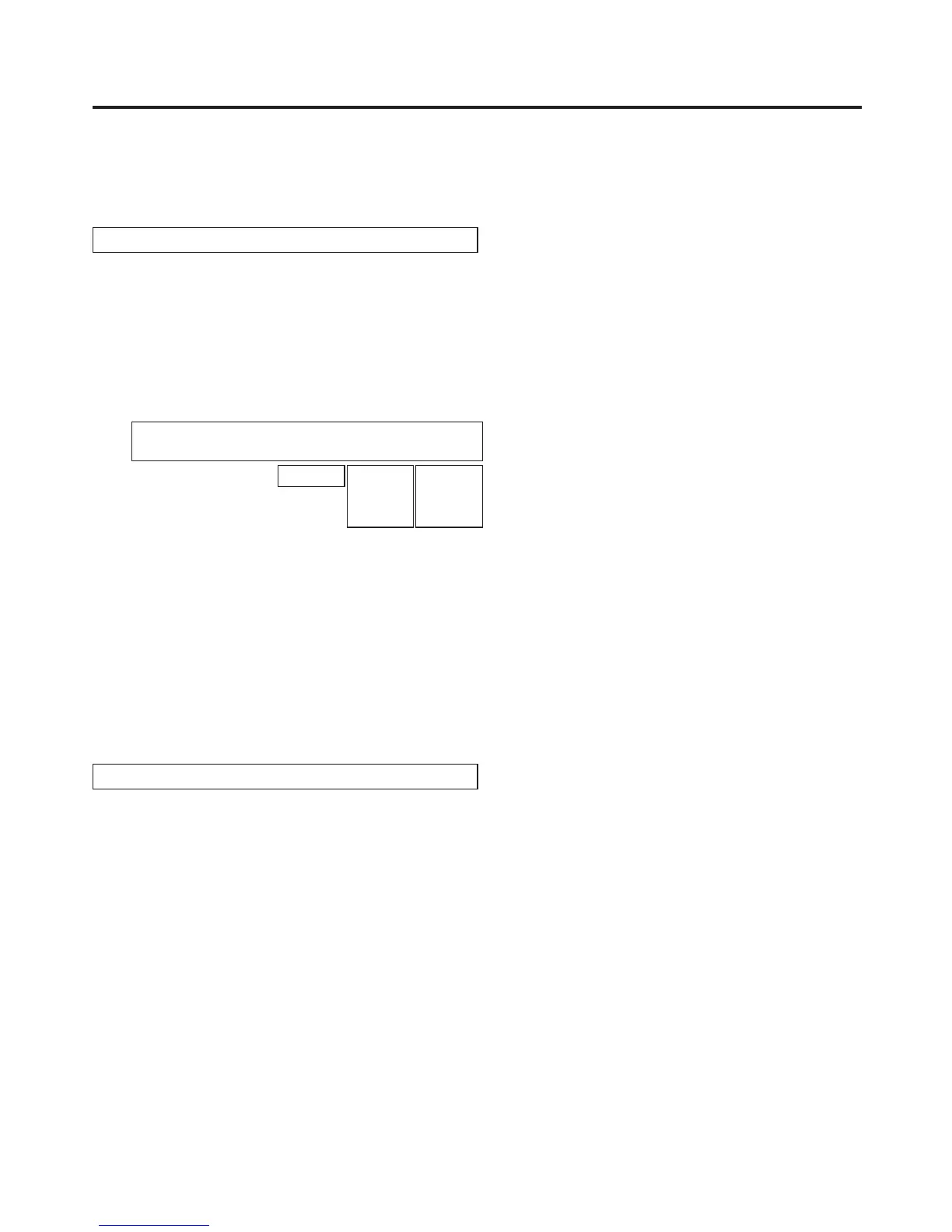
<Menu display>
INPUT XX
|
CC
|
CC
|
InLimit
|
CLEAR↓
| 6/15 | On| Off| ALL
Off 108
104
100
Prc
Trn
MTX
Turn [F3] to select On using the CC item.
On: The colour corrector function is enabled.
Off: The colour corrector function is disabled.
Turn [F4] to select the colour range of the input signals using the InLimit item.
Off: The colour range is not restricted.
108: The amplitude level of the colours (R, G and B) is restricted to 0 % - 108 %.
104: The amplitude level of the colours (R, G and B) is restricted to 0 % - 104%.
100: The amplitude level of the colours (R, G and B) is restricted to 0 % - 100%.
Initializing the color corrector
On the third CC menu, turn [F5] to select the parameter (third menu setting) to be initialized using the
CLEAR item.
Prc: The CC Prc1 and 2 parameters are set to their initial values.
Trn: The CC Trn1 to 4 parameters are set to their initial values.
MTX: The CC MTX1 to 3 parameters are set to their initial values.
ALL: The above parameters and the InLimit item of the third CC menu are set to their initial values.
Press the [F5] switch to initialize the colour corrector.













 To Next Page