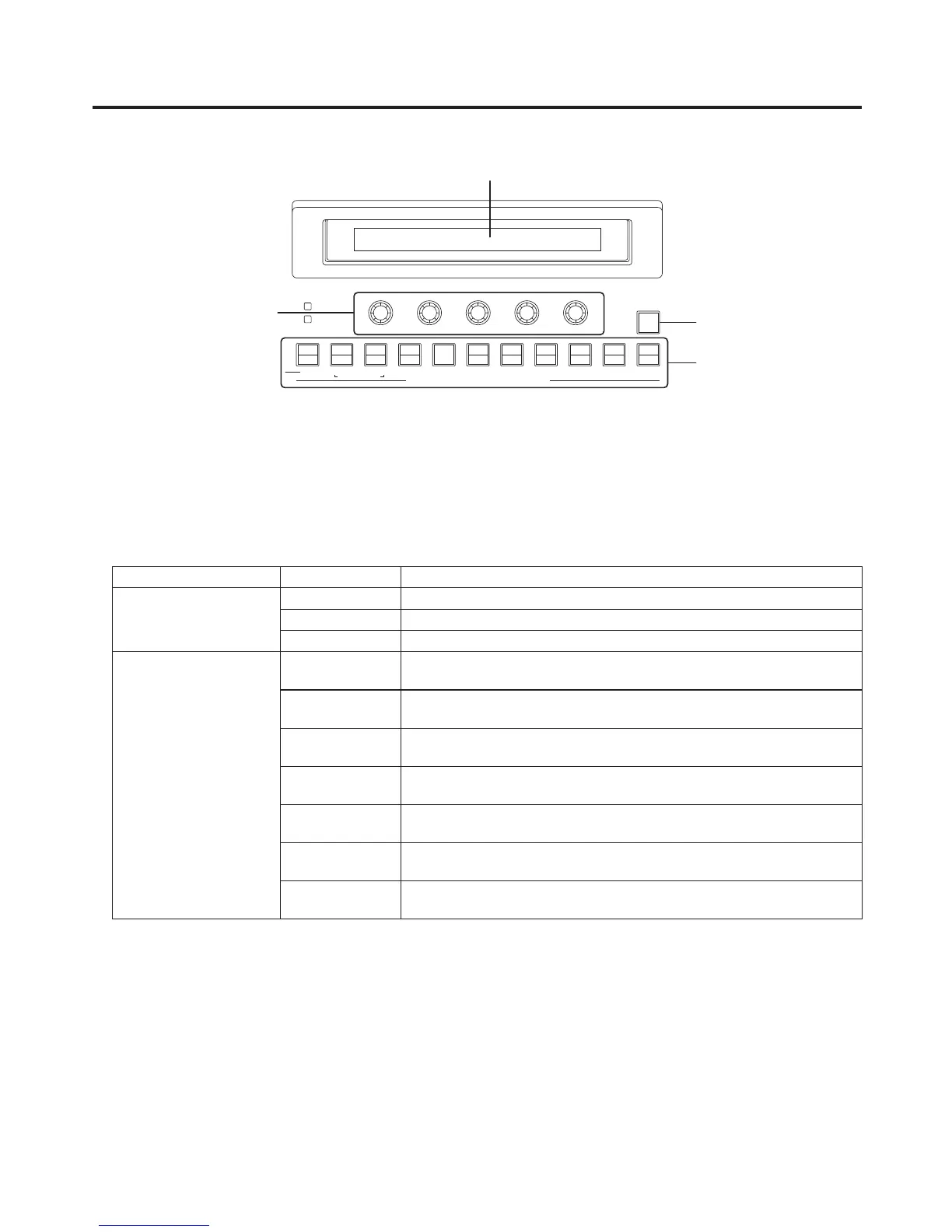
LCD
The setting menu is displayed when one of the menu function buttons () is pressed.
When the buttons listed below are double-clicked, the specified menu is selected.
(The menu delegation function)
The operation corresponding to the button pressed is also executed.
<List of menu delegation functions>
Button Menu
Transition area BKGD TIME menu/BKGD sub menu
KEY TIME menu/KEY sub menu
WIPE BKGD menu/Border sub menu
Wipe pattern area WIPE No.5
(BKGD)
BKGD menu/WIPEPos sub menu
WIPE No.5
(KEY)
KEY menu/WIPEPos sub menu
WIPE No.11
(BKGD)
BKGD menu/WIPEPos sub menu
WIPE No.11
(KEY)
KEY menu/WIPEPos sub menu
SQ No.5
(BKGD)
BKGD menu/SQPos sub menu
SQ No.5
(KEY)
KEY menu/SQPos sub menu
SL No.5
(KEY)
KEY menu/FlyKEY sub menu













 To Next Page