153
5. System settings
5-8-3. Displaying the version information and option information
Information on the unit’s software and hardware versions
and the statuses of the options are displayed.
<Menu display>
SYS 12
|
Select
|
Version
|
|
SysVer
MainVer | MFSoft| 1.00| |1.00.00
PnlSoft
PnlFPGA
CntFPGA
In1FPGA
In2FPGA
M/EFPGA
OutFPGA
Press the [SYSTEM] button to light its indicator
and display the SYSTEM menu.
Refer to “2-1-5. LCD menu area”.
Turn [F1] to display the MainVer sub menu.
Turn [F2] to select the item whose version is to be
displayed using the Select item.
The version information is displayed in the Version item.
The system version information is displayed in the SysVer item.
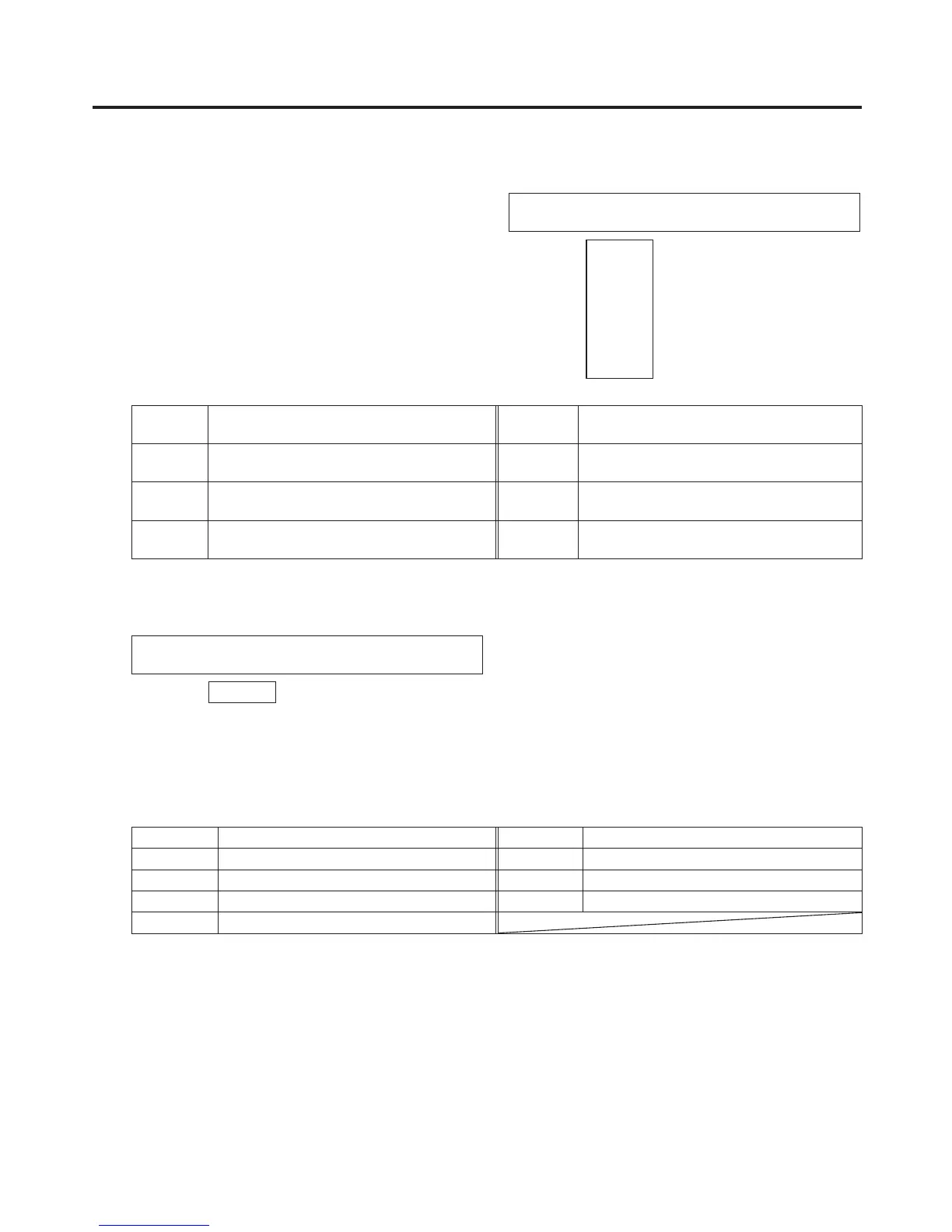
MFSoft Software version of mainframe In1FPGA Hardware version of input circuit board 1
(mainframe)
PnlSoft Software version of control panel In2FPGA Hardware version of input circuit board 2
(mainframe)
PnlFPGA Hardware version of control panel M/EFPGA Hardware version of M/E circuit board
(mainframe)
CntFPGA Hardware version of control circuit board
(mainframe)
OutFPGA Hardware version of output circuit board
(mainframe)
Turn [F1] to display the OptVer sub menu.
<Menu display>
SYS 13
|
Select
|
Board
|
Version
|
OptVer | SLOTA| SDI-IN| 0001|
SLOTB
Turn [F2] to select the option slot using the Select item.
SLOTA: Option slot A
SLOTB: Option slot B
The types of the option boards connected are displayed in the Board item.
SDI-IN SDI input board SDI-OUT SDI output board
Ana-IN Analogue input board Ana-OUT Analogue output board
DVI-IN DVI input board D/A-OUT DVI/analogue output board
DVID-IN Full-HD DVI input board None No option board
Csit-IN Analogue composite input board
The option board version information is displayed in the Version item.













 To Next Page