81
3. Basic operations
3-9. Switching the AUX output
3-9-1. Selecting the AUX output materials
The AUX1 to AUX4 output signals can be selected.
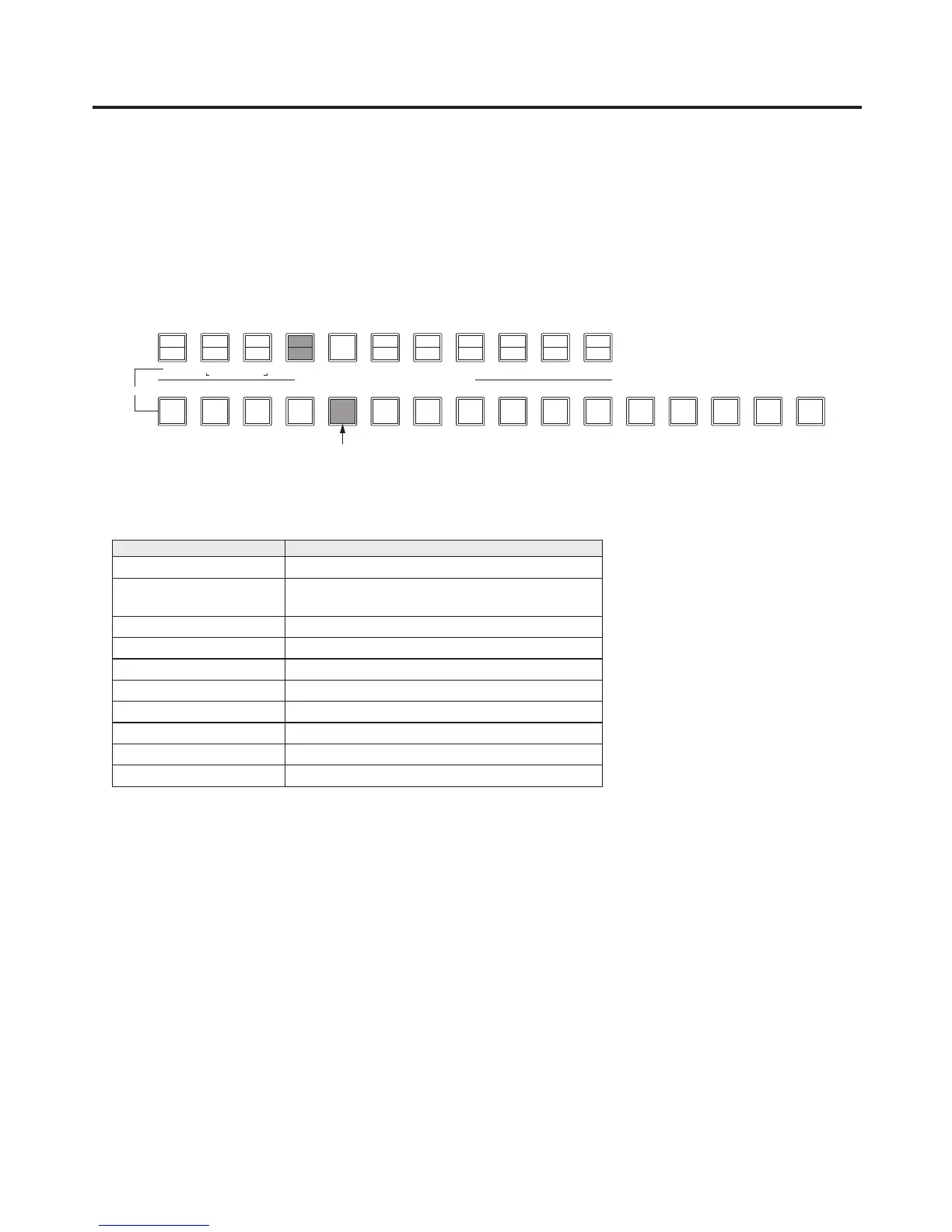
Press one of the [AUX1] to [AUX4] buttons among the AUX bus selector buttons.
The selected button lights in amber.
Press one of the AUX bus crosspoint buttons.
The selected signal is output to the pressed [AUX1] to [AUX4] button.
The button with the signals selected by AUX1 lights in amber.
<Signals that can be selected by the AUX bus>
Name of signal Description of signal
INPUT1 to 16 Input signal 1 to 16
INPUT A1, INPUT A2,
INPUT B1, INPUT B2
Input signal A1, Input signal A2,
Input signal B1, Input signal B2
PGM Programme video signal
PVW Preview video signal
CLN Clean signal
MV1, MV2 Multi view display output signal 1, 2
KeyOut Key output signal
FMEM1 to FMEM4 Frame memories 1 to 4
CBGD Colour background
CBAR Colour bar
When the AUX bus is selected on the sub screen of the multi view display, the image is looped as if two
mirrors have been placed opposite each other.













 To Next Page