29
2. Functions in each area
2-1-7. SD memory card area
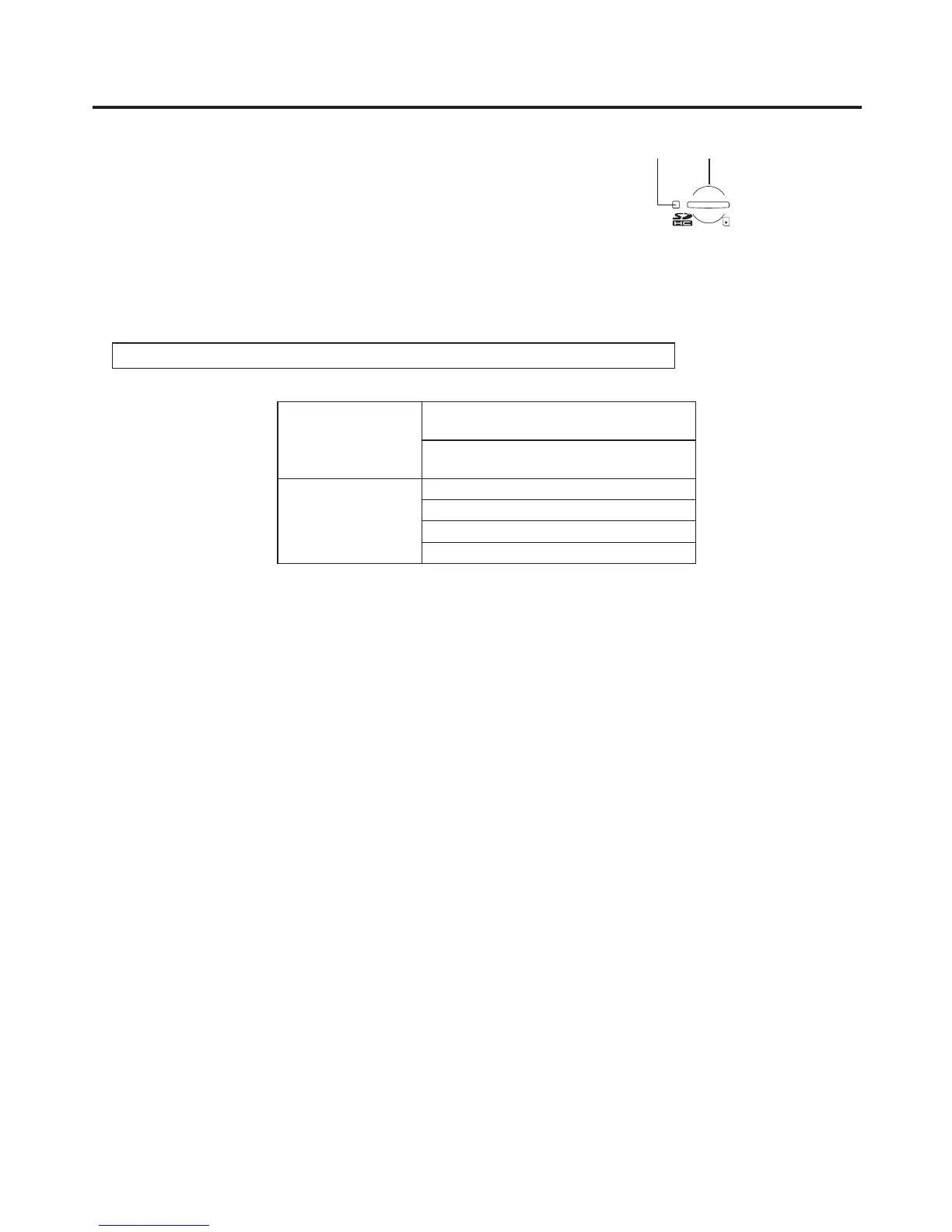
SD memory card slot
Insert an SD memory card (purchased separately) or an SDHC memory card
(purchased separately) into this slot.
SD memory card access LED
This LED lights while the data on the SD memory card is being accessed.
Do not turn off the unit’s power or eject the SD memory card while the access LED is lit.
Doing so can damage the data on the SD memory card.
Concerning the recommended SD memory cards and SDHC memory cards
Use of the following SD memory cards and SDHC memory cards made by Panasonic is recommended:
SDHC memory cards RP-SDM04G, RP-SDM06G, RP-SDM08G,
RP-SDM12G, RP-SDM16G
RP-SDV04G, RP-SDV08G, RP-SDV16G,
RP-SDV32G
SD memory cards RP-SD128B, RP-SD256B
RP-SDR512
RP-SDM01G, RP-SDM02G
RP-SDV512, RP-SDV01G, RP-SDV02G













 To Next Page