39
3. Basic operations
3-2. IMAGE
3-2-1. Setting the IMAGE effects
Four effects — paint, mono-colour, mosaic and defocus — can be set for the PGM/A bus materials and PST/B bus
materials.
Press the [IMAGE A] button (or the [IMAGE B] button) to light its indicator, and display the IMAG A (or
IMAG B) menu.
Refer to “2-1-5. LCD menu area”.
Turn [F2], and set the IMAGE effect to On or Off.
To add the IMAGE effect, set to On.
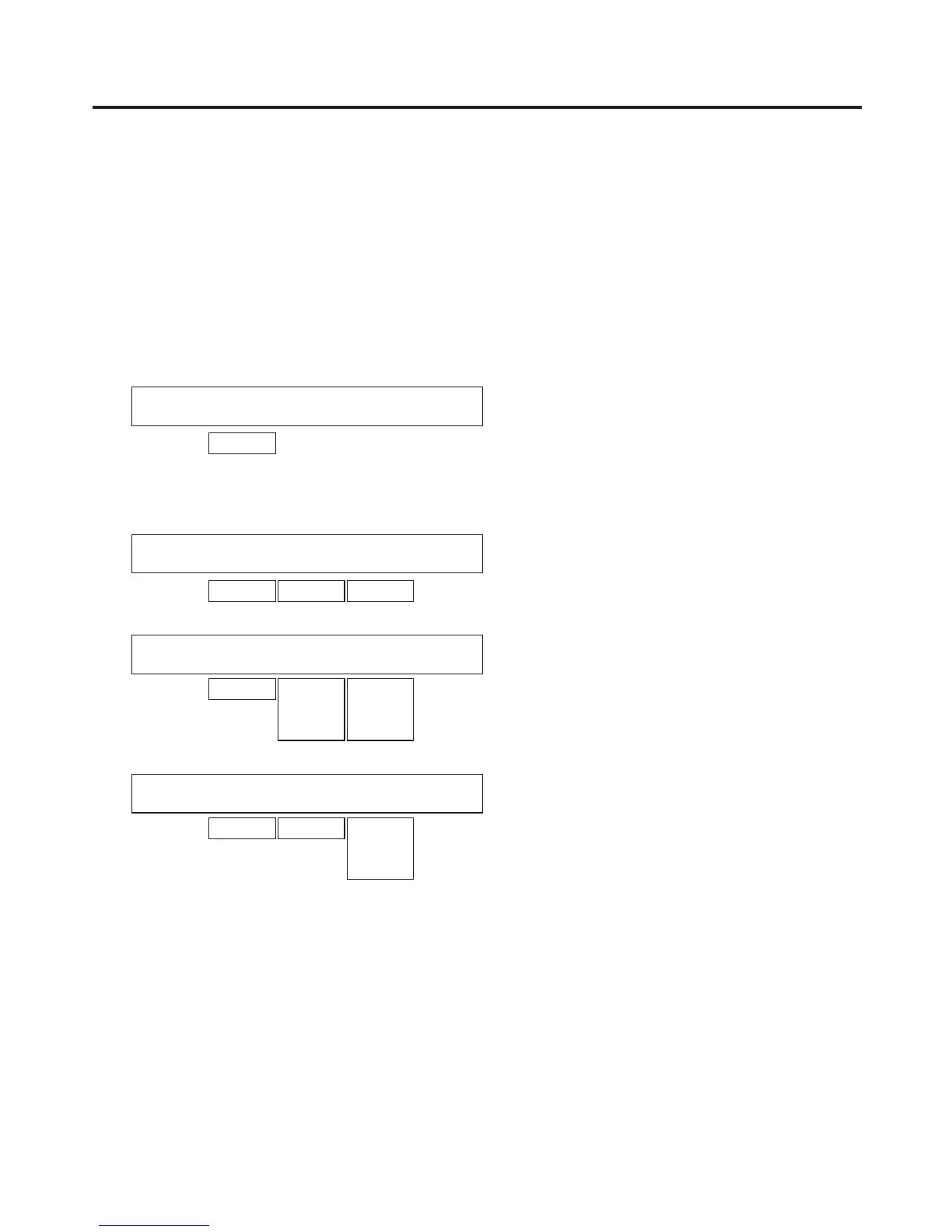
<Menu display>
IMG A 1
|
On/Off
|
|
|
IMAG A | Off| | |
On
Turn [F1] to display the menu (Paint, Mono, Mosa/Def sub menu) of the effect that is to be set.
<Menu display>
IMG A 2
|
On/Off
|
Y-Level
|
C-Level
|
Paint | Off| 0| 0|
On 0-7 0-7
IMG A 3
|
On/Off
|
Hue
|
Sat
|
Mono | Off| 0.0| 0.0|
On 0.0
|
359.9
0.0
|
100.0
IMG A 4
|
On/Off
|
Mode
|
Effect
|
Mosa/Def| Off|Mosaic | 20.0|
On Defocus 0.0
|
100.0
Turn [F2], and set On or Off using the sub menu concerned.
Turn [F3] and [F4], and change the effect setting.
Executing the transition when the PGM/PST (flip-flop system) is selected in the BusMode item of the Operate
sub menu of the CONFIG menu replaces the PGM/A bus with the PST/B bus, and the menu title “IMAG A” is
also replaced with “IMAG B”.













 To Next Page