82
3. Basic operations
3-9-2. AUX1 transitions
The MIX transition is executed when the output signal set for AUX1 is switched.
Press the [AUX1] button of the AUX bus selector buttons.
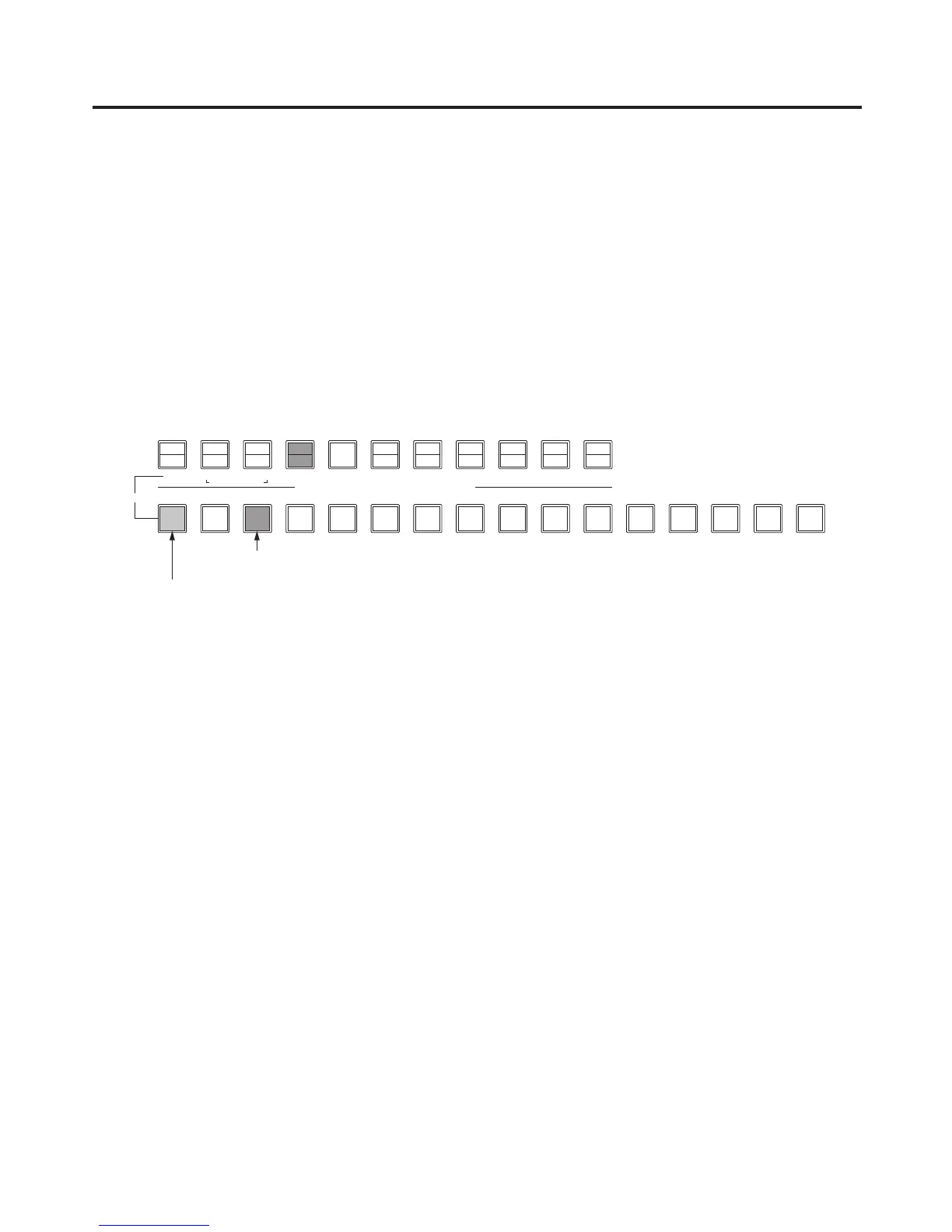
The selected button and its corresponding AUX bus crosspoint button light in amber.
Press the AUX bus crosspoint button for the output signal to be switched to.
The MIX transition is now initiated for the length of the transition time that was set using the TIME menu.
While the transition is underway, the transition source AUX button lights in green, and the transition
destination AUX button blinks in amber.
As soon as the transition is completed, the transition source AUX button goes off, and the transition
destination AUX button lights in amber.
Furthermore, when another signal is selected at a midway point through a transition, the transition
processing continues from that midway point.













 To Next Page