80
3. Basic operations
3-8. Internal colour signals
3-8-1. Setting the colour background
The colour background to be used by the bus can be set.
Two methods are available: under one method the Hue (hue), Sat (colour saturation) and Lum (luminance) are
set, and under the other the 8 preset colours (white, yellow, cyan, green, magenta, red, blue and black) are called.
The Hue, Sat and Lum of the called colours can also be adjusted.
Adjusting the colours
Press the [CBGD] button and display the CBGD menu.
Refer to “2-1-5. LCD menu area”.
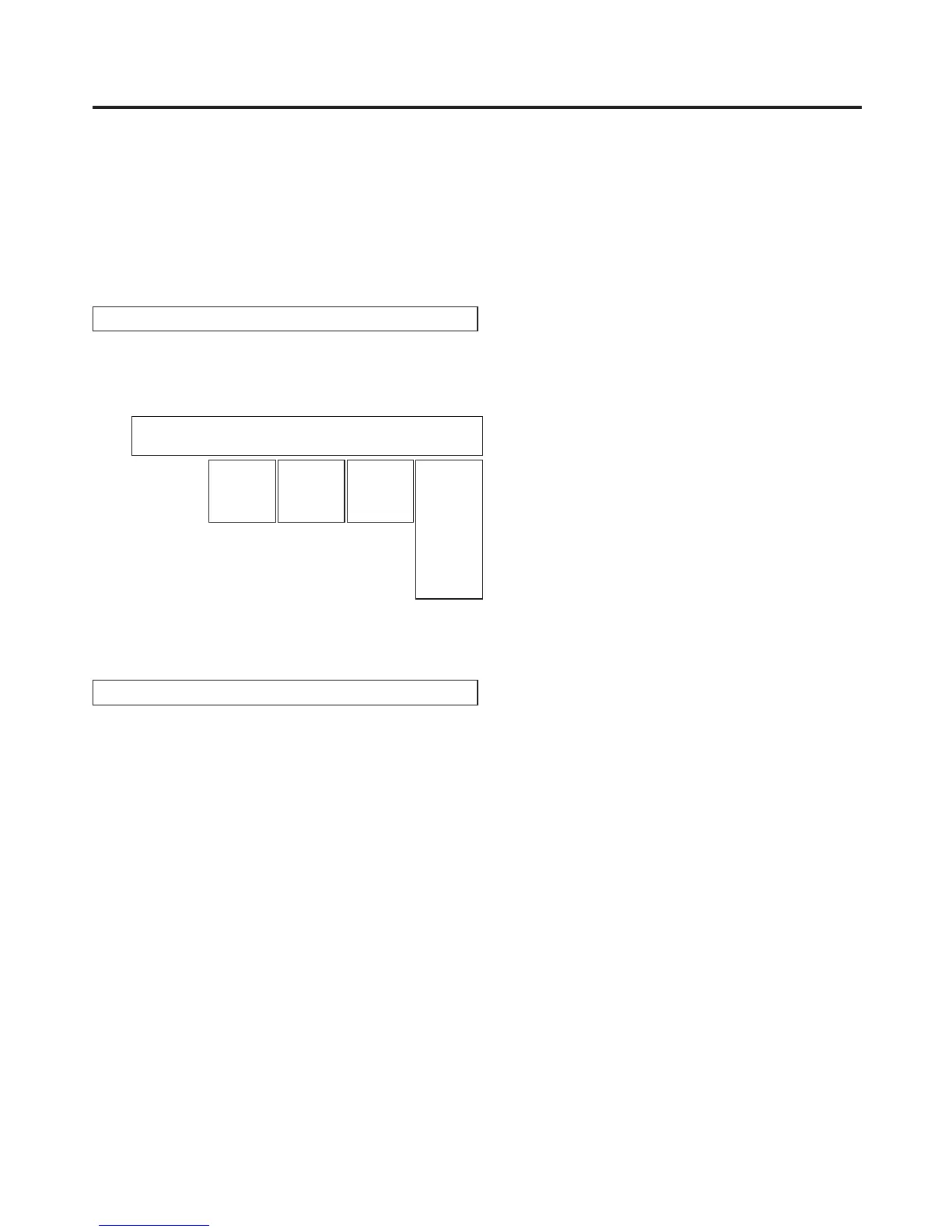
<Menu display>
CBGD 1
|
Hue
|
Sat
|
Lum
|
Load↓
CBGD | 0.0| 0.0| 100.0| White
0.0
|
359.9
0.0
|
100.0
0.0
|
108.0
Yellow
Cyan
Green
Magenta
Red
Blue
Black
Turn [F2], [F3] and [F4] to perform the colour adjustments (Hue, Sat and Lum).
Calling the preset colours
Turn [F5] to select the preset colour using the Load item, and press the [F5] switch.
The Hue, Sat and Lum values are changed to the preset colour values.
To save the values that were set before calling the preset colour, refer to “3-10. Memory”.













 To Next Page