37
3. Basic operations
3-1-3. Selecting the bus mode
Select the A/B bus system or flip-flop system (PGM/PST system) from the setting menu.
Press the [CONFIG] button to light its indicator, and display the CONFIG menu.
Refer to “2-1-5. LCD menu area”.
Turn [F1] to display the Operate sub menu.
Turn [F2], and select the A/B or PGM/PST (flip-flop system) using the BusMode item.
<Menu display>
CONFIG 1
|
BusMode
|
LCD-BL
|
MENUDLG
|
Operate |PGM/PST| On| On|
A/B Off
60
120
180
Off
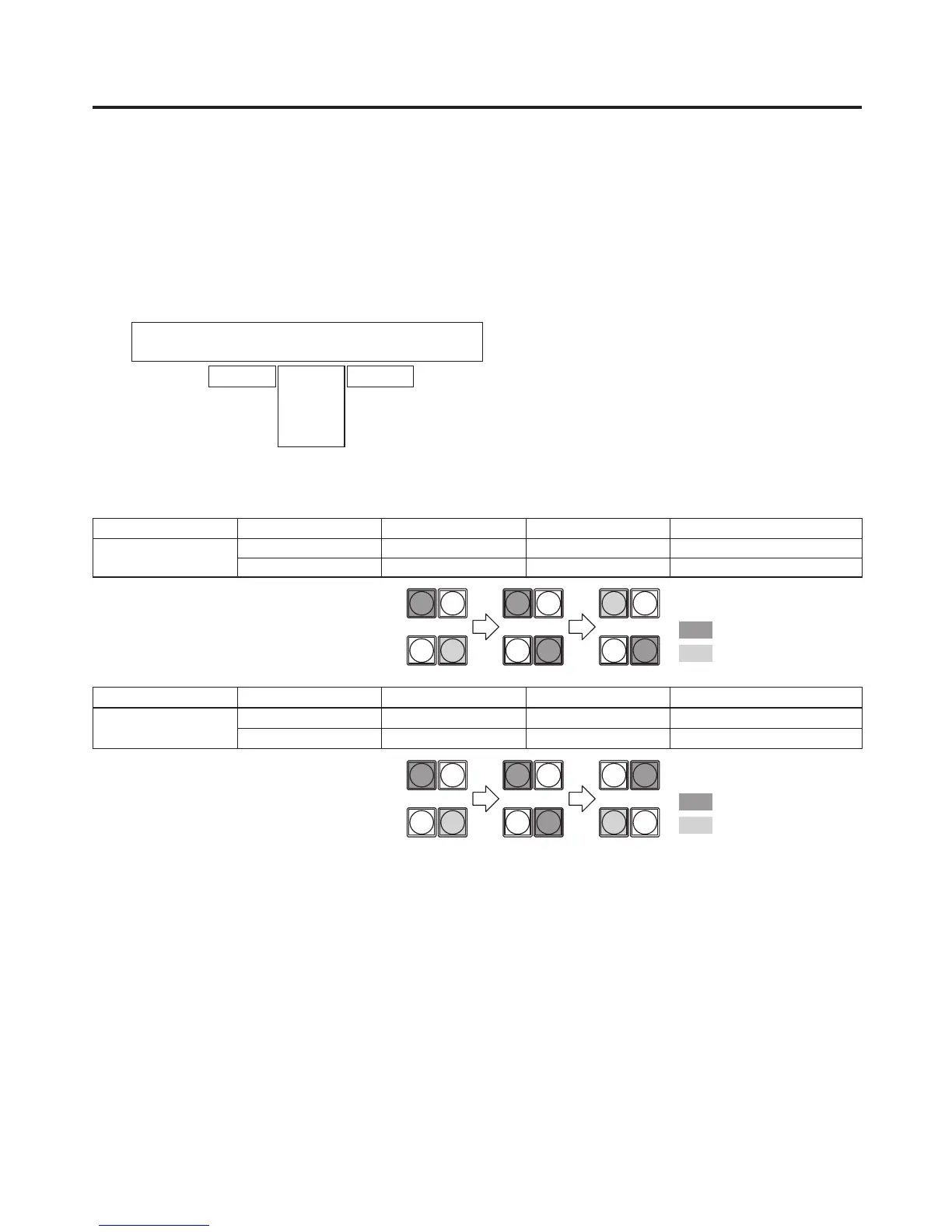
With the flip-flop system (PGM/PST), the PGM/A bus selected signals are always output as PGM images, and the
PST/B bus selected signals are always output as PVW (PST) images.
System Video output Before transition During transition After transition completion
A/B
PGM PGM/A PGM/A, PST/B PST/B
PVW (PST) PST/B PST/B PGM/A
With an A B transition
Lighting in red
Lighting in green
1/17 2/18
PGM/A
PST/B
1/17 2/18 1/17 2/18
System Video output Before transition During transition After transition completion
Flip-flop
PGM/PST
PGM PGM/A PGM/A, PST/B PGM/A
PVW (PST) PST/B PST/B PST/B
Lighting in red
Lighting in green
1/17 2/18
PGM/A
PST/B
1/17 2/18 1/17 2/18













 To Next Page