23
2. Functions in each area
2-1-3. User button area
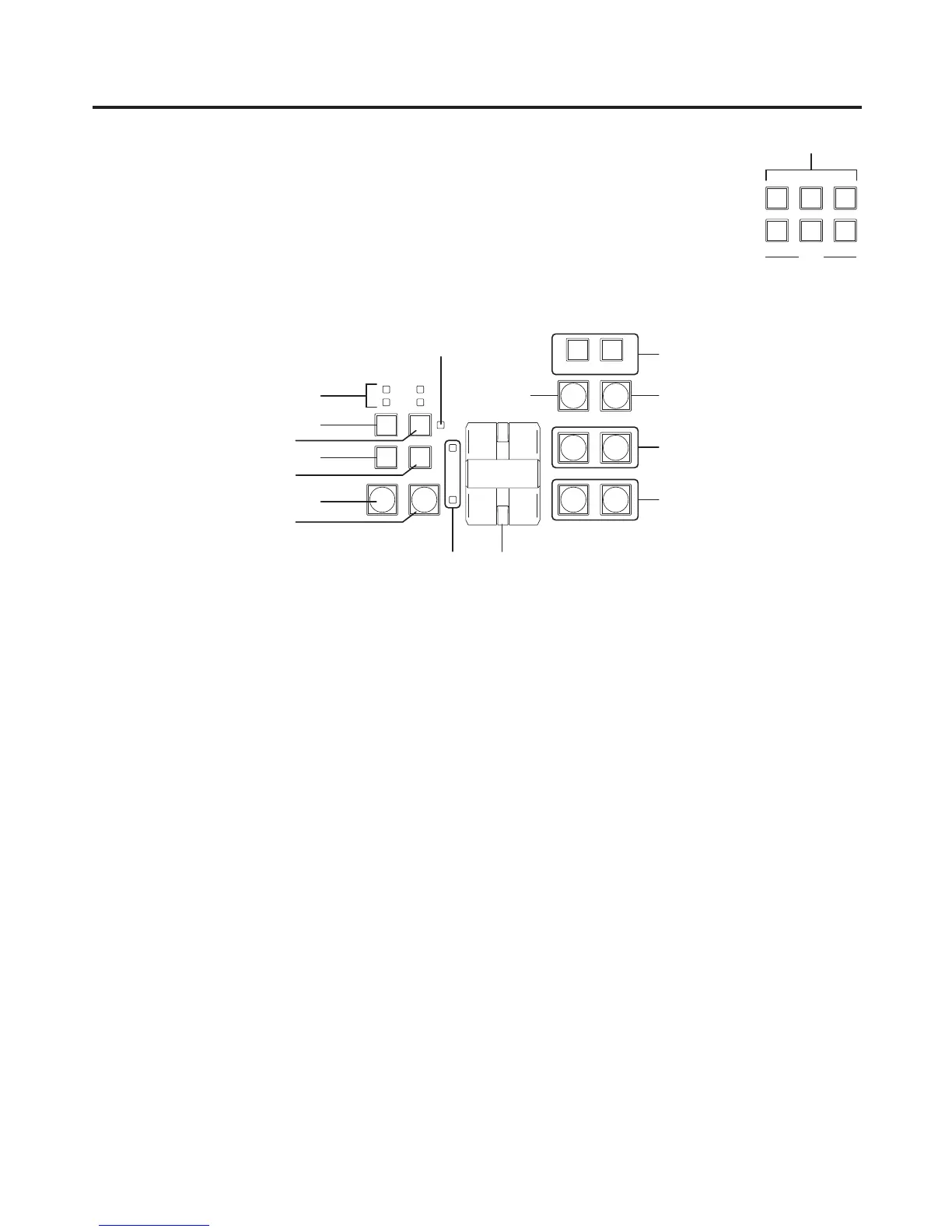
User buttons [USER1 to USER6]
These are used to assign some functions of the menu settings to the [USER1]
to [USER6] buttons on the CONFIG menu.
See “5-3-1. Setting the user buttons”.
[BKGD] button
This executes the background transition when the [AUTO] button () or fader lever () has been operated.
When the [BKGD] button is pressed and it is selected, its indicator lights in amber.
If the [KEY] button () is now pressed, the indicator goes off, and the de-selected status is established.
When the [BKGD] button and [KEY] button () are pressed at the same time, both buttons are set to the
selected status.
[KEY] button
This executes the key transition when the [AUTO] button () or fader lever () has been operated.
When the [KEY] button is pressed and it is selected, its indicator lights in amber.
If the [BKGD] button () is now pressed, the indicator goes off, and the de-selected status is established.
When the [BKGD] button () and [KEY] button are pressed at the same time, both buttons are set to the
selected status.
KEY ON tally LED
This lights in red when the key ON status is established.
MIX, WIPE selection status tally LEDs
These light up to indicate whether MIX or WIPE has been selected when background transitions or key
transitions are executed.













 To Next Page