161
7. Image transmission functions
Operation
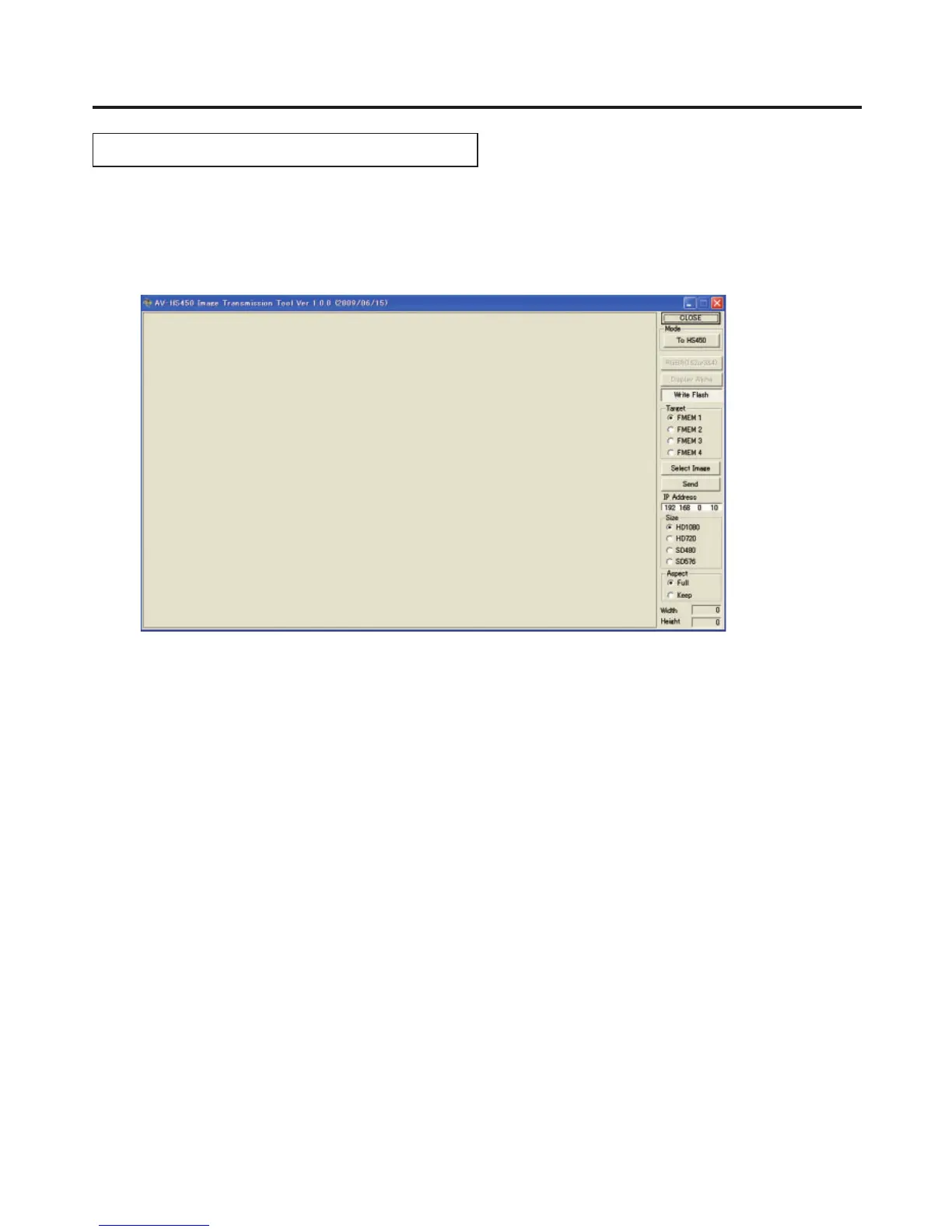
This section describes how to operate the image transmission software (HS450 Tool).
<Startup>
On the Start menu of Windows, select [Programs] [Panasonic] [AV-HS450Tool] [HS450Tool].
The main screen now appears.
<Exit>
Click the [CLOSE] button.
<Setting the IP address>
Set the unit’s IP address in the IP Address setting box.













 To Next Page