55
3. Basic operations
Step 2
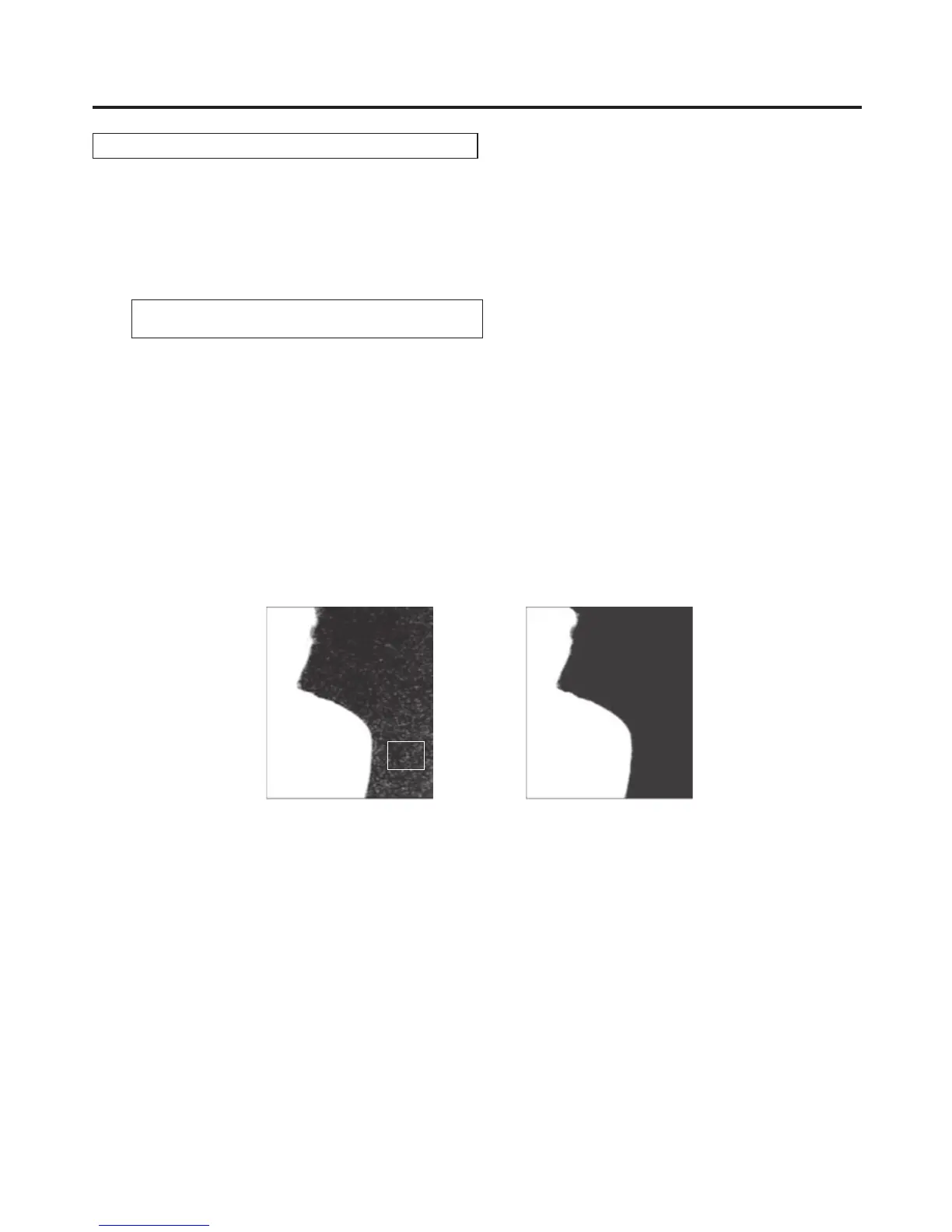
The objective of this step is to remove the noise in the background image.
The noise is removed by carrying out this step several times.
On the CHR KEY menu, turn [F1] to display the Sample1 sub menu.
<Menu display>
CHRKEY 2
|
View
|
Mode
|
|
UNDO↓
Sample1 | Matte| Cln.BG| |
Turn [F2] to select “Matte” using the View item.
Turn [F3] to select “Cln.BG” using the Mode item.
Using the positioner, move the position of the sample marker to the position of the noise (white dots) in the
background image.
To change the size of the sample marker, turn the rotary encoder [Z].
If the sample area that has been set is acceptable, press the rotary encoder [Z].
The noise in the area that has been set is now removed.
To return to the pre-sampling status after sampling has been executed, press [F5].
The number of operations that can be undone is one only.
After the noise is removedBefore the noise is removed













 To Next Page