60
3. Basic operations
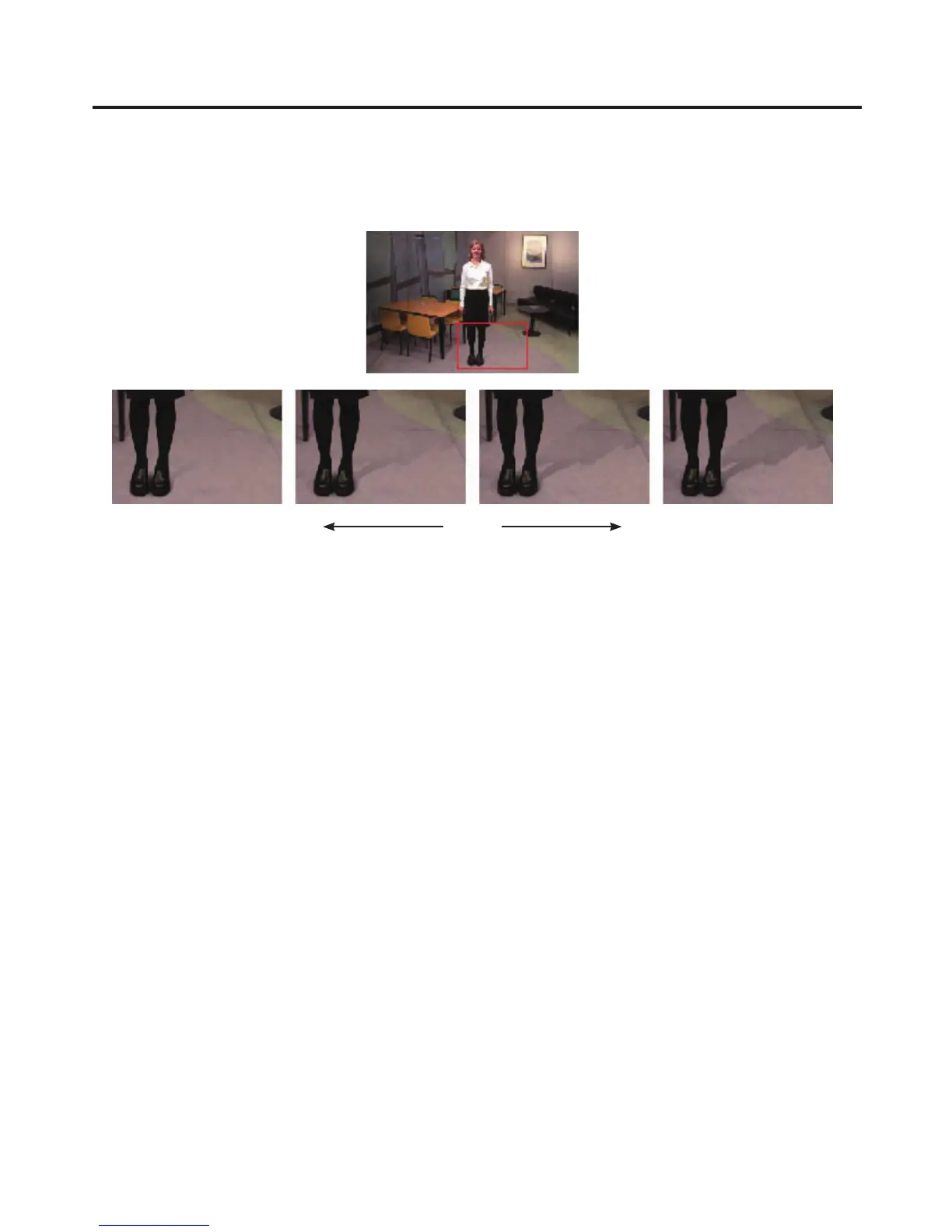
[Detail–] [Detail+]
In these modes, the noise in the background image can be removed step by step.
This is a useful way of adjusting images lost by other sampling operations to adjust the texture or transparency
of images.
[–] Detail [+]
[MatSpng]
In this mode, the semi-transparent parts of the subject in a foreground image are selected and made matte
(non-transparent).
Unlike [Cln.FG] on the Sample1 sub menu, the colour information is not changed in the process.
With [Cln.FG], the colours of the selected parts are restored to their original colours but, with [MatSpng], only
the semi-transparent keys are made matte (non-transparent) while the colours remain unchanged and the
original colours are not restored.
[MkFGTrn]
In this mode, the transparency of areas with a low transparency in the foreground image is increased.
This is useful when, for instance, areas covered with dark smoke or clouds in a foreground image are to be
made semi-transparent.
[RstrDtl]
In this mode, the transparency of areas with a high transparency in the background image is reduced.
This is useful when, for instance, restoring the details of an image (such as an image with a subject who has
loose hair or an image with smoke), which have been lost as a result of a [Cln.BG] or other such operation on
the Sample1 sub menu, to what they were in the original image.













 To Next Page