EasyManua.ls Logo

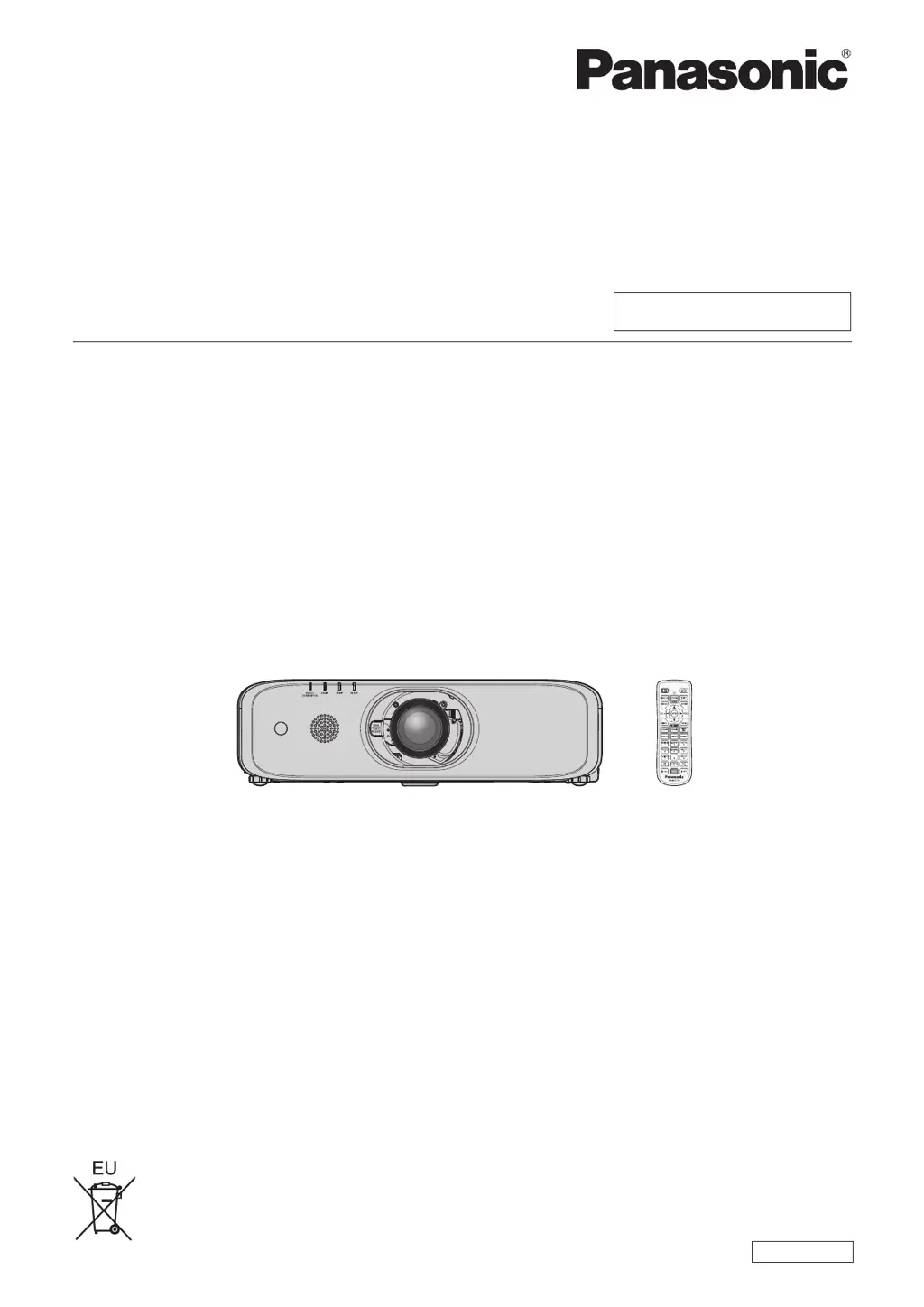
Panasonic PT-EX620 - User Manual

Panasonic PT-EX620
164 pages
Print Icon
To Next Page IconTo Next Page
Loading...
Thank you for purchasing this Panasonic product.
This manual is intended for products manufactured from Aug. 2016 and beyond.
This manual is common to all the models regardless of sufxes of the Model No.
z
for Taiwan
T: The standard zoom lens supplied
z
for India
D: The standard zoom lens supplied
z
for Asia (except for Taiwan, India, Korea)
A: The standard zoom lens supplied LA: The lens sold separately
z
for other countries or regions
Without L: The standard zoom lens supplied With L: The lens sold separately
Before operating this product, please read the instructions carefully and save this manual
for future use.
Before using this product, be sure to read “Read this rst!” (
x
pages 4 to 13).
TQBJ0950-2
LCD Projector
Commercial Use
Operating Instructions
Functional Manual
ENGLISH
Model No.
PT-EZ590
PT-EW650
PT-EW550
PT-EX620
PT-EX520

Table of Contents

Questions and Answers

  • E
    Eric WalkerSep 10, 2025
    How to fix if audio from HDMI device does not appear on Panasonic Projector?
    • H
      Heidi FrankSep 10, 2025
      If audio from an HDMI compatible device does not appear on your Panasonic Projector, set the connected devices to use linear PCM audio.
  • A
    Amber PriceSep 9, 2025
    Why are the buttons on the control panel of my Panasonic PT-EX620 not operating?
    • T
      Tim GarciaSep 9, 2025
      If the buttons on the control panel of your Panasonic Projector are not operating: * Check if the [CONTROL PANEL] setting in [CONTROL DEVICE SETUP] is set to [DISABLE]. * Verify if the terminal is used for contact control.
  • K
    Kelly GreeneAug 22, 2025
    How to fix a Panasonic Projector when the power does not turn on?
    • A
      angelaevansAug 22, 2025
      If your Panasonic Projector isn't turning on, check these possible causes: * Ensure the power plug is firmly inserted into the outlet. * Verify that the switch is not set to . * Confirm that the wall outlet is supplying electricity. * Check if the circuit breakers have tripped. * See if the lamp indicator or the temperature indicator is lit or blinking. * Make sure the lamp cover is securely attached.
  • H
    hernandezabigailSep 6, 2025
    Why is audio not outputting from the built-in speaker on my Panasonic Projector?
    • J
      John KelleySep 6, 2025
      If audio is not outputting from the built-in speaker on your Panasonic Projector: * Ensure that [BUILT-IN SP] in [AUDIO SETTING] is not set to [OFF]. * Verify that the audio input selection in [AUDIO SETTING] is set correctly.
  • M
    Matthew HillSep 5, 2025
    Why does the color appear pale or grayish on my Panasonic PT-EX620?
    • T
      Tyler HoganSep 5, 2025
      If the color on your Panasonic Projector appears pale or grayish: * Check if [COLOR] or [TINT] is adjusted correctly. * Ensure the external device connected to the projector is adjusted correctly. * Verify that the RGB cable is not damaged.
  • T
    Timothy OconnorSep 4, 2025
    What to do if video from an HDMI device doesn't appear correctly on my Panasonic Projector?
    • D
      David GonzalezSep 4, 2025
      If video from an HDMI compatible device does not appear or appears jumbled on your Panasonic Projector: * Ensure the HDMI cable is connected securely. * Try turning off and on the power of both the projector and the external device. * Verify that the input signal is compatible with the projector.
  • J
    Julie ParkerSep 2, 2025
    Why is there no audio output from my Panasonic PT-EX620?
    • K
      Kristen RobertsSep 3, 2025
      If there is no audio output from your Panasonic Projector, consider the following: * Check if the external device is connected correctly to the audio input terminal. * Ensure that [MUTE] in [AUDIO SETTING] is not set to [ON]. * Verify that the audio input selection in [AUDIO SETTING] is set correctly.
  • C
    Carl LewisSep 1, 2025
    How to fix a fuzzy image on a Panasonic PT-EX620 Projector?
    • B
      Brianna HebertSep 1, 2025
      If the image on your Panasonic Projector is fuzzy, try these solutions: * Ensure the lens focus is set correctly. * Verify that the projection distance is appropriate. * Check if the lens is dirty. * Confirm that the projector is installed perpendicular to the screen.
  • D
    Daniel BoydAug 31, 2025
    How to display computer image on Panasonic PT-EX620 Projector?
    • I
      isaachillAug 31, 2025
      If the image from a computer does not appear on your Panasonic Projector, check if the cable is too long (for D-Sub cables, it should be 10 m (32'10") or shorter). Also, verify that the external video output on the laptop computer is set correctly. The external output settings may be switched by pressing the “Fn” + “F3” or “Fn” + “F10” simultaneously, but refer to your computer's user manual as the method varies.
  • E
    Evan CookAug 30, 2025
    Why Panasonic Projector remote control does not respond?
    • N
      nicholasmejiaAug 30, 2025
      If your Panasonic Projector's remote control isn't responding, check if the batteries are depleted and ensure their polarity is correct. Make sure there are no obstructions between the remote and the projector's receiver and that you're within the remote's effective range. Also, verify if other light sources, like fluorescent lights, are interfering with the signal. Check if the [REMOTE CONTROLLER] setting in [CONTROL DEVICE SETUP] is set to [DISABLE], ensure the ID number setting is correct, and verify if the terminal is used for contact control or if the cable connected to the terminal is connected to the remote control wired terminal.

Panasonic PT-EX620 Specifications

General IconGeneral
BrandPanasonic
ModelPT-EX620
CategoryProjector
LanguageEnglish

Related product manuals