EasyManua.ls Logo

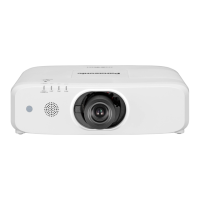
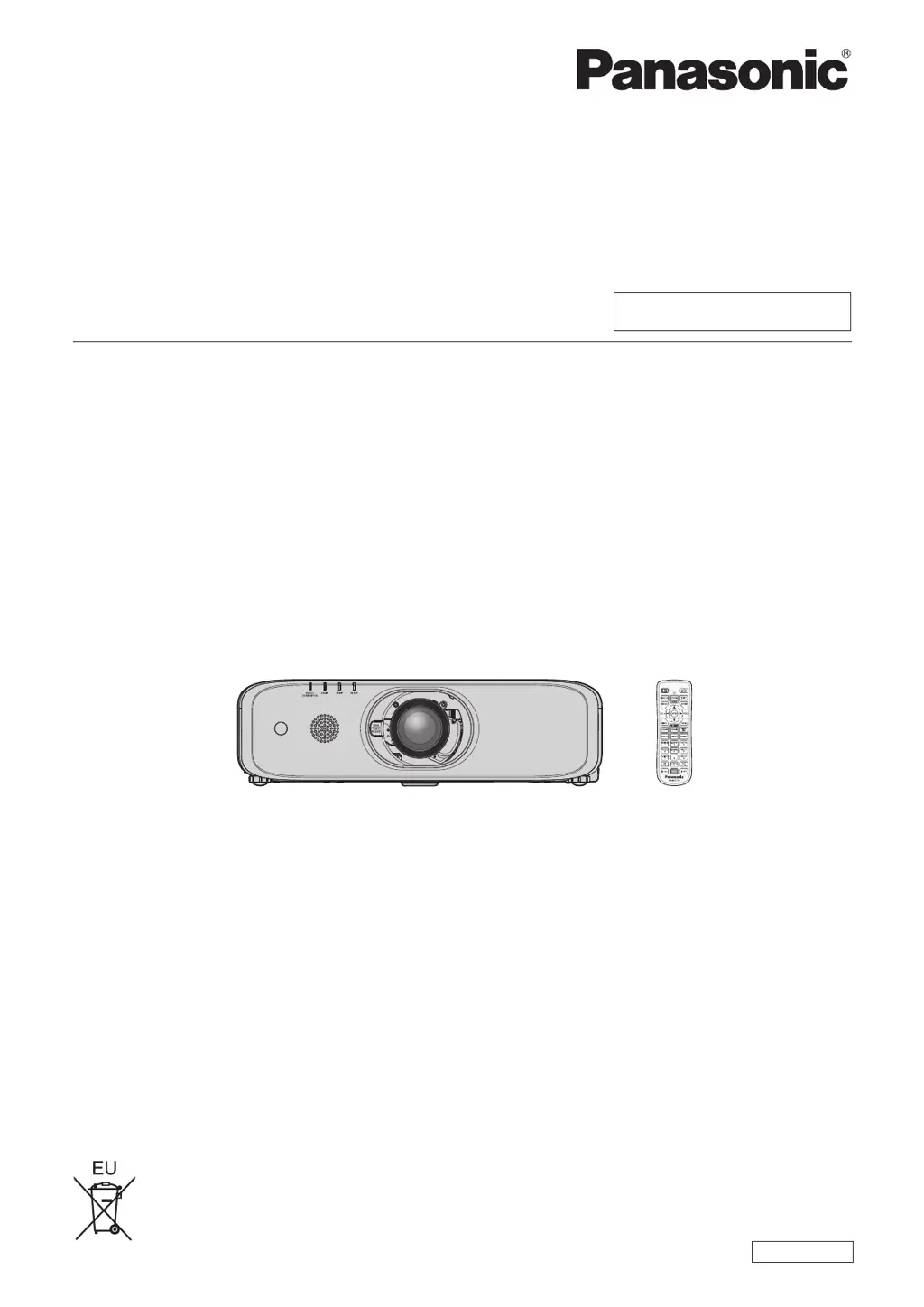
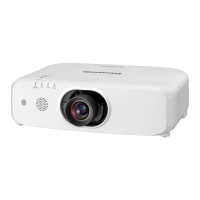
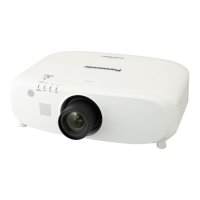
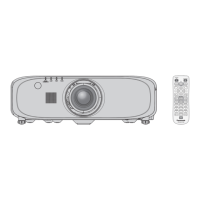
Panasonic PT-EX620 - User Manual

Panasonic PT-EX620
164 pages
Print Icon
To Next Page IconTo Next Page
Loading...
Thank you for purchasing this Panasonic product.
This manual is intended for products manufactured from Aug. 2016 and beyond.
This manual is common to all the models regardless of sufxes of the Model No.
z
for Taiwan
T: The standard zoom lens supplied
z
for India
D: The standard zoom lens supplied
z
for Asia (except for Taiwan, India, Korea)
A: The standard zoom lens supplied LA: The lens sold separately
z
for other countries or regions
Without L: The standard zoom lens supplied With L: The lens sold separately
Before operating this product, please read the instructions carefully and save this manual
for future use.
Before using this product, be sure to read “Read this rst!” (
x
pages 4 to 13).
TQBJ0950-2
LCD Projector
Commercial Use
Operating Instructions
Functional Manual
ENGLISH
Model No.
PT-EZ590
PT-EW650
PT-EW550
PT-EX620
PT-EX520

Table of Contents

Questions and Answers

  • K
    Kathleen CollierAug 28, 2025
    What to do if menu screen does not appear on my Panasonic PT-EX620 Projector?
    • D
      Dennis BeckAug 29, 2025
      If the menu screen does not appear on your Panasonic Projector, ensure that the on-screen display function is not turned off (hidden).
  • Z
    zacharyschmidtAug 27, 2025
    What to do if the image on my Panasonic PT-EX620 does not display correctly?
    • P
      Paul FloresAug 27, 2025
      If the image on your Panasonic Projector does not display correctly: * Ensure that the [TV-SYSTEM], [RGB/YC C ]/[RGB/YP P ] selection is set correctly. * Check if there is a problem with the video tape or other image sources. * Verify that a signal which is not compatible with the projector is not being input.
  • M
    mcconnelljohnAug 25, 2025
    What to do if no image appears on my Panasonic PT-EX620 Projector?
    • H
      hrichardsonAug 26, 2025
      If no image is appearing on your Panasonic Projector, consider the following: * Check if the connections to external devices are correctly performed. * Ensure the input selection setting is correct. * Verify that the [BRIGHTNESS] adjustment setting is not at a minimum. * Confirm that the external device connected to the projector is working properly. * Check if the shutter function or the AV mute function is in use. * Make sure the lens cover is removed from the lens.
  • M
    Matthew Taylor DVMAug 23, 2025
    How to fix Panasonic PT-EX620 when power does not turn on?
    • C
      Christopher LeeAug 25, 2025
      If your Panasonic Projector's power isn't turning on, make sure the power plug is firmly inserted into the outlet. Check if the switch is set to . Verify that the wall outlet is supplying electricity and that the circuit breakers haven't tripped. Also, check if the lamp indicator or the temperature indicator is lit or blinking, and ensure the lamp cover is securely attached.

Panasonic PT-EX620 Specifications

General IconGeneral
BrandPanasonic
ModelPT-EX620
CategoryProjector
LanguageEnglish

Related product manuals