EasyManua.ls Logo

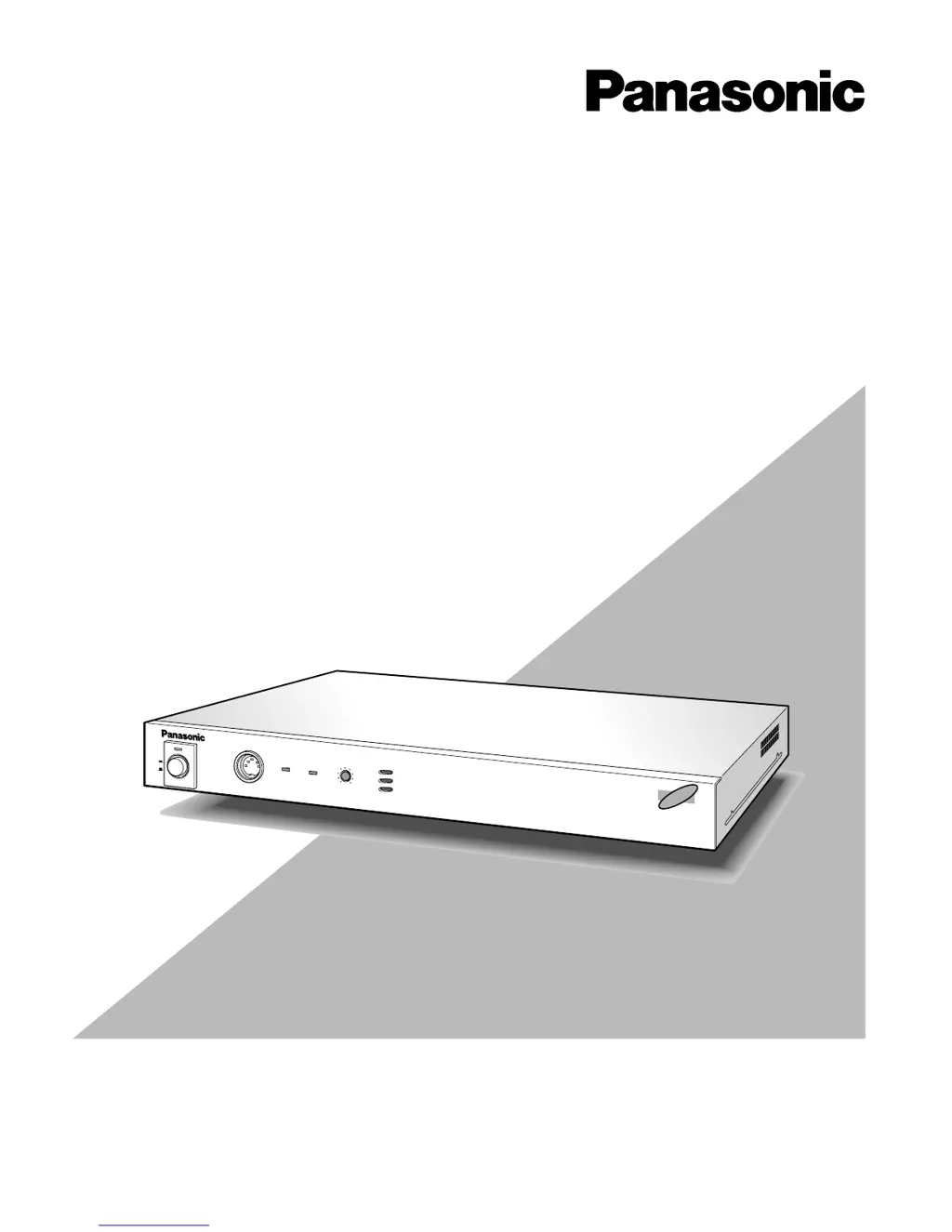
Panasonic WJ-AV20 - User Manual

Panasonic WJ-AV20
88 pages
Print Icon
To Next Page IconTo Next Page
Loading...
Please read these instructions carefully before attempting
to connect or operate this product and be sure to save this manual for future use.
AVCodecAVCodec
AV Codec W
J-AV
20
R
E
M
O
T
E
R
IN
G
.V
O
L
PO
W
ER
ON
OFF
LINE
1
LINE
2
AV Codec
Operating Instructions
Model No. WJ-AV20

Table of Contents

Questions and Answers

  • S
    susan94Sep 14, 2025
    Why is the sound too low on my Panasonic Recording Equipment?
    • P
      preedSep 15, 2025
      If the sound is too low, it may be because the microphone is directly connected to the audio input, or the speaker is directly connected to the audio output. The audio input and output of this AV Codec are set to a line level of –10 dBV. Therefore, a microphone amplifier and speaker amplifier are necessary.
  • Z
    Zoe DawsonNov 17, 2025
    What to do if no connection can be made to the opposite site with Panasonic WJ-AV20 Recording Equipment?
    • D
      Dwayne AdkinsNov 17, 2025
      If you can't establish a connection, there could be several reasons: * The 8-conductor modular cable might not be correctly connected. Ensure the ISDN line terminal on the back of the AV Codec is securely connected to the modular jack. * There may be wiring problems such as incorrect line rosette wiring or incomplete 100-ohm termination. Refer to the Appendix on ISDN line installation and settings. * The opposite site terminal might not be powered on. Check that it is powered on and try connecting again. * Called or calling number checks at the receiving terminal might be enabled with incorrect settings. Disable these checks or correctly register the numbers. * The caller number might not be reported to the receiving end. Ensure it is reported in the line agreement. As a last r...

Panasonic WJ-AV20 Specifications

General IconGeneral
Video Inputs4
Audio Inputs4
Video Outputs2
Audio Outputs2 x Stereo RCA (Monitor, Program)
EffectsWipe, Mix, Fade
Power Supply120 VAC, 60 Hz

Related product manuals