INTELLIGENT PDU USER MANUAL
Setting Status LED State
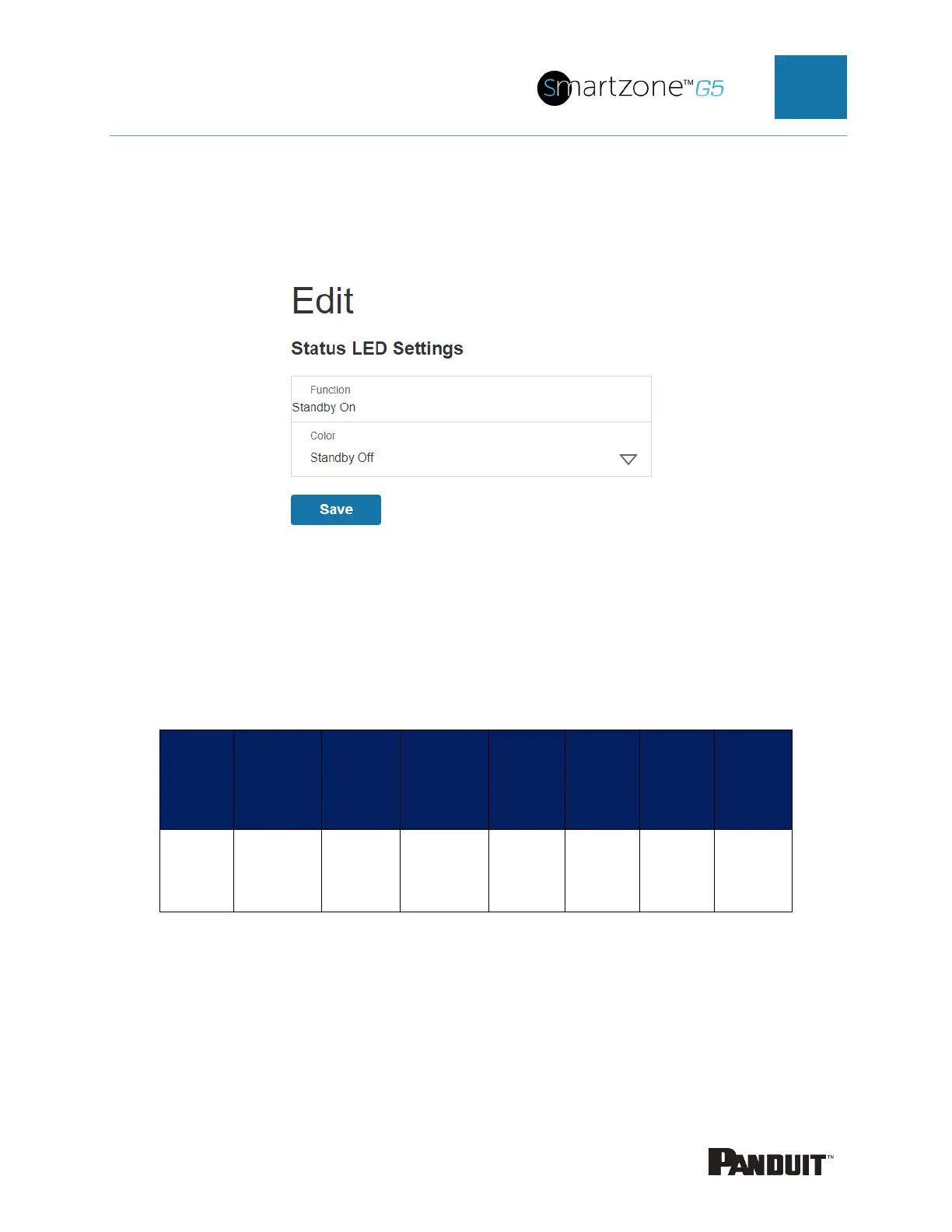
1. To set the standby state of the status LED state, select Status LED Settings
from the Actions menu.
Figure 81: Status LED Settings Web GUI
2. Select the color of Status LED when the handle is in standby state.
3. Select Save.
Handle and Compatible Card Types
The table below lists which cards are supported on the different swing handles.
MIFARE®
Classic
1k
MIFARE
Plus®
2k
MIFARE®
DESFire®
4k
HID®
iCLASS
HID®
125kHz
Prox
EM
125kHz
Prox
Output
ACF05
ACF06
UID UID UID - CSN CSN Wiegand
CSN = Card Serial Number / UID = Unique Identifier



 To Next Page
 Loading...
