INTELLIGENT PDU USER MANUAL
Adding a User for Local Rack Access
Every user that needs access to the cabinet needs to have their access card added into
the PDU. Each card (or user) must have a username and either a card ID or keypad
PIN code.
Note: A maximum of 200 cards can be programmed per cabinet. When a user is
added to 1 side of the cabinet, the system automatically allows them access to the
other side (if applicable).
Determining Card ID
To determine the card ID, follow these steps:
1. Place the card near the reader (top of the handle).
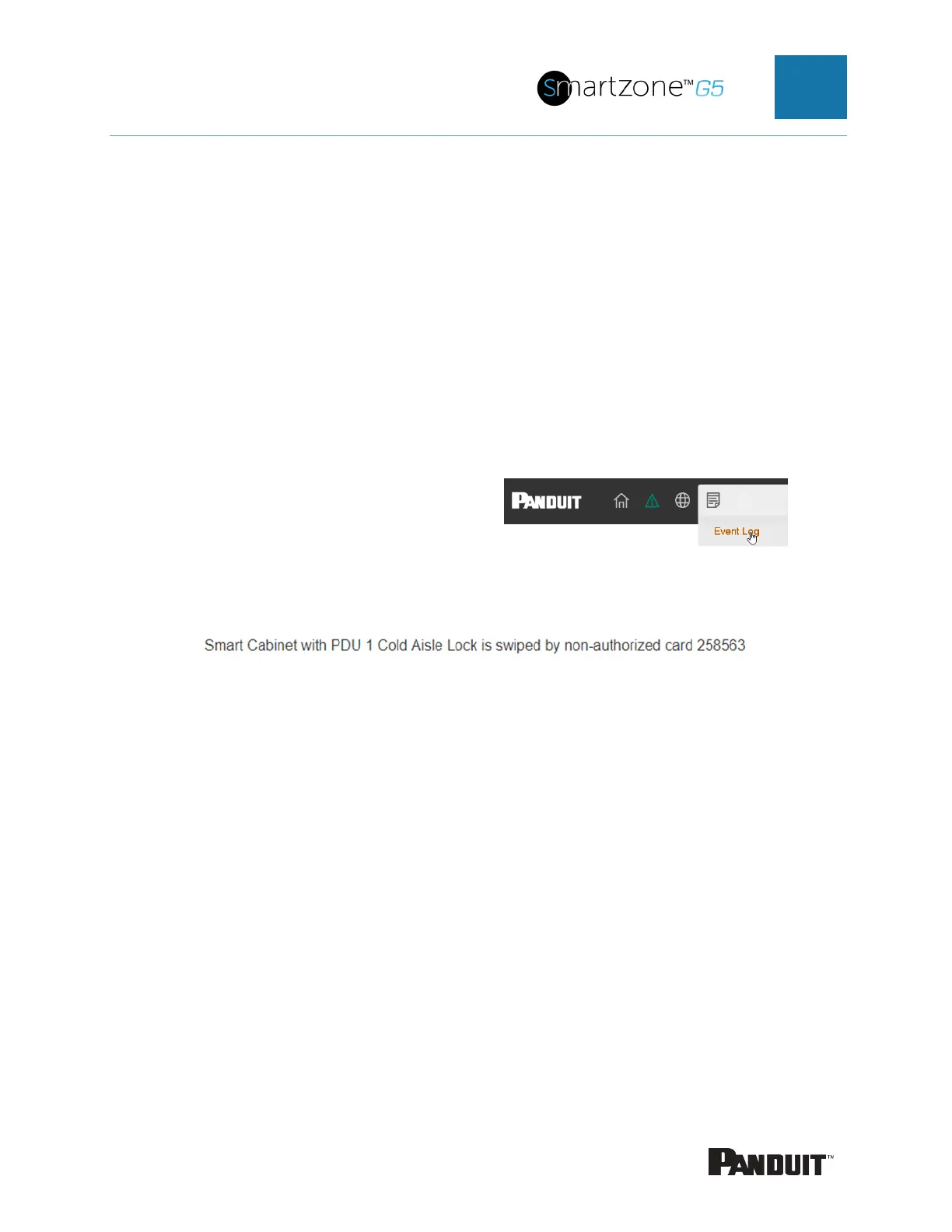
2. Go to the event logs on the PDU →
3. Look for the most recent message about an unauthorized card swipe.
Example:
4. The number in the message is the card ID.
Adding a Local access user
1. To add a new card (or user), select Add Card from the Actions menu.


 To Next Page
 Loading...
