INTELLIGENT PDU USER MANUAL
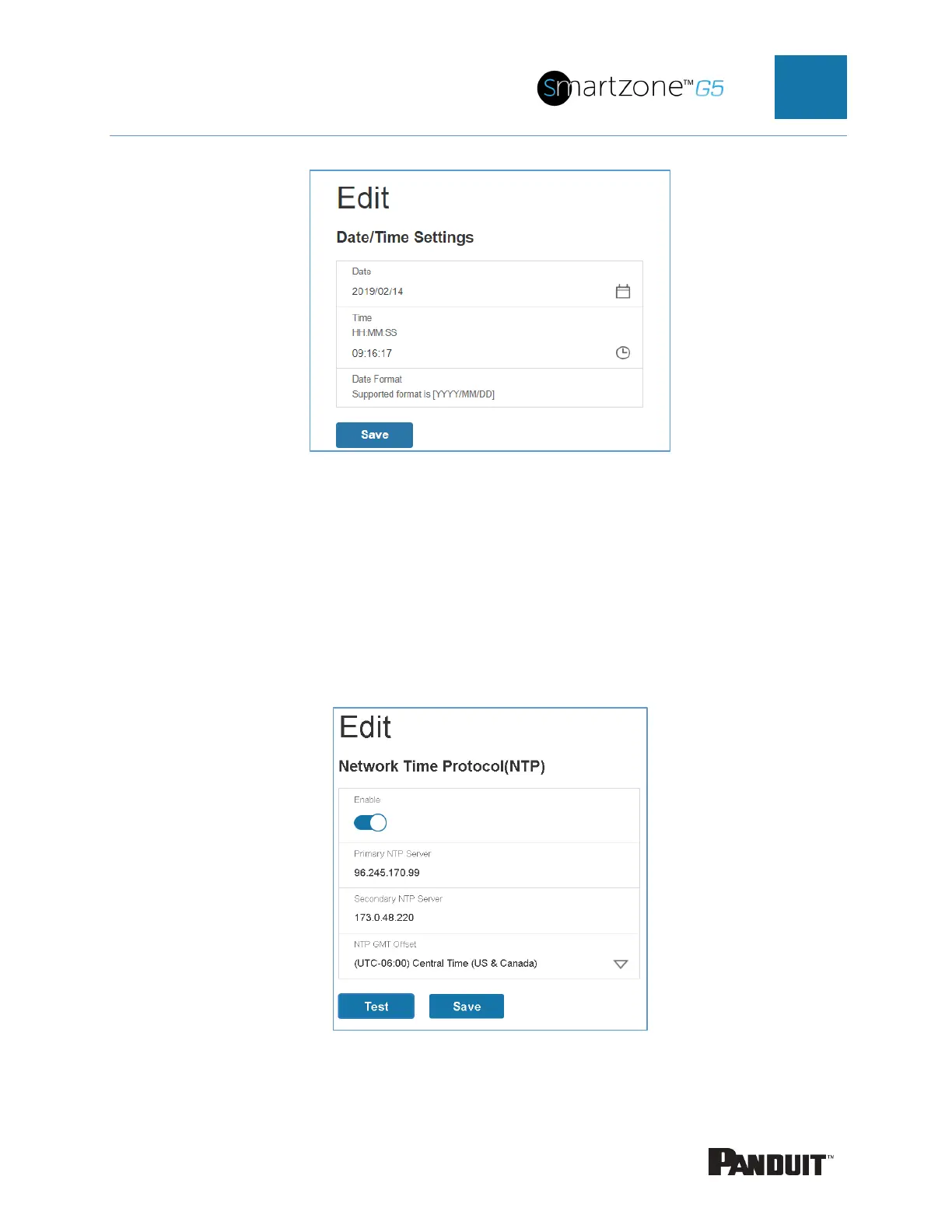
2. Enter the date using the YYYY-MM-DD format or use the calendar icon to select
a date.
3. Enter the time in the three fields provided: the hour in the first field, minutes in the
next field, and seconds in the third field. Time is measured in 24-hour format.
Enter 13 for 1:00pm, 14 for 2:00pm, etc.
4. Press Save.
Link to a Network Time Protocol (NTP)
Figure 18: NTP Configuration


 To Next Page
 Loading...

