INTELLIGENT PDU USER MANUAL
Figure 44: SNMP Port
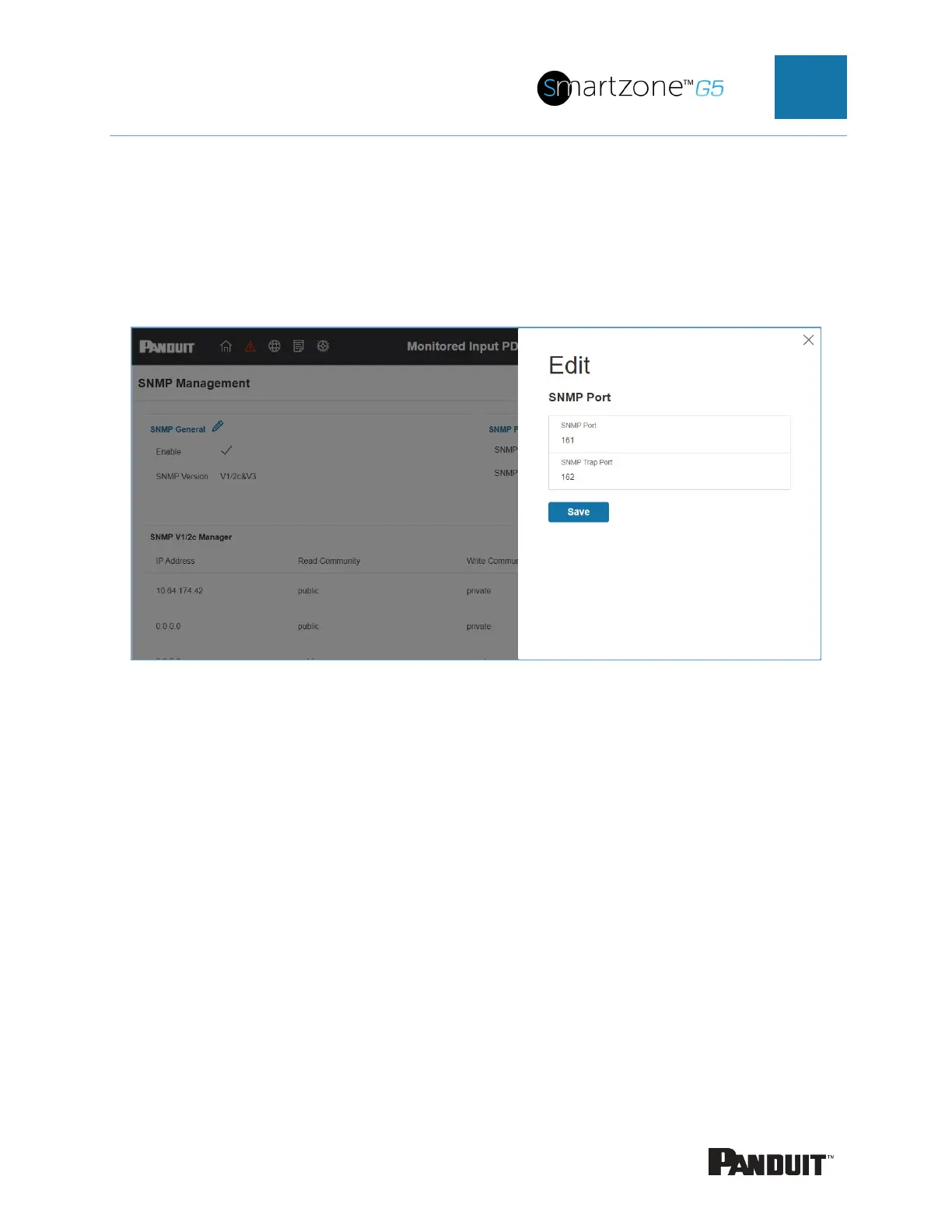
3. Set up SNMP Port and SNMP Trap Port.
Figure 45: Setup SNMP Port and Trap Port
Configuring Users for SNMP V1/V2c
1. Access the Web interface and log in.
2. Under SNMP Manager, select SNMP V1/V2c.
3. In the SNMP V1/V2c panel, select the SNMP V1/V2c manager to configure.
Select the pencil icon.


 To Next Page
 Loading...

