INTELLIGENT PDU USER MANUAL
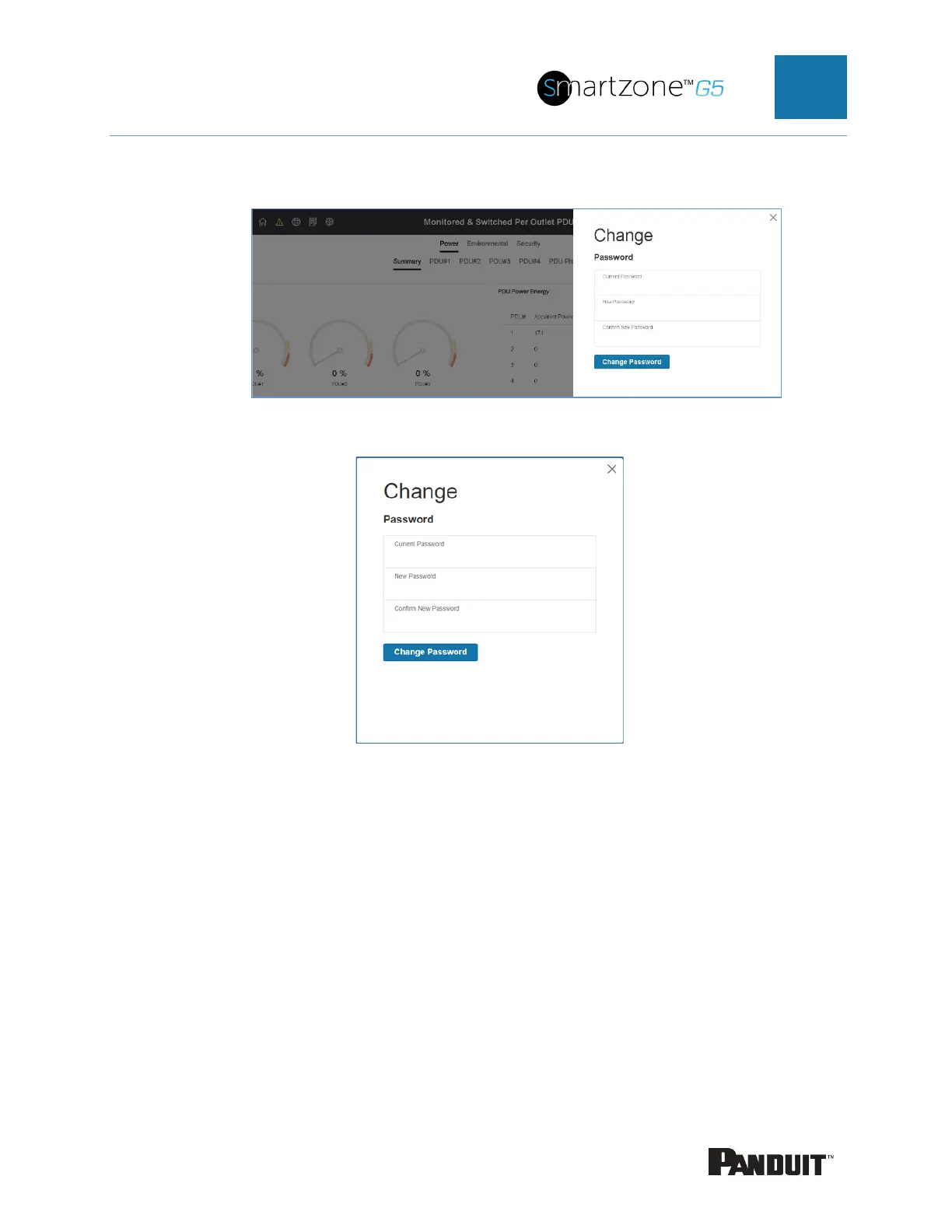
Figure 5: Change User Password
Figure 6: Change Password
4. Click Change Password to complete the password change.
Logging in to the Web Interface
• Open a supported web browser and enter the IP address of the PDU (HTTPS)
• If browser displays “refused to connect” please double check that you are using
the “https://” protocol not “http://”



 To Next Page
 Loading...
