INTELLIGENT PDU USER MANUAL
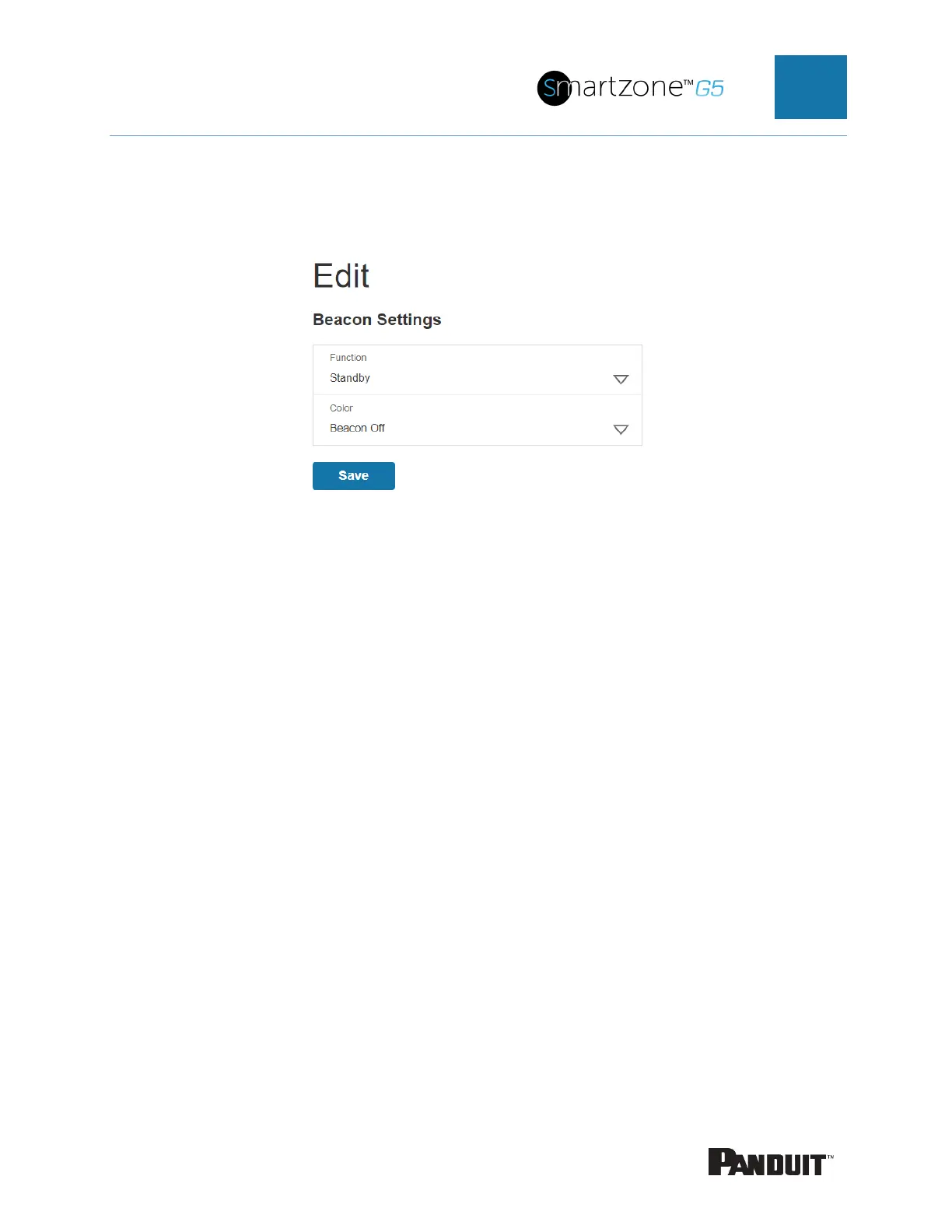
1. To control a handle beacon, select Beacon Settings Control from the Actions
menu.
Figure 80: Beacon Settings Web GUI
2. Select the function of the beacon:
a. Standby –beacon color no alarms
b. Locate –flash beacon
3. Select color for Standby or Locate.
4. Select Save.


 To Next Page
 Loading...

