INTELLIGENT PDU USER MANUAL
Section 4 – Local Display
Onboard Display and Network Controller
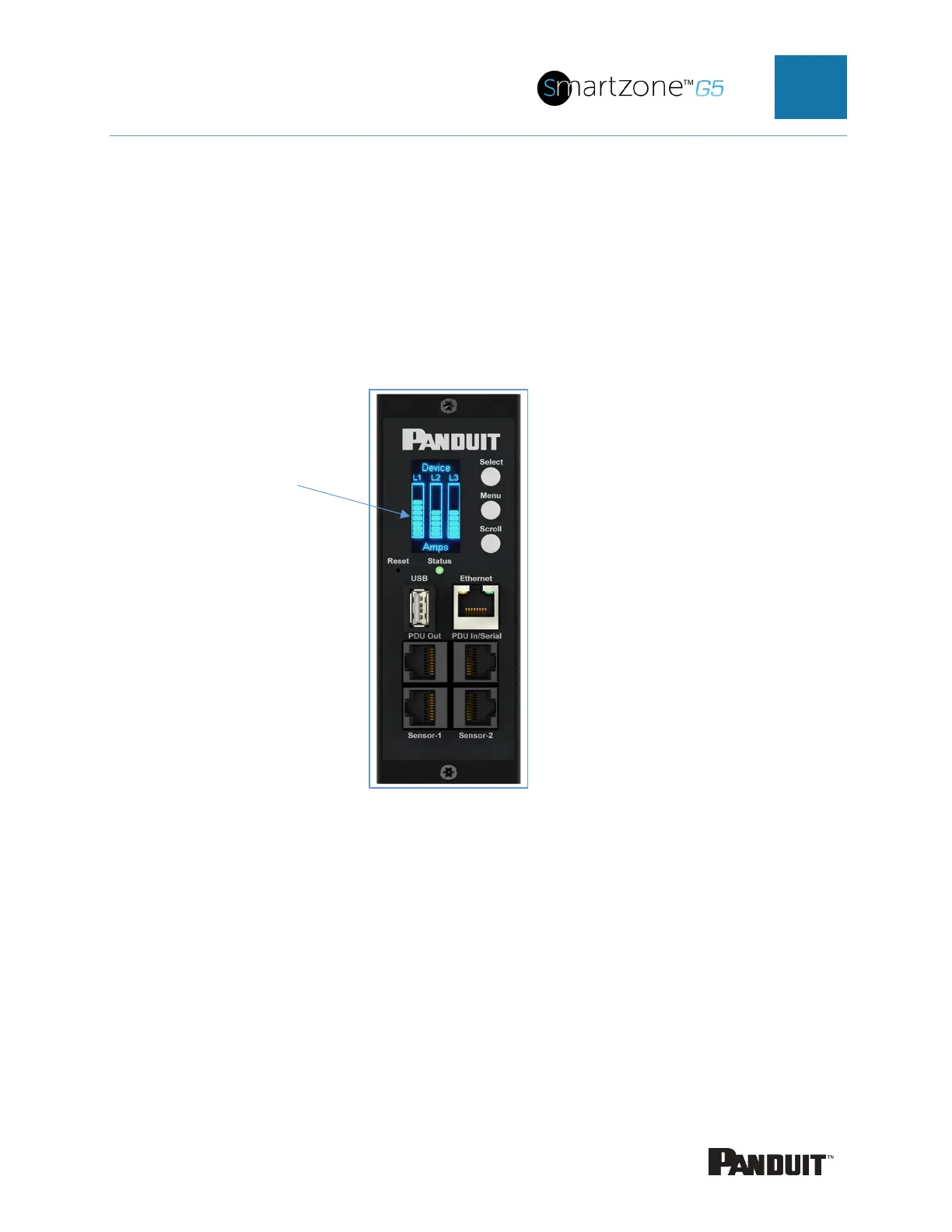
The Onboard Display provides information about the PDU and connected devices. The
PDU has a three-button, graphical Network Controller panel (see Figure 22). Use the
buttons to change the screen display and retrieve specific data.
Figure 52: Network Controller
The Network Controller Display has three modes:
1. Menu mode (Network Controller Display main menu): When the PDU is powered
up or when a button is pushed while in Standby Mode or Power Save mode.
2.
Standby mode: This happens when a PDU is idle (no buttons pushed) for 30
seconds while in Menu mode.
• In Standby mode, the PDU scrolls through key power values (Frequency, Amps, Volts,
Watts, and kVA) and IP addresses (for both IPv4 and IPv6).



 To Next Page
 Loading...
