INTELLIGENT PDU USER MANUAL
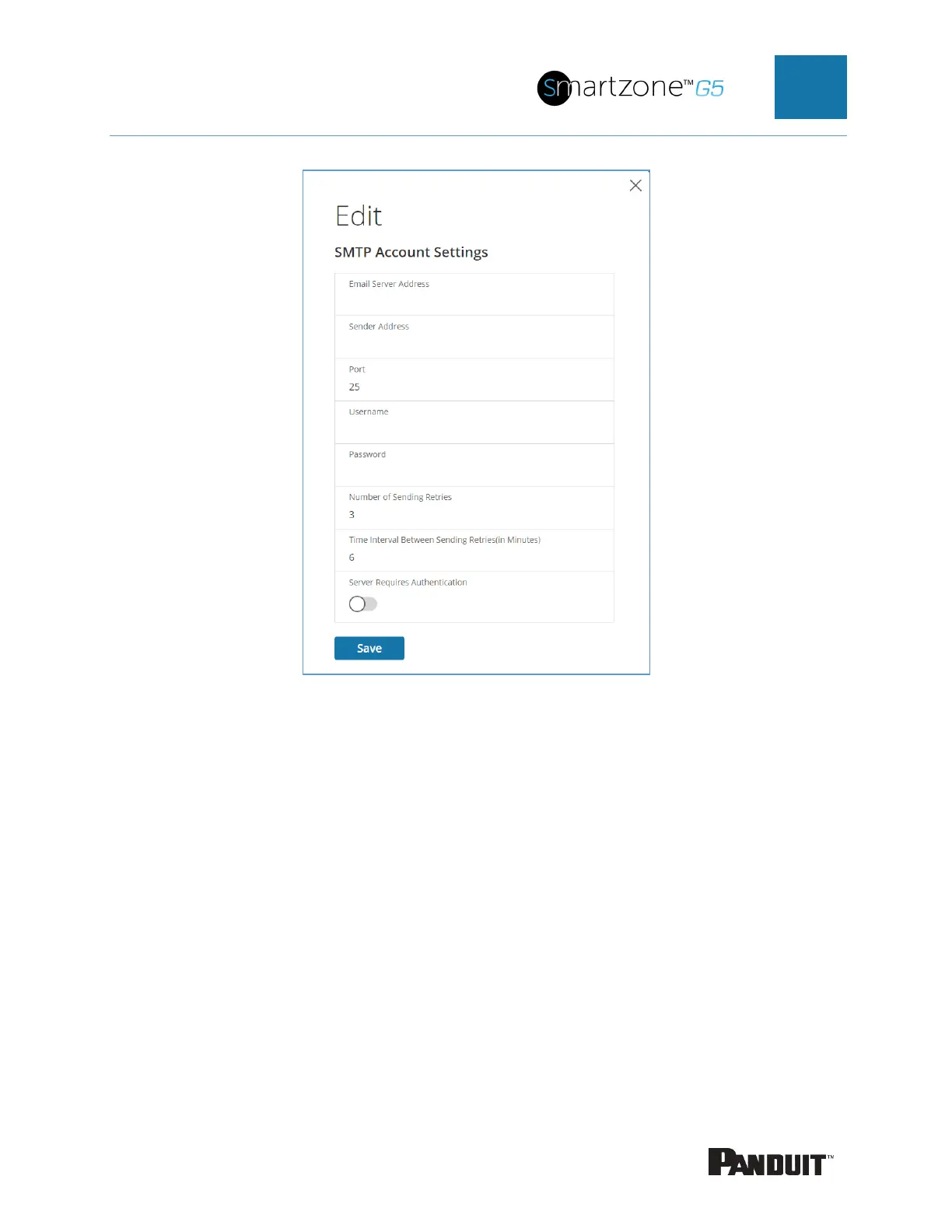
Figure 33: SMTP Account Settings
• Set the Email Server Address. This is the IP address of the SMTP that is
going to accept the messages.
• Set the Sender Address. This is the email address that the email is sent
from. You could use a unique email address on each PDU or the same
email address across all PDUs.
• Configure the Port number. The port number is the communication
endpoint on the server. The default is 25. Other common SMTP ports are
587 and 465
• If the SMTP server requires authentication, enter the username and
password. These will be determined by the configuration on the SMTP
server. If the SMTP does not require authentication, a username and
password will need to be entered, but they will not be used.
• Set Number of Sending Retries. This will be the number of times the


 To Next Page
 Loading...

