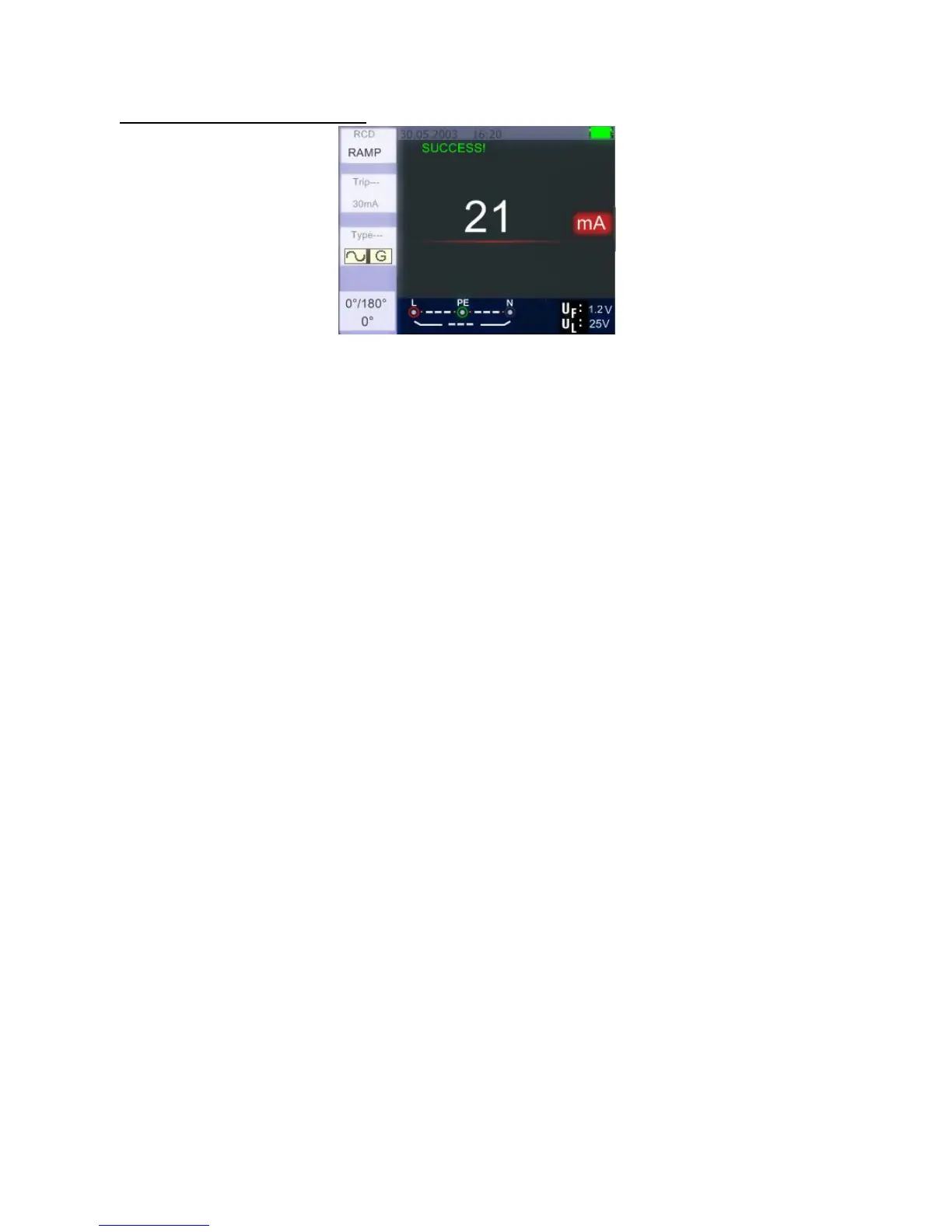
5.2.4.4 Using the RAMP function
RCD Ramp – Measuring screen
1. Turn the rotary switch to the RCD position
2. By pushing the F1 button, select RAMP
3. Using the F2 and F3 button, select the RCD’s trip current and type of the RCD
4. Using the Selective 0°and 180° with F4 button
5. Press test button - the test current ramps up from 3mA to 33mA in 3mA stages
6. The RCD should operate approximately 21mA for it to be in Compliance
-78-



 To Next Page