P350 flexitrax Operation Manual 27
NOTE: If you cannot see your device in the list after repeated search attempts, check your corresponding Bluetooth
module is on and set to visible (or discoverable). It will need to be within 10m (30 feet) of the command module*.
Refer to your device’s manual for more information on Bluetooth pairing.
*10m is the maximum range for Bluetooth
connections. If you are near a Wi-Fi base station or in an area with a large
electromagnetic field, your connection range may be reduced to less than 3 meters.
To delete a Paired device:
1. Press KNOWN to search for nearby paired devices.
2. Press SCAN if you cannot see your device.
3. Select the device you wish to remove from your paired list and press DEL.
4. Press ◄ to return to the Bluetooth
menu.
Transferring files
You can transfer files to any visible or paired device.
1. Use the file browser to select a file to transfer by pressing SEND
2. Select SCAN to locate any nearby visible devices. You can pair your device at this point.
3. Alternatively, select KNOWN to locate any nearby paired devices.
4. If your device is listed, select it and press OK or SEL.
5. The command module will now attempt to send the file to your device. Follow your device’s instructions on
how to receive files (if any).
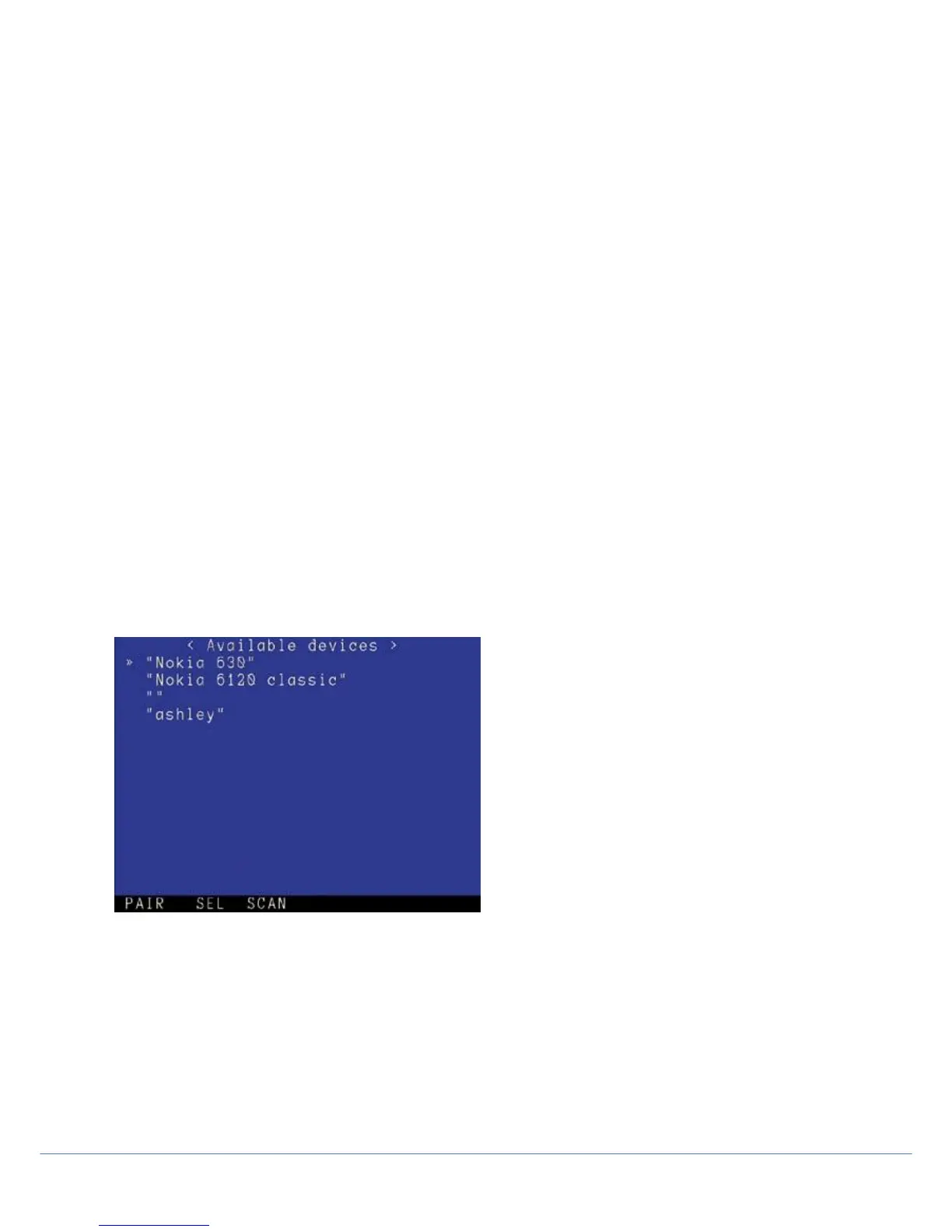
Figure 3.8: Bluetooth
device selection page
NOTE: Bluetooth enabled devices such as computers and mobile phones will handle received files differently. Your
device may ask you to specify the location of the received file. Some mobile phones however will automatically receive
and save the file into a default location.
You can transfer any file on the card, however due to the limited bandwidth supported by Bluetooth it is recommended
that you send small files only. To transfer video files, Pearpoint recommends using the USB connection.



 To Next Page