P350 Operation Manual 26
3.5.2 Communications (Bluetooth and Ethernet)
MENU > SETUP > CONTROLLER > COMMUNICATIONS>BLUETOOTH
The P350 controller contains a Bluetooth module that allows users to transfer files wirelessly to any compatible device,
such as a computer or mobile phone.
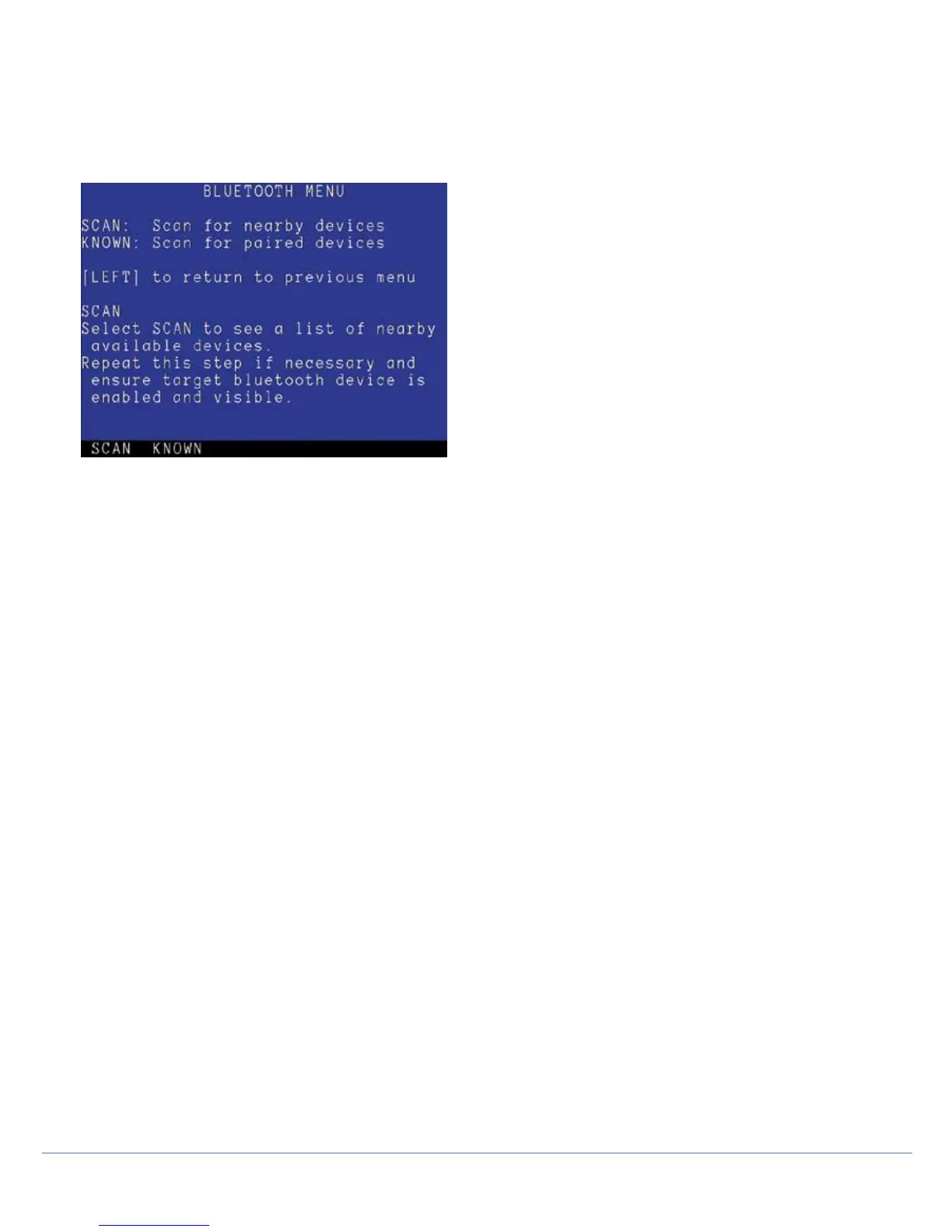
Figure 3.7: Bluetooth menu
Press SCAN (F1) to search for nearby compatible Bluetooth devices. Press KNOWN (F2) to locate previously paired
devices quickly. Follow the on-screen instructions.
NOTE: Your device needs to support the Bluetooth
Generic Object Exchange (or OBEX) profile. Be aware that some
devices only support the Headset (HSP) or Hands-Free (HFP) Profile. Apple devices and Motorola devices are known
to not natively support the OBEX format and are not compatible with the P350 controller.
NOTE: Your computer must have an integrated or USB Bluetooth module to receive files from the command module.
You can pair the command module to most compatible Bluetooth devices, including computers, cell or mobile phones
and PDAs.
Pairing
Before attempting to pair, make sure your device’s Bluetooth interface is switched on and set to visible or discoverable.
Consult your device’s documentation if you need help to configure your device’s Bluetooth setting.
Compatible Bluetooth devices can be paired to the command module. However, pairing is not necessary to transfer
a file. Pairing allows the command module to discover and connect to your device quickly in an
environment where many Bluetooth devices are present.
To pair your device:
1. MENU > SETUP > CONTROLLER > COMMUNICATIONS > BLUETOOTH
(or initiate a file transfer using SEND, see Section
General operations).
2. Press SCAN to search for any nearby visible devices.
3. If your device is shown, select it using the ▲ and ▼ arrows and press PAIR. Press SCAN if you cannot see
your device.
4. You device will prompt you to enter a pass key. Enter ‘12345’ and press Enter or OK, depending on your
device’s input (i.e. keyboard or keypad).
5. The system will display a status message. Press OK to return to the Bluetooth menu.
The command module and your device are now paired.



 To Next Page