P350 flexitrax Operation Manual 65
Section 7 - The FILES Browser
7.1 General operations
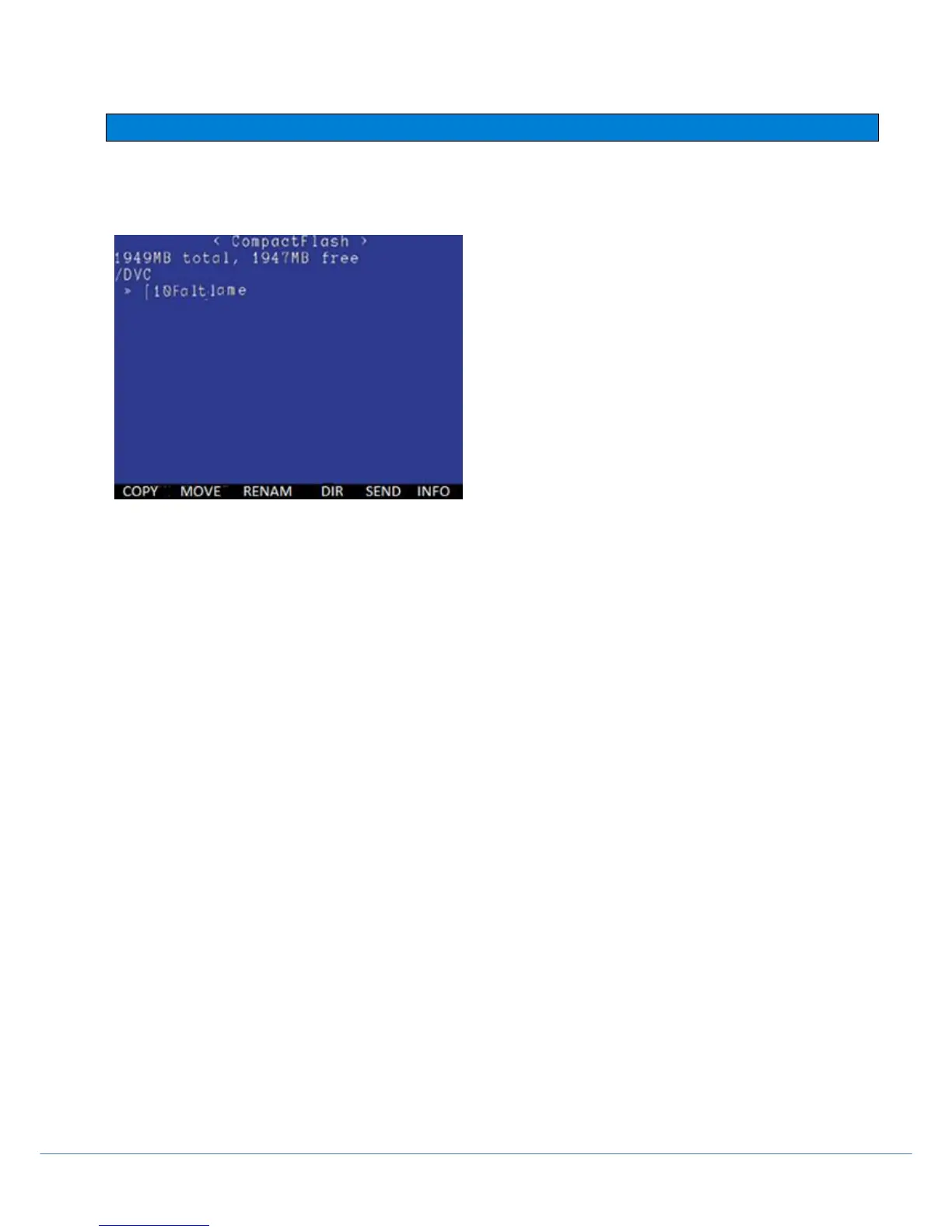
The MENU > FILES menu allows you to view the current default directory, access reports and check the card status.
Figure 7.1: FILES Browser window
Folders are organized by Client, Site then Survey. Memory card size and free space is displayed as well as the folder
address.
Use the ▲ and ▼ arrows to select the file or folder. Pressing OK on the [..] line takes you back up the folder tree to
find higher up folders.
COPY:
To copy a file or folder, press COPY, navigate to the destination location and press PASTE on the controller.
MOVE
As above, the MOVE feature will permanently transfer a file to a new location.
To rename a folder:
Select a file or using the ▲ & ▼arrows. Press RENAM, the file name will appear near the bottom of the screen. Type
a new name and press OK to confirm CANCL to cancel the operation).



 To Next Page