P350 flexitrax Operation Manual 39
Tractor Power
This toggles the power to the Tractor on and off.
This may be useful to change the downhole equipment (crawler/camera/lighthead) without powering down the surface
equipment or to release the crawler brake If communication is lost to the crawler.
CAUTION! This will deactivate the brake and may cause the crawler to roll into hazardous situations.
Calibrate Tractor Numeric Pitch
Using this feature on a flat surface calibrates the numeric pitch in order to maintain accuracy. Follow the on-screen
instructions.
CAUTION: ensure the wheels are evenly sized and matched sets are used. This information is for information only.
Pearpoint cannot take responsibility for inaccurate data or consequential losses caused by works decisions informed
with this information.
Restore Factory Settings
You can restore the system to factory default settings by selecting this menu..
Press YES (F1) to restore, or NO (F6) to leave the menu.
NOTE: This action cannot be undone.
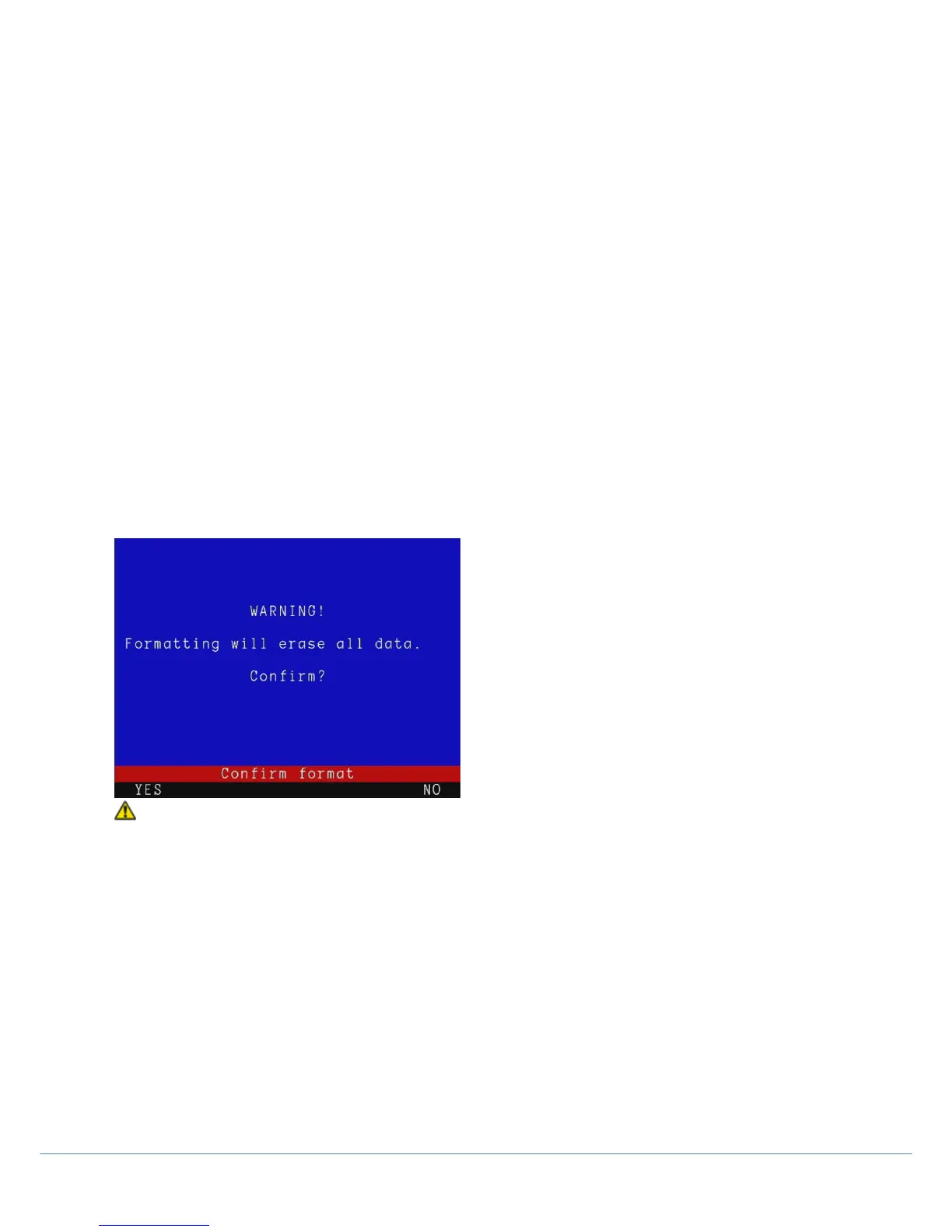
Format Card / Format USB
Enter these menus to format your Compact Flash card or USB flash drive
CAUTION! Formatting the Compact Flash card or USB Flash drive will erase all existing data permanently; this
includes reports, photos and videos. Formatting cannot be undone so proceed with caution!
System Customization
The P350 controller uses Job templates to organize the inspection’s recordings and observation into JOBS (Creating
Reports) and to assist in the creation of reports.
You can customize your Job templates by using FlexiSight Manager.
1. Copy the Romdrive2.bin file produced by FlexiSight Manager into the root of your storage device.
2. Select Install from storage device to install the custom Job template.
or
3. Select Remove to reset the system to the default Job template.
4. Press OK to reboot.
For further instructions consult the Flexisight Manager user guide.



 To Next Page