P350 Operation Manual 50
CAUTION! In manual mode, make sure the cable is retrieved faster than the crawler speed. This will help to
avoid the risk of jamming the cable in the crawler wheels.
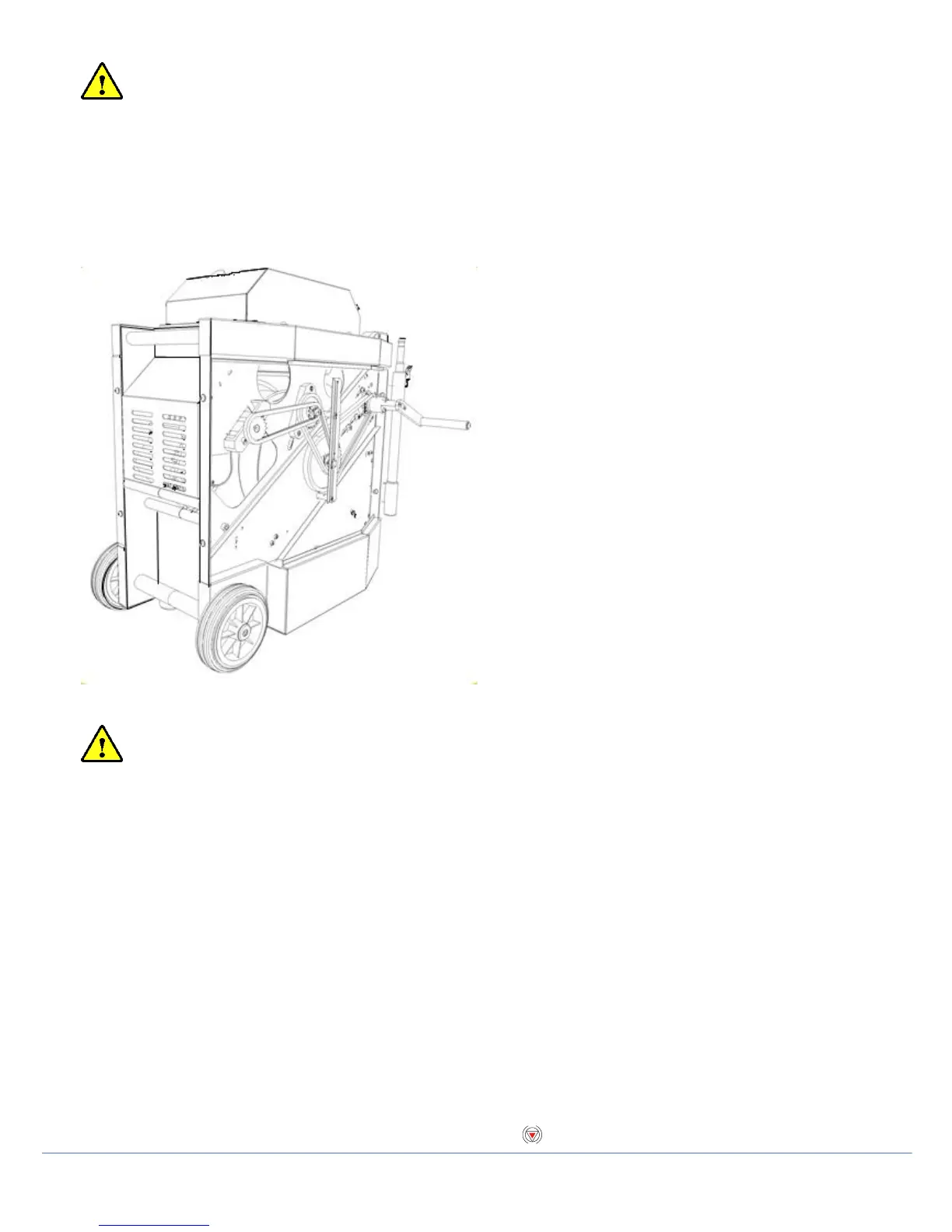
Manual retrieval with the crank handle
If necessary, use the crank handle to manually wind the cable back into the drum. Before you start, disconnect the
power lead to ensure that the system is not powered. The crank socket is located under the side panel closest to the
controller socket. The panel is secured with socket- head screws. Remove this panel using a metric Allen key.
Figure 4.10: Crank handle for powered drum
Attach the crank handle to the crank socket located in the gear on the top right-hand corner of the compartment using
the supplied socket head screws.
CAUTION! Remove the crank handle and replace the side panel before reconnecting power to the system.
Steering (P356 crawler only)
The P356 crawler will steer left and right, allowing you to navigate pipes with ease. The crawler steers by changing
the speed on the left or right motors.
You can steer the crawler when it is moving or when it is stationary. Steering whilst reversing is possible in manual
driving mode only.
NOTE: Steering whilst moving is proportional to the crawler speed: the faster the crawler moves the bigger the steer.
When the crawler is stationary, it will turn on its own axis. Be careful as the cable can get jammed around the wheels.
To steer right, press ►. Hold the key to turn faster. To steer left, press ◄. Hold the key to turn faster (or use the
proportional gamepad controls).
Whilst moving you can achieve a tighter turn by using the lock steer function.
In this mode one set of wheels will lock. This gives a tight turn, but will reduce the crawlers pulling power.
You can lock steer the crawler by pressing ALT + ◄ or ►at the same time.
You can exit this mode by pressing ▲.
To stop turning the crawler when it is stationary you can also press or the spacebar.



 To Next Page