P350 Operation Manual 72
Computer playback
Videos can be transferred and played on any compatible computer that features the following:
• Correctly installed video and audio CODECs and a compatible video player program.
Or
• A compatible video player program with integrated H.264 and AAC CODECs.
VLC (from the Videolan project) or Quicktime (from Apple) support files created with the P350 command module. Both
VLC and Quicktime do not require additional CODECs and are available free for Microsoft Windows XP, Vista, 7, 8,
Mac OS X and most Linux distributions (VLC only).
VLC media player is available on line from the VideoLan project website.
Quicktime media player is available on line from the Apple website.
NOTE: VLC contains the libdvdcss software library, which may be prohibited for use in your country. Note however
that libdvdcss is not required to play videos recorded by the P350 flexitrax. Please seek appropriate legal advice
before downloading and using VLC
Playback on Microsoft Windows Media Player
By default, Microsoft Windows Media Player cannot play the MP4 video files created by the P350 system as it requires
additional video and audio CODECs to be installed.
You can install the correct CODECs for playback on Microsoft Windows XP, Vista, 7 or 8 by installing FlexiSight. Once
installed, you can play the files using Windows Media Player.
CAUTION: FlexiSight Manager uses professional video and audio CODECs which are licensed for one concurrent
installation only. It is illegal to install FlexiSight Manager on more than one computer at any time or to copy or distribute
it.
Your computer may already have third party H264 and AAC CODECs installed. While these may enable playback
using Windows Media Player (or other playback software) they may inadvertently affect the performance of FlexiSight
Manager and your computer.
This is known as CODEC conflict. CODEC conflict may cause your video program or your entire system to become
unstable or even crash. If you suspect a CODEC conflict has occurred, uninstall FlexiSight and all third party H.264
and AAC CODECs then reinstall FlexiSight.
CODEC conflicts can be troubleshot using a number of online free tools. Tools like GSPOT or Sherlock: The Codec
Detective will allow you to see which CODECs you have installed on your PC and if they can play MP4 H264/AAC)
files.
Alternatively use a dedicated videoplayer that supports H.264/AAC files.
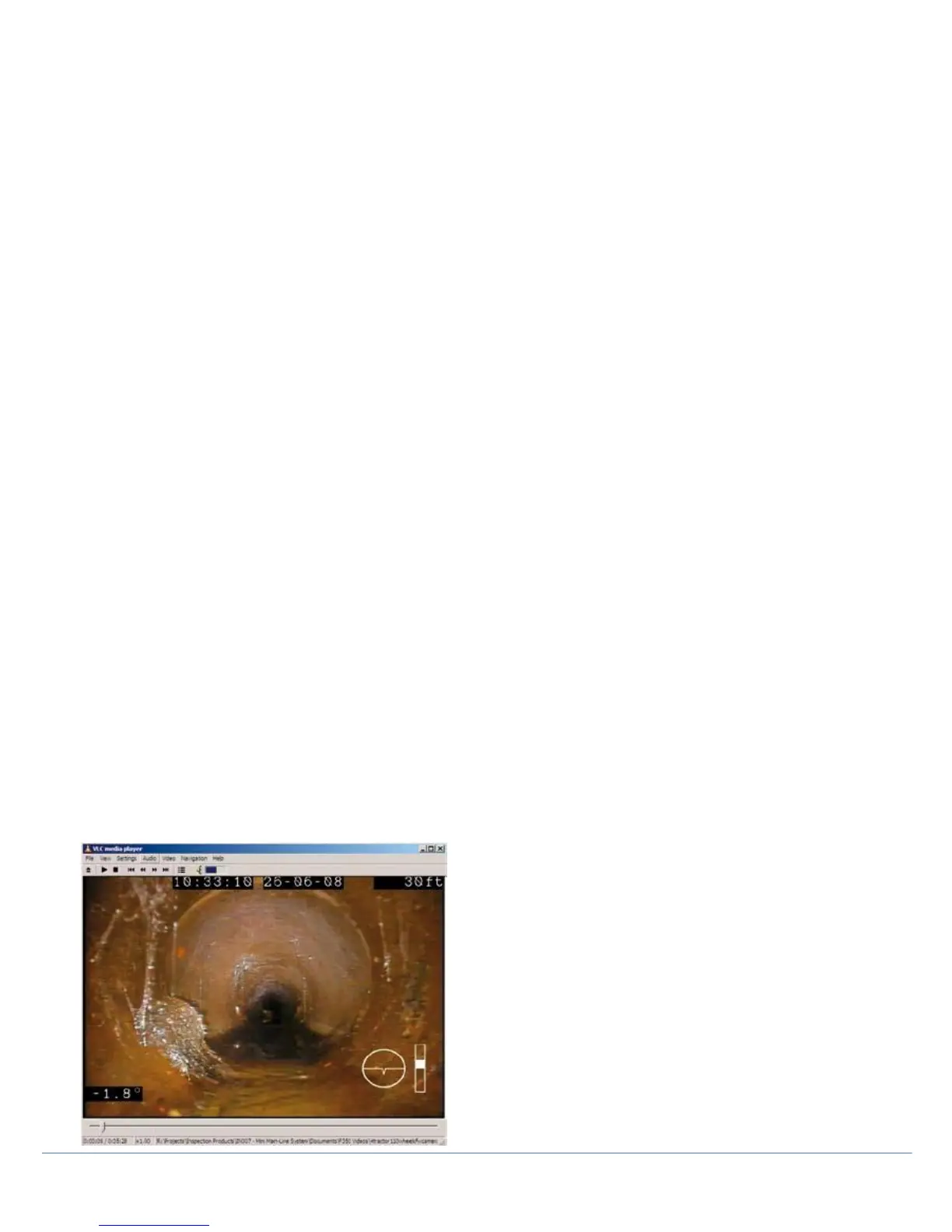
Figure 8.1: Video playback on Windows XP using VLC media player



 To Next Page