AS-i 3.0 EtherNet/IP+Modbus TCP Gateway
Electrical connection
26.9.2013
31
7.8.2 Buttons
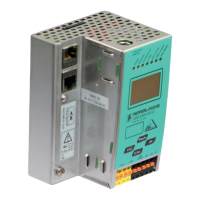
The buttons are used for the following:
For additional information see section <Operation in advanced display mode>.
Mode/⇑
Switching between configuration mode and protected operating mode, and saving
the current AS-i configuration as the nominal configuration.
Set/⇓
Selecting the address of and assigning an address to a slave.
OK, ESC
Changing to the advanced display mode.







 To Next Page