26.9.2013
88
AS-i 3.0 EtherNet/IP+Modbus TCP Gateway
System startup using AS-i Control Tools
14. System startup using AS-i Control Tools
The Windows based software AS-i Control Tools enables an easy and clear con-
figuration of the AS-i network.
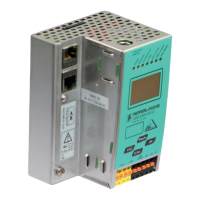
1. Connect the device to the PC via its serial interface and the diagnostic inter-
face.
2. Start AS-i Control Tools.
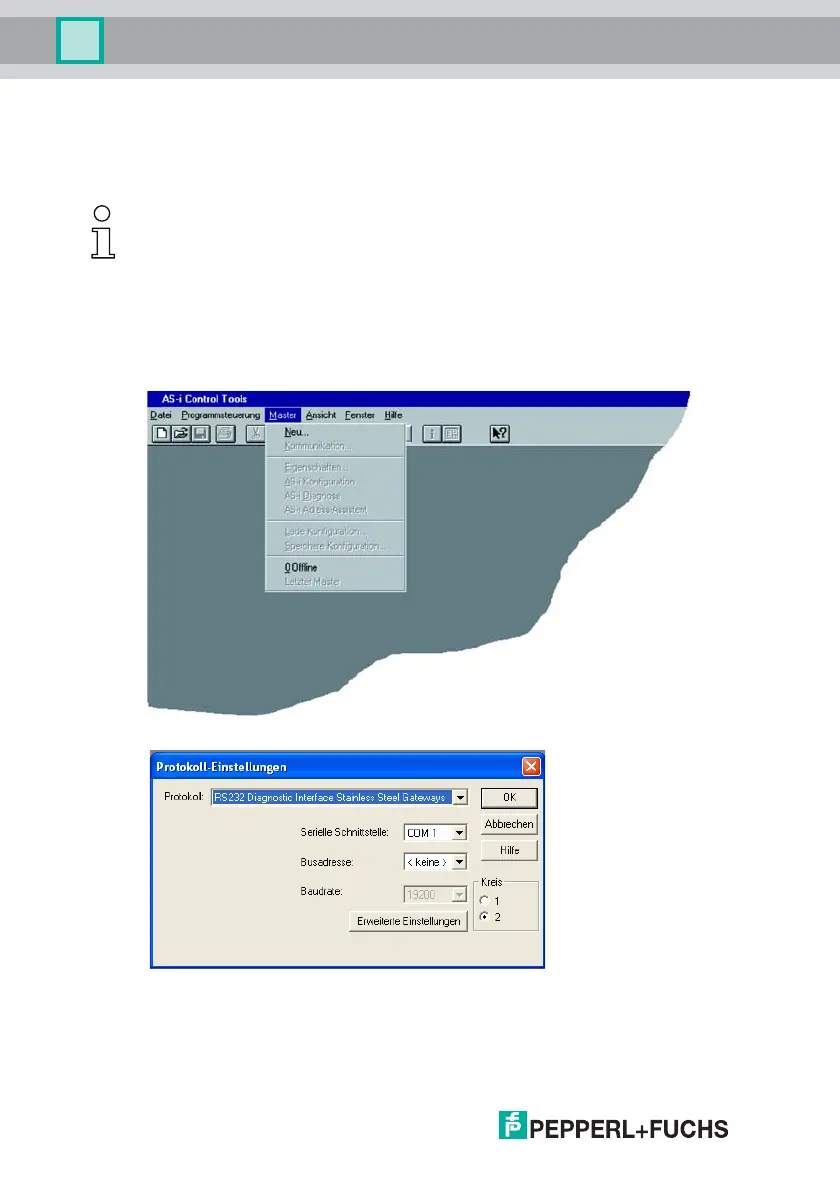
3. Select Master | New.
4. Choose RS232 diagnostic interface as the protocol.
5. Select the appropriate settings (for example serial interface COM 2, station
address <auto>).
6. Select Master | AS-i configuration.
7. The AS-i configuration editor will be started. All detected and configured AS-
i slaves are displayed in this window.
Information!
AS-i Control Tools must be installed first!
This way, the device driver is copied into the previous designed folder in AS-i Control
Tools and should be recognized automatically.


 To Next Page