20 . Lambda XLS/XLS+ User's Guide
Overview of the Instrument
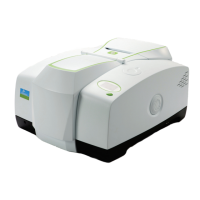
The Lambda XLS/XLS+ instrument is a simple-to-use UV/Visible spectrometer with a CCD
array detector (1024 pixels).
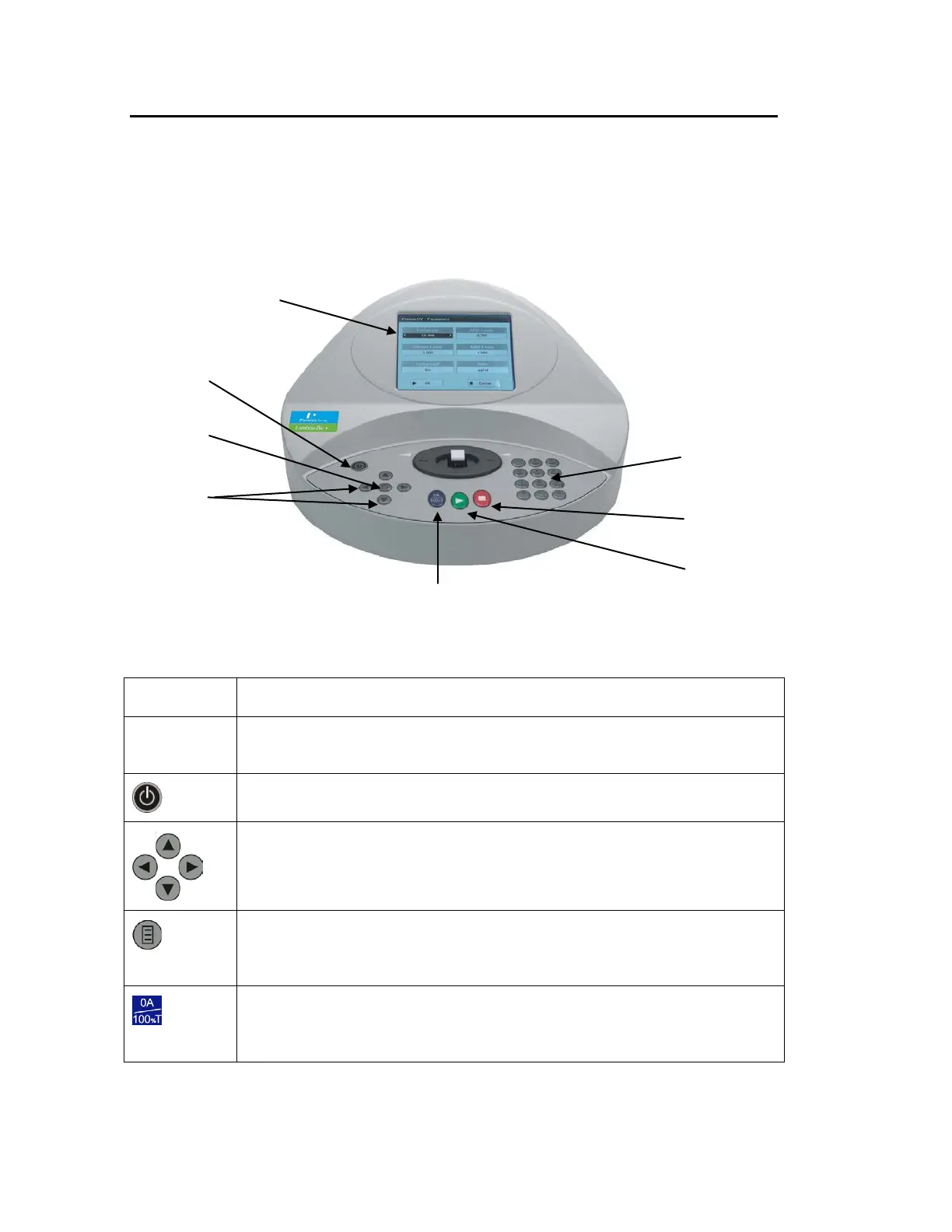
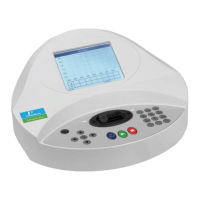
To access the folders and functions on your Lambda XLS/XLS+ instrument, navigate around
the display using the alphanumeric keys and the navigation arrows on the keypad.
Figure 2 Keypad and display
Key Action
Display panel Displays folders and menu options that guide you through taking
measurements and viewing your results.
Turns the instrument on or off.
Use the four arrows to navigate around the display and select the required
setting from the active (highlighted) option.
The Options key displays the options for that method or folder. See
Options
on page 25 for more information. Options unique to a specific method are
described in the relevant section.
The 0A/100%T key sets a reference solution measurement to 0.000 A or
100%T at the current wavelength. When in scan mode, it performs a
reference scan.
0A/100%T (scan reference)




 To Next Page