7-4
High flow therapy
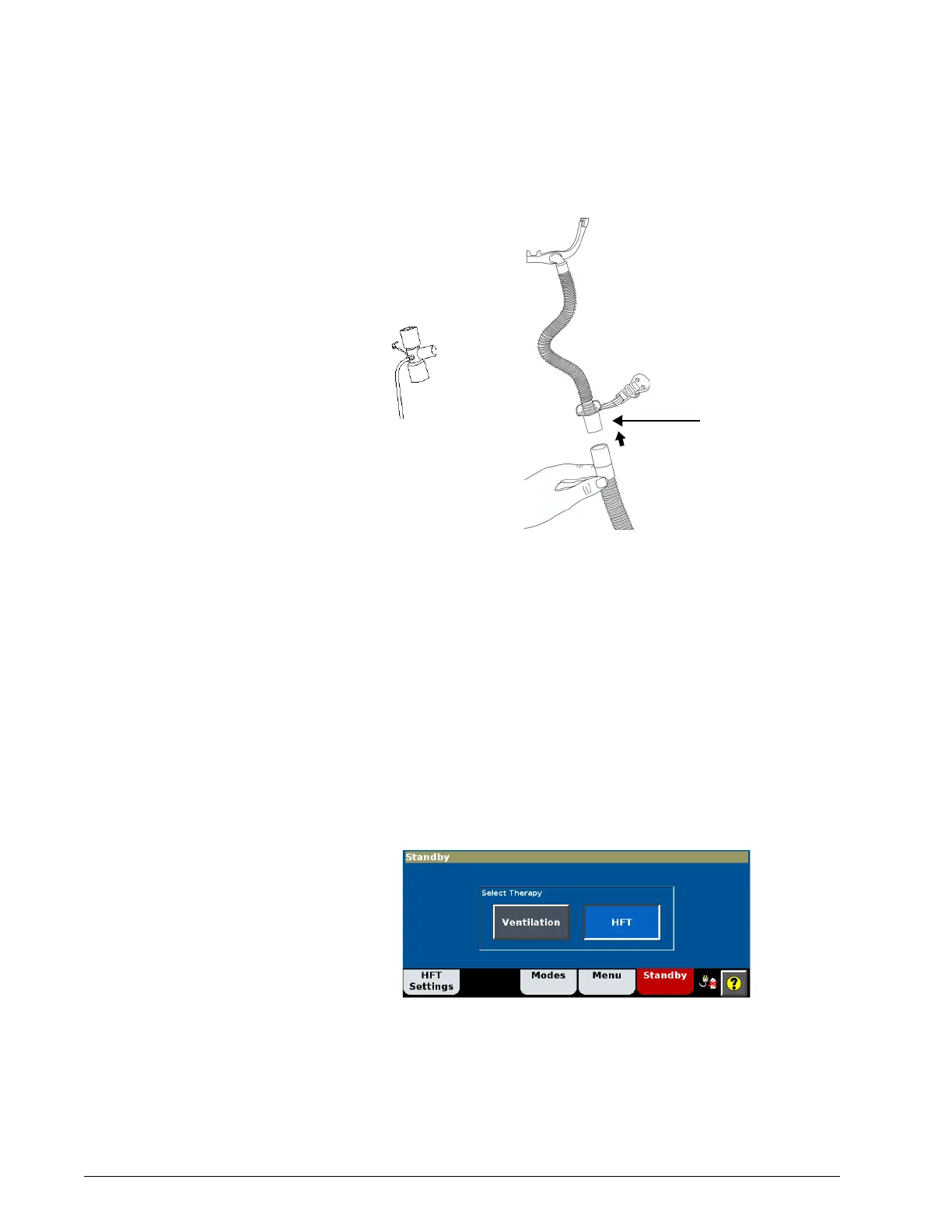
Connecting directly to a 22 mm circuit
Remove the FEP, and connect the high flow nasal cannula with 22 mm
connector directly to the circuit.
Figure 7-3: High flow nasal cannula, 22 mm connection
Changing from an NIV
mode to high flow
therapy
Follow these instructions to use the V60/V60 Plus Ventilator for high flow
therapy (HFT).
1. Select Standby. The Entering Standby window opens.
2. Remove the patient mask or ET interface to enter Standby.
3. Install a Philips-approved high flow nasal cannula (Figure 7-1 and
Figure 7-3 above) or a high flow tracheostomy interface on the patient
circuit.
4. Select
HFT.











 To Next Page