E-10
Diagnostic mode
Baud Rate
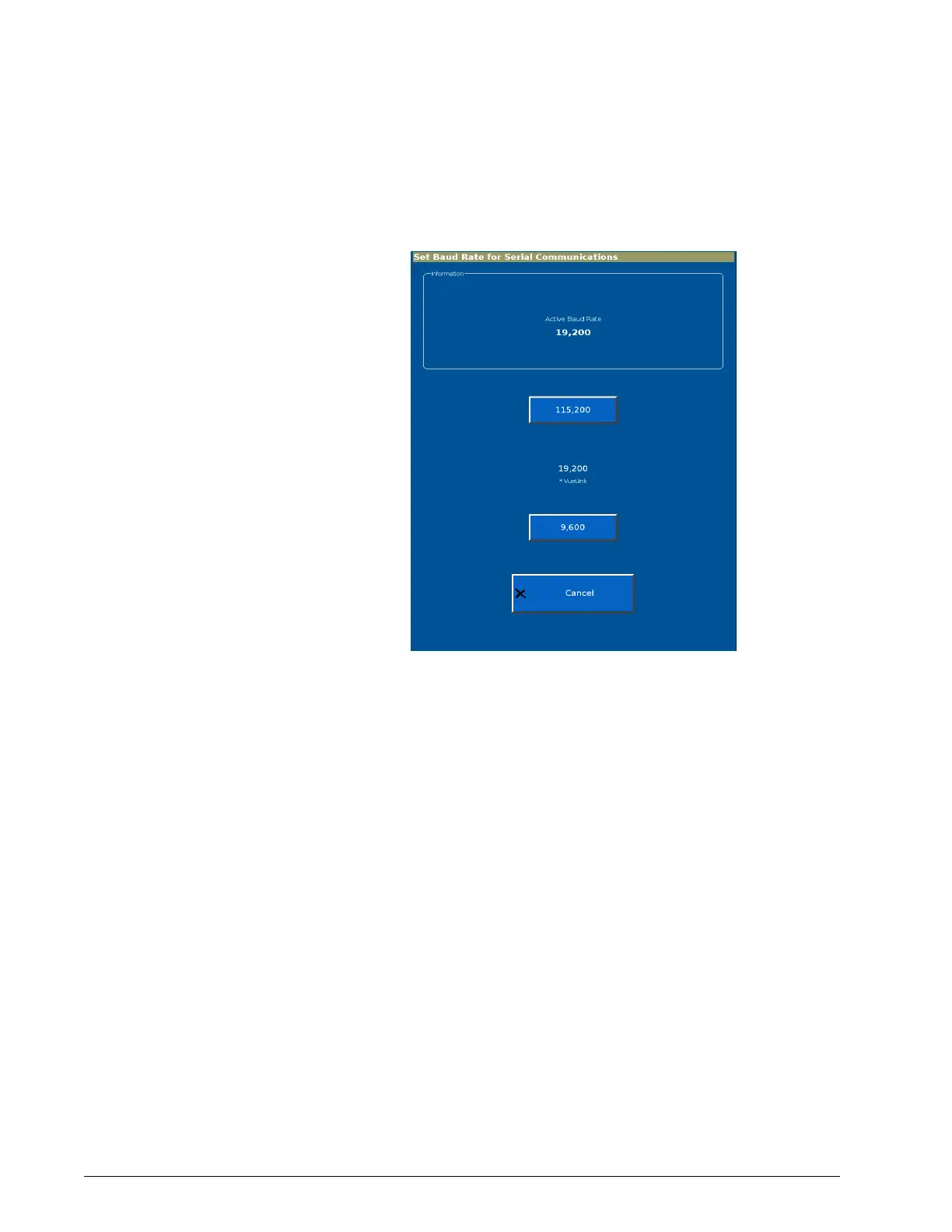
The Baud Rate function lets you set the baud rate for serial communications.
1. From the System Settings screen, select Baud Rate to display the Set
Baud Rate for Serial Communications screen (Figure E-9).
Figure E-9: Set Baud Rate for Serial Communications screen
2. The active baud rate is shown in white type. Select the desired baud
rate.











 To Next Page