6-6
Operation
Using the 100% O
2
function
NOTE: The 100% O
2
feature is available in Revision 2.30 software and
above.
The 100% O
2
function delivers 100% oxygen to the patient. It is available
during Screen Lock status.
Follow these instructions to use the 100% O
2
function:
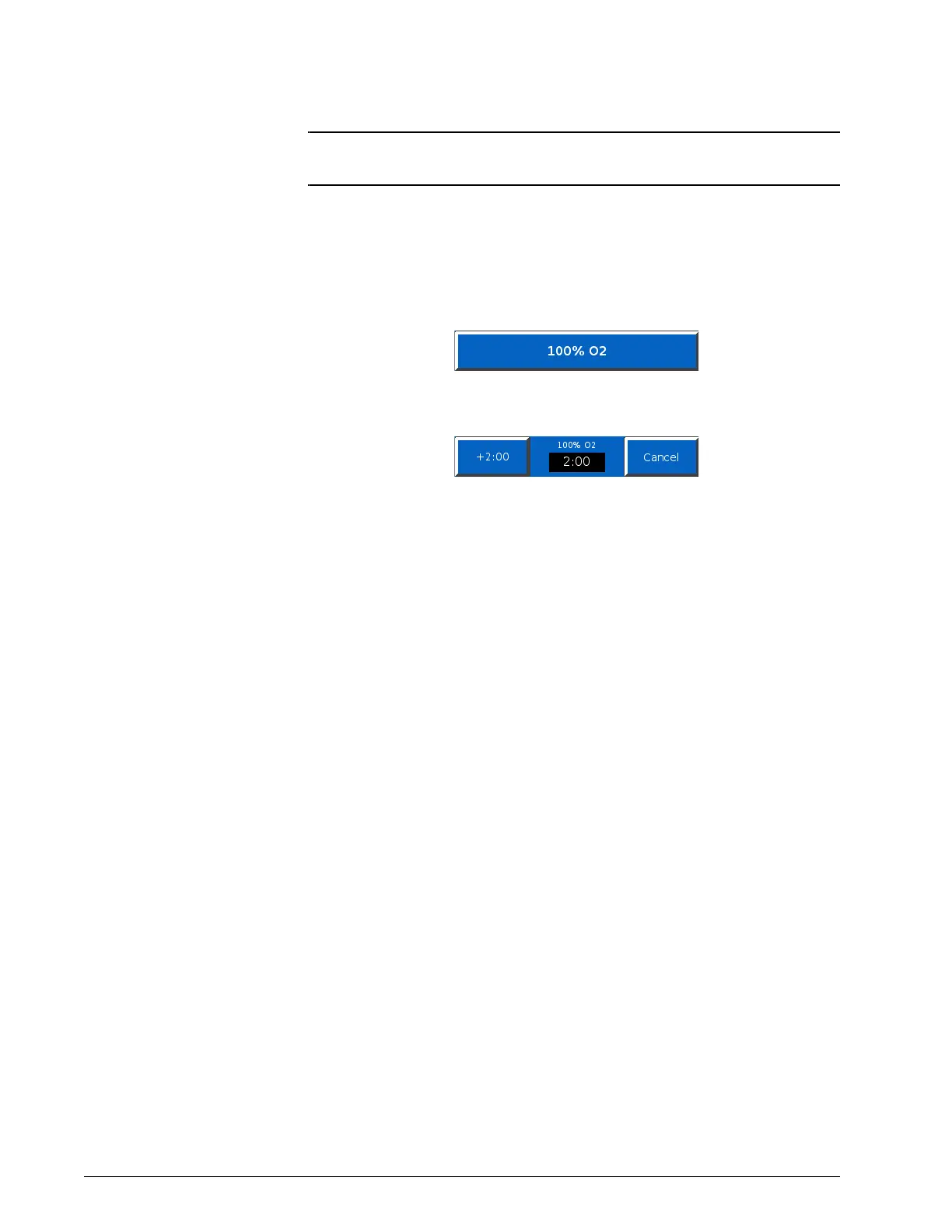
1. Select the 100% O2 button in the main GUI window.
2. The ventilator delivers 100% oxygen for two minutes. A countdown
timer displays.
While 100% oxygen delivery is active, you can press the +2:00 button
to add two minutes more. Press Cancel to stop.











 To Next Page