Diagnostic mode
E-9
Software Options
With the Software Options function, you enable a software option using a
unique code specific to the option and the ventilator serial number. Options
can also be enabled through the Respi-Link remote service program.
NOTE: Before installing an option, verify that the ventilator serial number
matches the serial number shown in the Vent Info window (“Vent Info
(ventilator information)” on page 6-18. If the serial numbers do not
match, contact Philips.
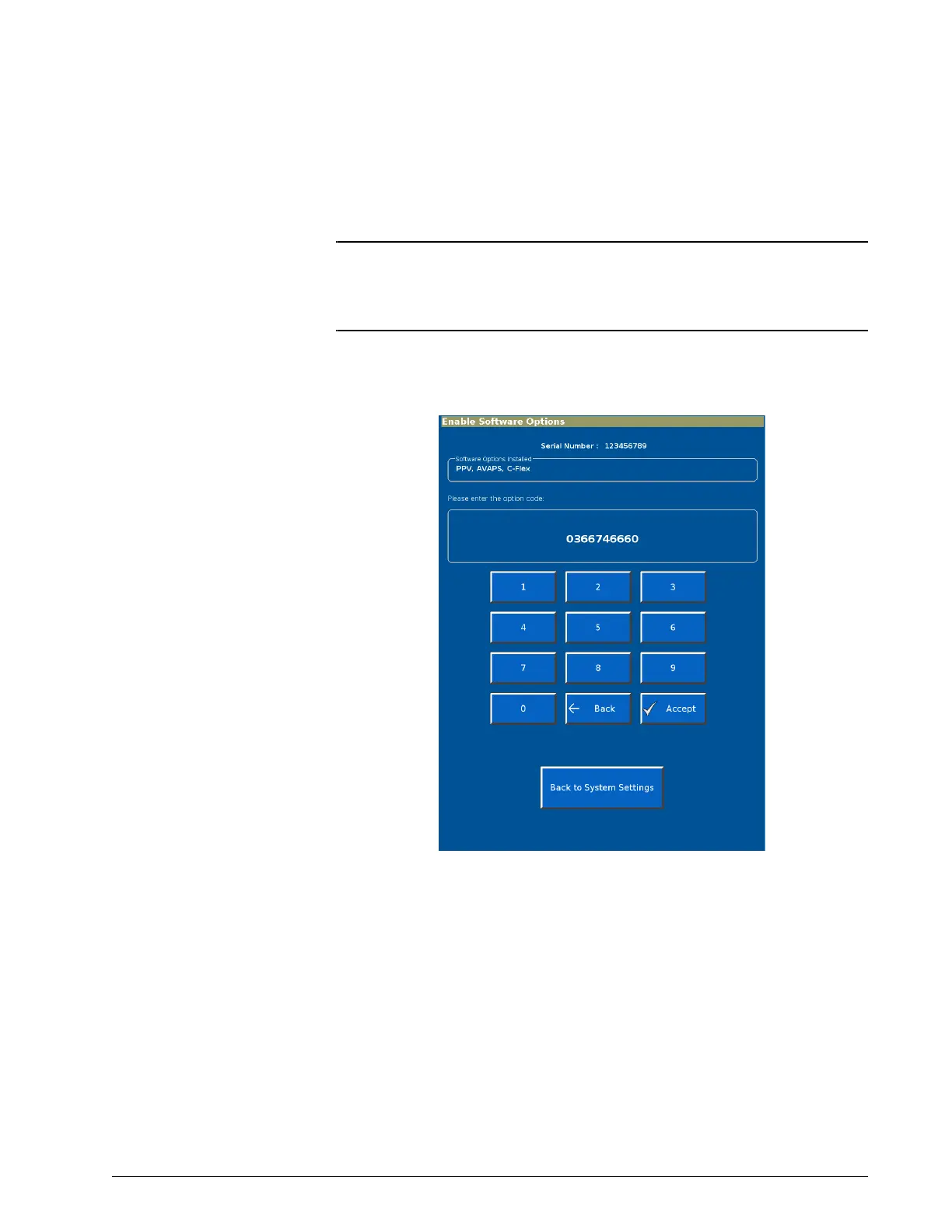
1. From the System Settings screen, select Software Options to display
the Enable Software Options screen (Figure E-8).
Figure E-8: Enable Software Options screen
2. Use the onscreen keypad to enter the code; then select Enter. The
screen displays Enabled: followed by the name of the software option.
3. Repeat as needed to enable additional options.
4. Verify that the options are enabled by selecting Back to System
Settings, then Back to Diagnostics Menu, then Service. The Vent Info
window should show the new options.
5. Attach the option label as shown in Figure 3-5 on page 3-9.











 To Next Page