Operation
6-17
5. Reconnect the patient circuit to the mask/interface.
6. Select Start Ventilation to initiate ventilation.
Troubleshooting
If Test Failed is displayed, check for leaks in the patient circuit, and install an
exhalation device with lower leak characteristics. Repeat test. If the exhalation
port test fails again, the intentional leak is unknown and Tot.Leak rather than
Pt. Leak is displayed in the patient data window.
Other functions: the
Menu window
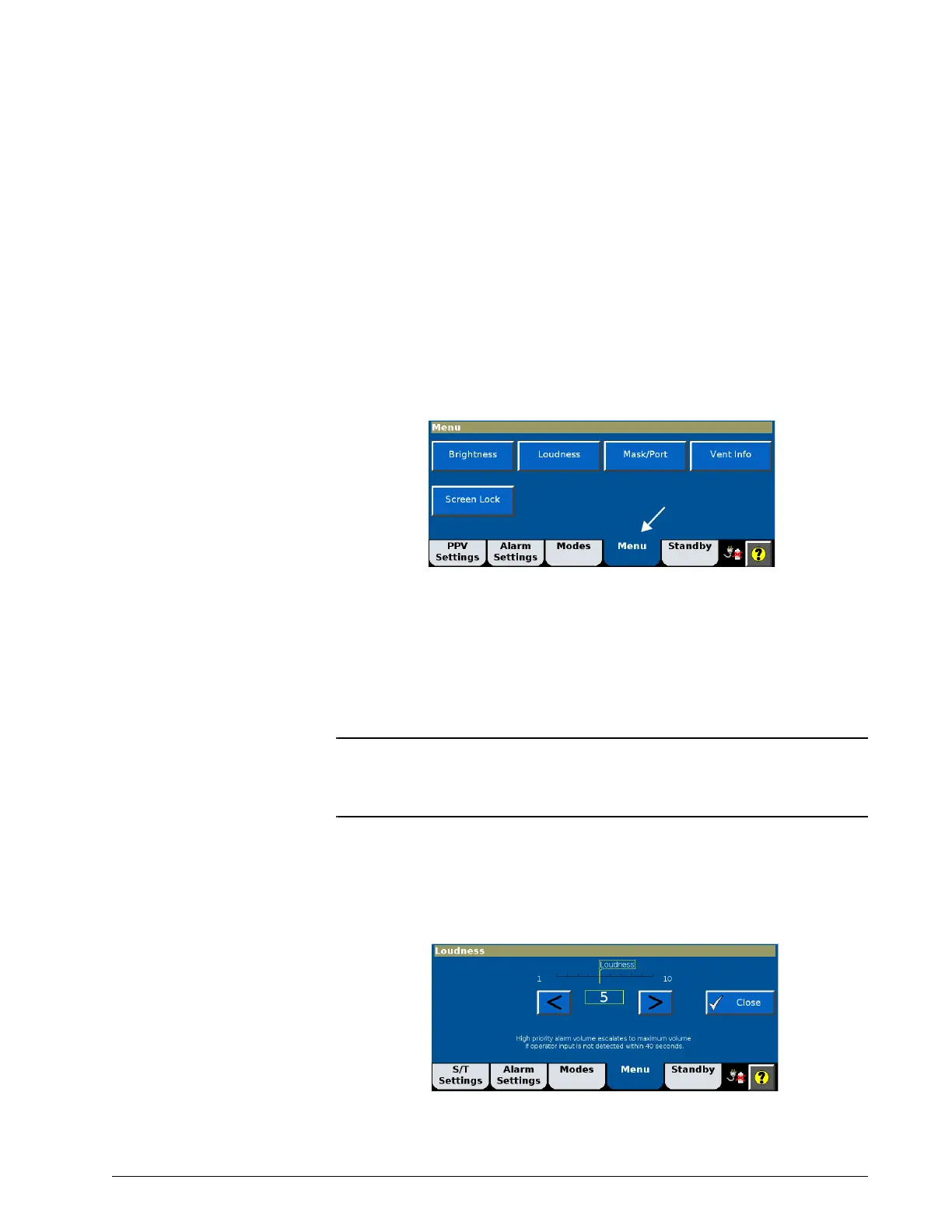
From the Menu window you can adjust user preferences.
Brightness
Use Brightness to adjust the screen for optimum daytime or nighttime viewing.
Loudness
WARNING: Set the alarm loudness above the ambient level. Setting the alarm
loudness too low may prevent recognition of alarm conditions.
WARNING: Avoid blocking the alarm speakers beneath the ventilator.
Use Loudness to adjust the volume of the alarm and touchscreen audible
feedback. You will hear audible feedback as you go through the selections.
The Alarm Volume Escalation status is also displayed on this screen. See
“Alarm Volume Escalation” on page E-11 for more information.











 To Next Page