E-14
Diagnostic mode
Touchscreen
calibration
Calibrate the touchscreen X and Y coordinates as follows:
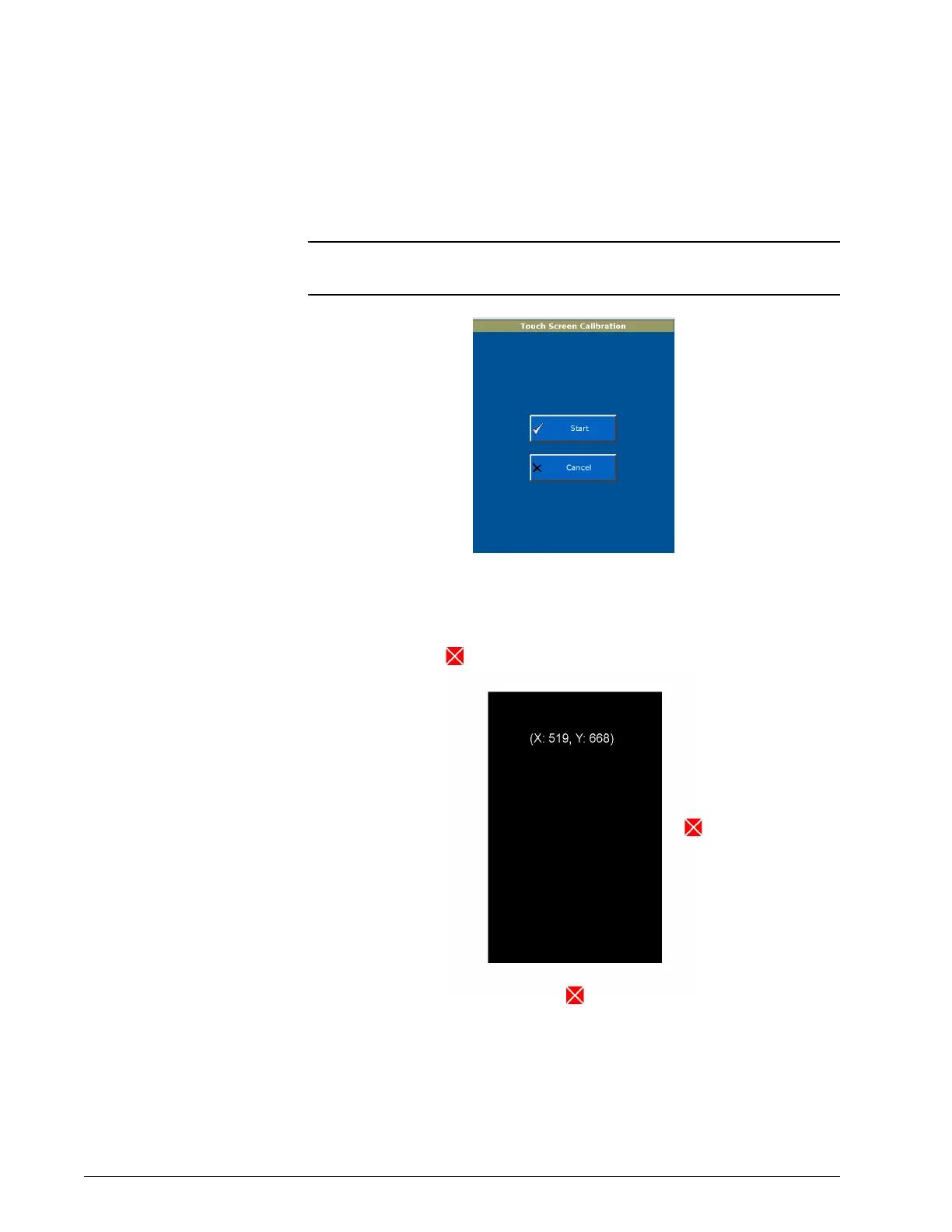
1. From the Diagnostics Menu, select Touch Screen Calibration. The
Touch Screen Calibration screen is displayed (Figure E-13).
NOTE: If the Touch Screen Calibration button does not respond, press the
Accept button on the top-right front of the ventilator to begin.
Figure E-13: Calibrate Touch Screen screen
2. Follow the steps shown. Press on the middle of each target with a
blunt, narrow object.











 To Next Page