6-12
Operation
Changing alarm
settings
WARNING: To prevent possible patient injury, avoid setting alarm limits to extreme
values, which can render the alarm system useless.
Some ventilator alarm settings are operator adjustable. You can adjust these at
any time. Table 6-4 on page 6-26 lists the alarm settings and their ranges.
Review and adjust the alarm settings as follows:
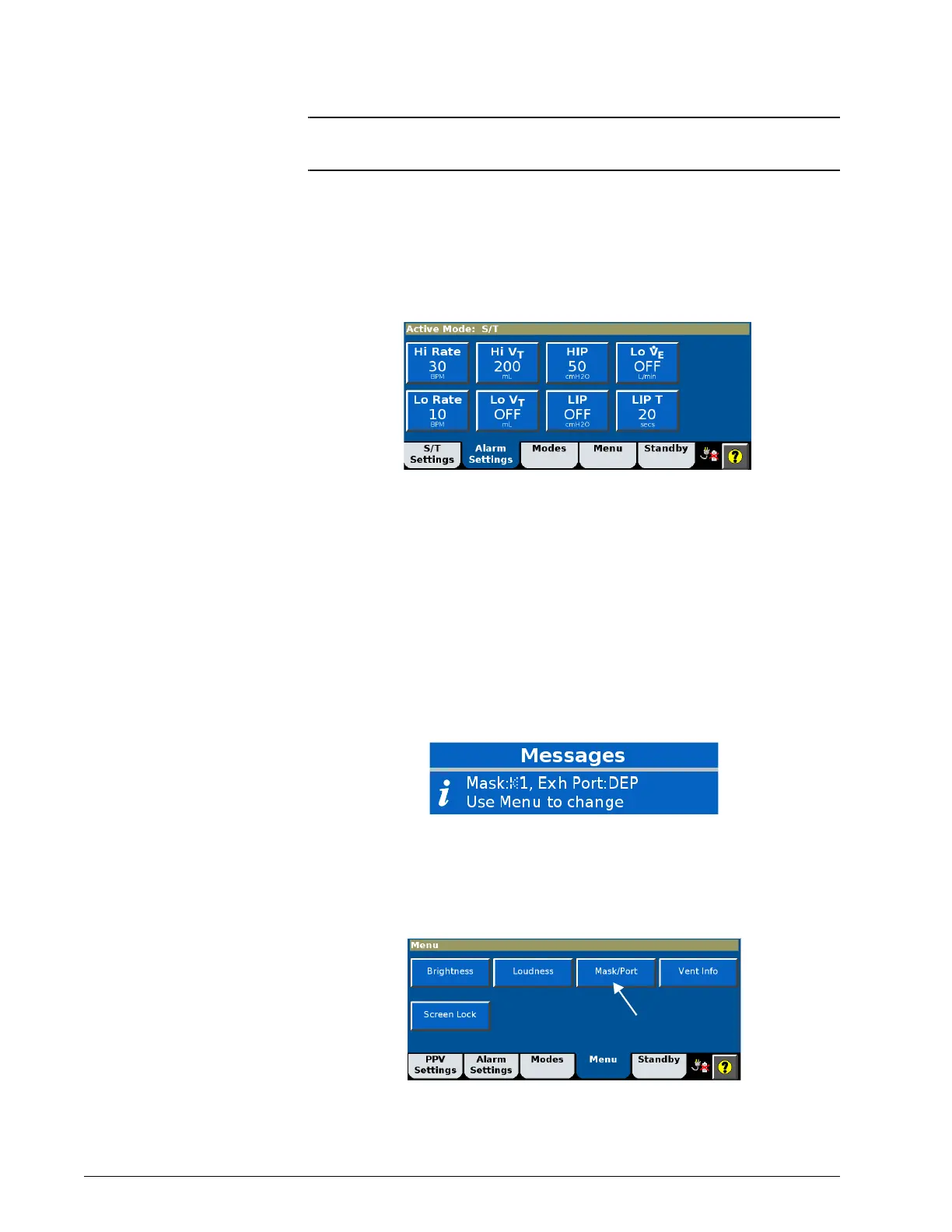
1. Open the Alarm Settings window.
2. Select the desired setting, adjust it, and select Accept to apply.
The ventilator annunciates an alarm when a monitored value goes out of the
range bounded by the alarm limits.
Selecting the mask
and exhalation port
To be able to display full leakage data plus accurate tidal and minute volumes,
the ventilator must know the intentional leak characteristics of the specific
mask/patient interface and exhalation port.
After power-on, the Messages list displays the current mask and port settings
for 5 minutes.
Change these settings as follows:
1. Open the Menu window.
2. Select Mask/Port.











 To Next Page