High flow therapy
7-5
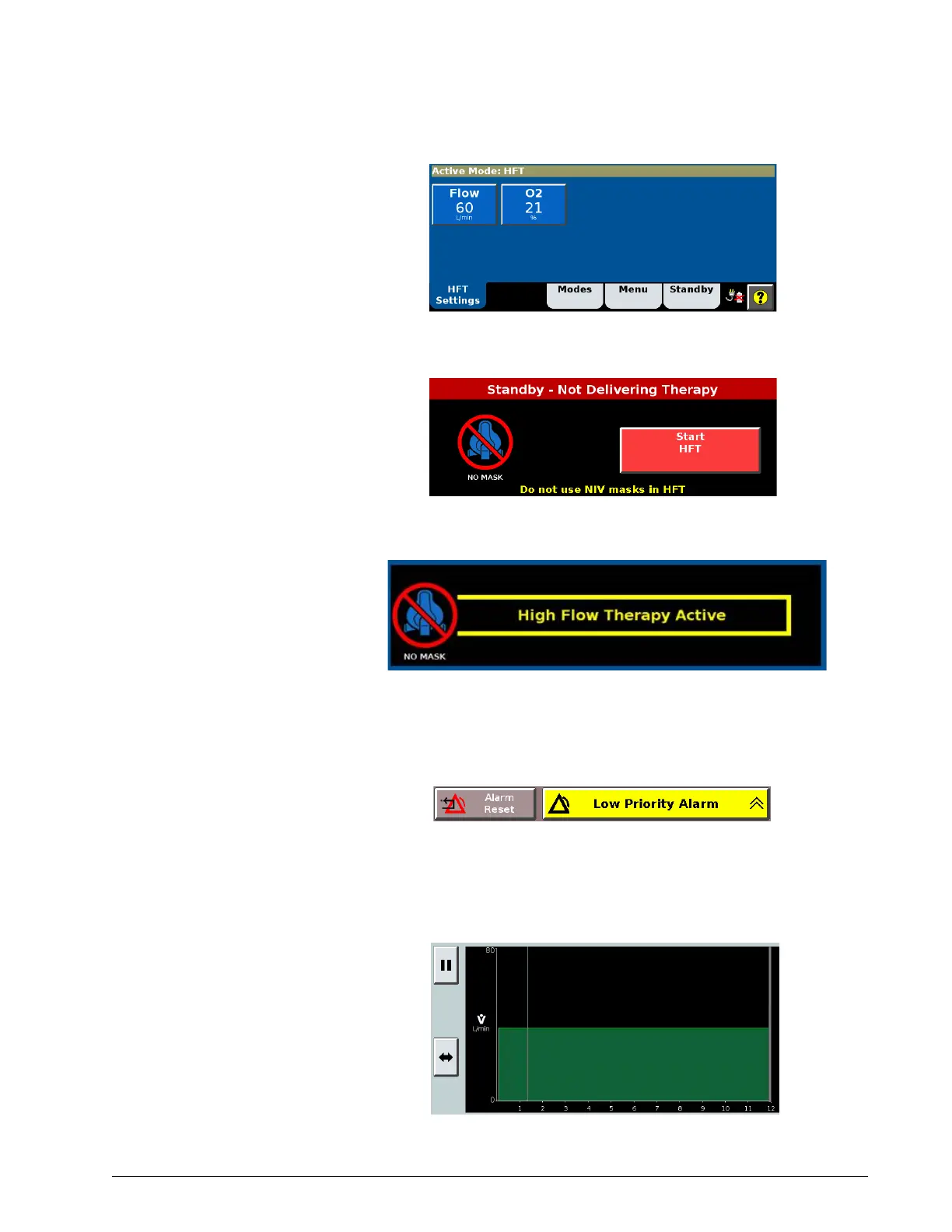
5. From the Active Mode window, you can adjust Flow and O
2
%.
6. Press Start HFT.
7. The High Flow Therapy Active message is displayed during HFT.
8. Apply the HFT interface to the patient.
9. Note the low priority alarm stating that patient alarms are disabled
during HFT. Press alarm reset to confirm this message.
Viewing and pausing
the HFT graph
A flow graph is displayed during high flow therapy. Press the Pause button to
view an event.











 To Next Page