Symbols
2-7
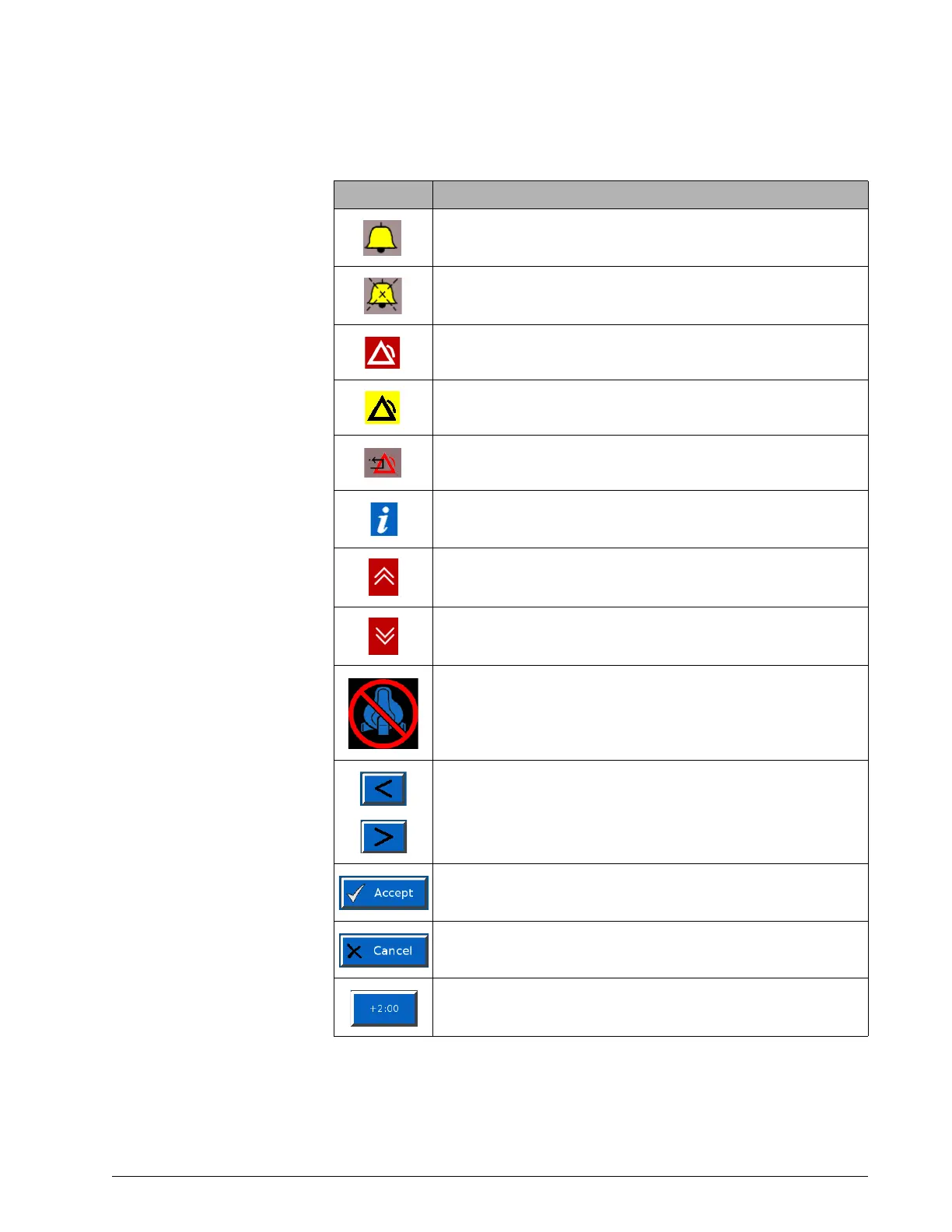
Table 2-2: Symbols used on graphical user interface
Symbol Description
Alarm (audible)
Alarm is silenced
High priority alarm
Low priority alarm
Alarm reset
Informational message
Alarm message is displayed. Touch to hide alarm messages.
Alarm message is hidden. Touch to display alarm messages.
Do not use an NIV mask during high flow therapy (3.00 software and
above, and V60 Plus).
Increase and decrease (adjustment arrow) buttons. Adjusts a setting or
selects a value.
Accept button. Accepts set values.
Cancel button. Cancels set values.
+2:00 minutes button. Adds two minutes to 100% O
2
delivery.











 To Next Page