Using the menus
42
The
,
and menus enable you
to bar , , or .
Incoming
The menu allows you to select or . It also provides access to
the menu that removes bans on incoming calls.
The menu and the menu, allow you to select , ,
and .
Status
The menu allows you to know whether a type of call is barred or not.
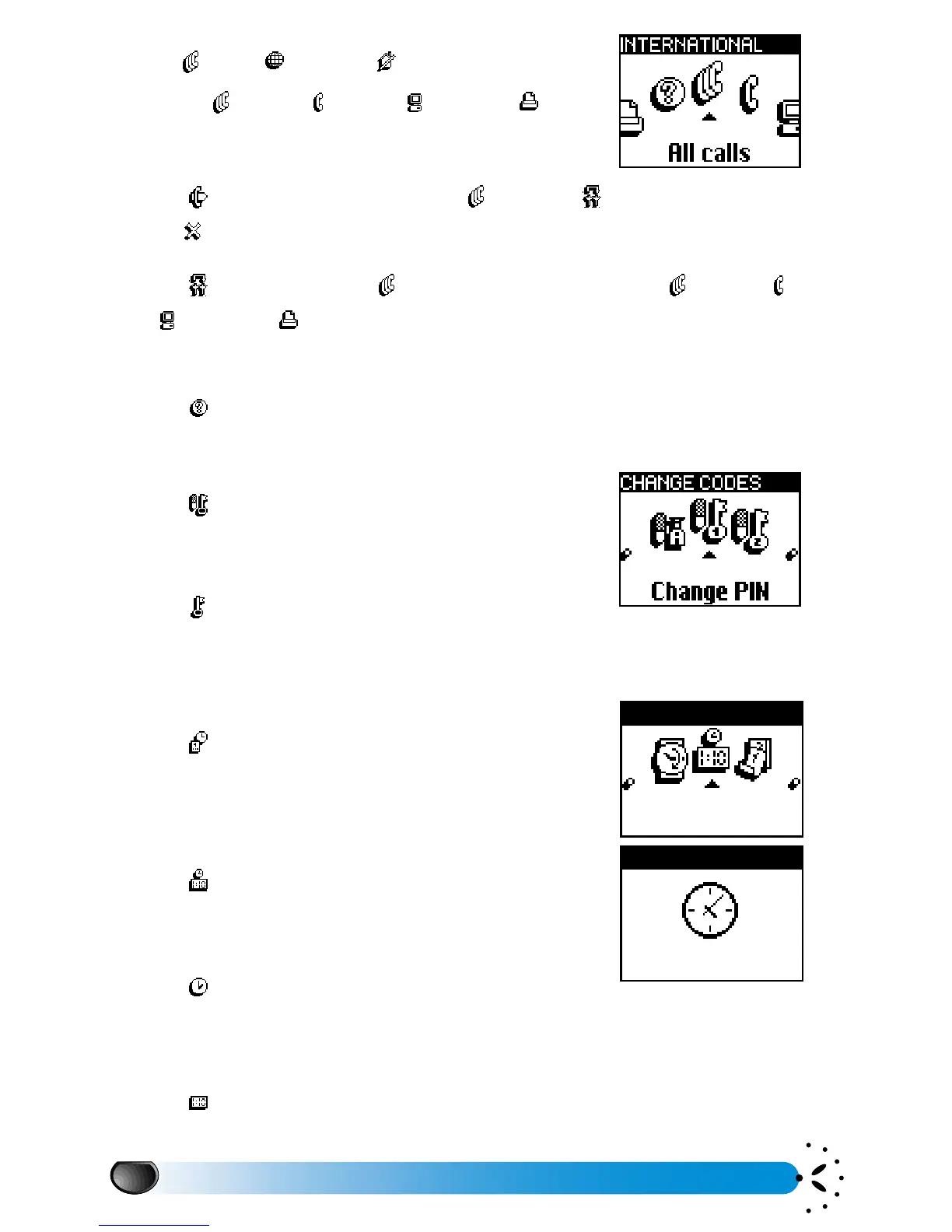
Change codes
The menu allows you to change your PIN codes
and call barring password.
PIN protection
The menu allows you to activate or deactivate the
PIN protection when switching on your phone. This is carried out via the PIN code that puts
your phone in service. If your PIN code is deactivated, you cannot change it.
Time and date
The menu allows you to set the time and date and
choose the clock display format.
Clock display
The option allows you to select analogue or
digital time formats.
Analogue
The option allows you to display the time on the
idle screen using an analogue format. Depending on the activated services, the clock display
may automatically switch to the digital format.
Digital
The option allows you to display the time on the idle screen using a digital format.
All calls



 To Next Page