Using the menus
46
Preferred list
The menu allows you to build a network list in order of your preference. Once
defined, the phone will try to register on a network, according to your preferences.
The following settings are available:
• show the list of preferred networks and:
- either delete a network from the list,
- or move a network to a different position in the list,
• add a network to the preferred list from the list of available networks,
• add a network to the preferred list from the list of known networks,
• add a network to the preferred list by entering the network code. This is a 5-digit code:
- 3 digits for the country followed by 2 digits for the network (67844 for example).
Call settings
The menu allows you to set all the parameters
linked to the calls (Call forward, Call waiting, etc.).
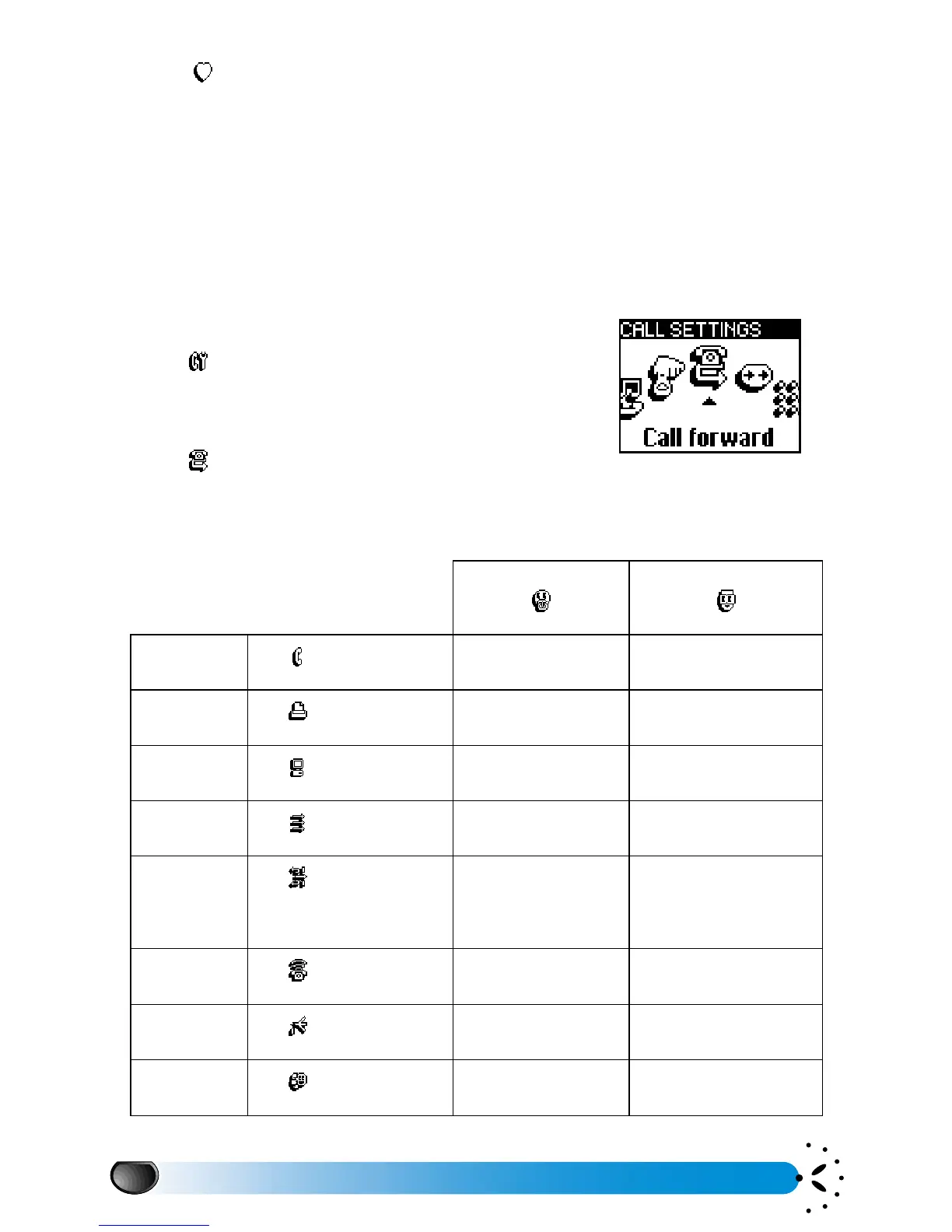
Call forward
The menu allows you to divert incoming voice,
fax or data calls either to a number in your Names list or to your mailbox. Before activating the
"Call forward" option, please enter your voice mailboxes’ numbers (see “Mailboxes” page 32).
SIMPLE MODE ADVANCED MODE
CALL TYPE X X
X
X
FORWARD
OPTION
XX
no reply or not reachable
or busy
X
X
X
X
Preferred list
Call settings
Call forward
Simple menu Advanced menu



 To Next Page