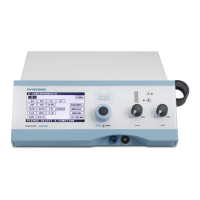
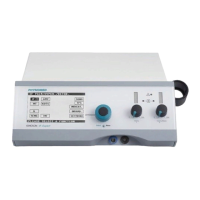
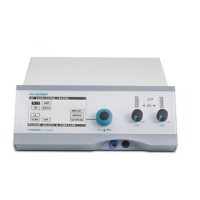
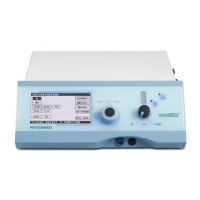
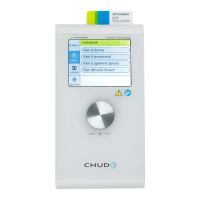
Selection window for channel I
(3) With the Data Selector <2>, click first on the symbol R, set the pulse pause (1- 60 s) by turning and
confirm by pressing.
(4) Now use the Data Selector <2> to click on the symbol T, set the pulse duration (1- 60 s or manual
release key) by turning and confirm by pressing it.
(5) Now use the Data Selector <2> to click on the symbol to return to the start menu.
(6) The pulse duration and pulse pause selected are now displayed next to the pulse symbol.
(7) With the Data Selector <2>, click on the symbol in channel II. The following window opens:
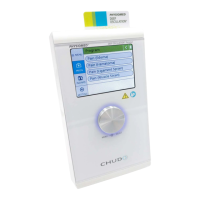
Selection window for channel II
(8) First use the Data Selector <2> to click on the R symbol, turn to the left until the desired symbol
(simultaneous or alternating stimulation) appears and press to confirm.
(9) Now use the Data Selector <2> to click on the symbol to return to the start menu.
The selected symbol now appear next to the pulse symbol in channel II.
NOTICE
During a pulse pause only turn the intensity slightly to avoid unpleasant muscle reac-
tions.
How to Control the Pulse Currents with the Manual Release Key
(1) In the Display <1>, select a suitable current mode e.g. KOTS.
(2) With the Data Selector <2> click on the symbol in channel I. The following window opens:
Selection window for channel I
(3) With the Data Selector <2> first click on the R symbol, rotate to the left until one of the manual
control symbols appears and press to confirm. The symbols have the following meaning:
• : The duration of increase is determined by pressing the manual release key, the pause by
releasing the manual release key.
PHYSIOMED ELEKTROMEDIZIN AG
3 Overview of Current Modes
IONOSON-Basic 13



 To Next Page