DT2012072-01
6.8 PROGRAMMING
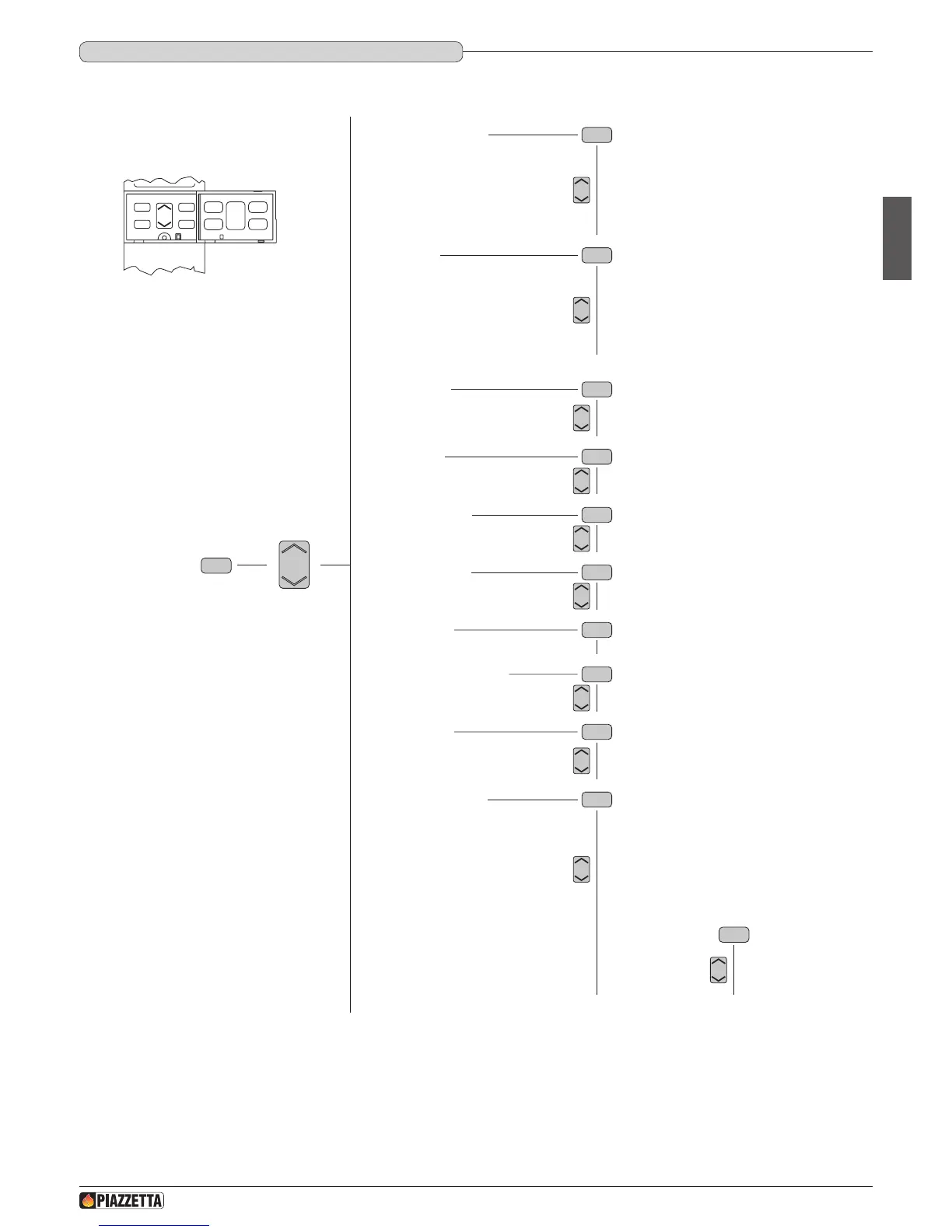
With the remote control it is possible to select the following functions from the main MENU :
These functions are activated by opening the front cover and pressing the following keys:
- the MENU key allows entry to the main menu and return to the initial display of the programming at any time to change data entered incorrectly;
- the MENU SELECT key allows you to scroll through the main menu and submenus;
- the SET key allows you to conrm the MENU or selection;
- the ESC key allows you to return to the previous menu at any time to change the programming data entered incorrectly.
• If you do not press any key, after approximately 3 and a half minutes, the display turns off to reduce power consumption.
• In the case of power failure and therefore no reception from the stove, the display turns off after approximately 20 seconds.
SET
OPT
ESC
MENU
Remote control
MENU
• SELECT LANGUAGE
• SET CLOCK
DAY MONDAY
DAY TUESDAY
DAY WEDNESDAY
DAY THURSDAY
DAY FRIDAY
DAY SATURDAY
DAY SUNDAY
LANGUAGE ENGLISH
LANGUAGE FRANCAIS
LANGUAGE NEDERLAND
LANGUAGE PORTUGUES
LANGUAGE ESPANOL
LANGUAGE ITALIANO
LANGUAGE DEUTSCH
• SET CHRONO
PROGRAM DAY
PROGRAM WEEK
PROGRAM WEEK-END
• ENABLE BEEP
• MENU PARAMETER
SETTINGS FACTORY > key access
DATA BANK > key access
SETTINGS LOAD > key access
SETTINGS SMOKE EXT > key access
MULTIFUOCO V1 > key access
MULTIFUOCO V2 > key access
RESET PART HOUR > key access
RESET ALARM > key access
MEMORY COUNTERS



 To Next Page