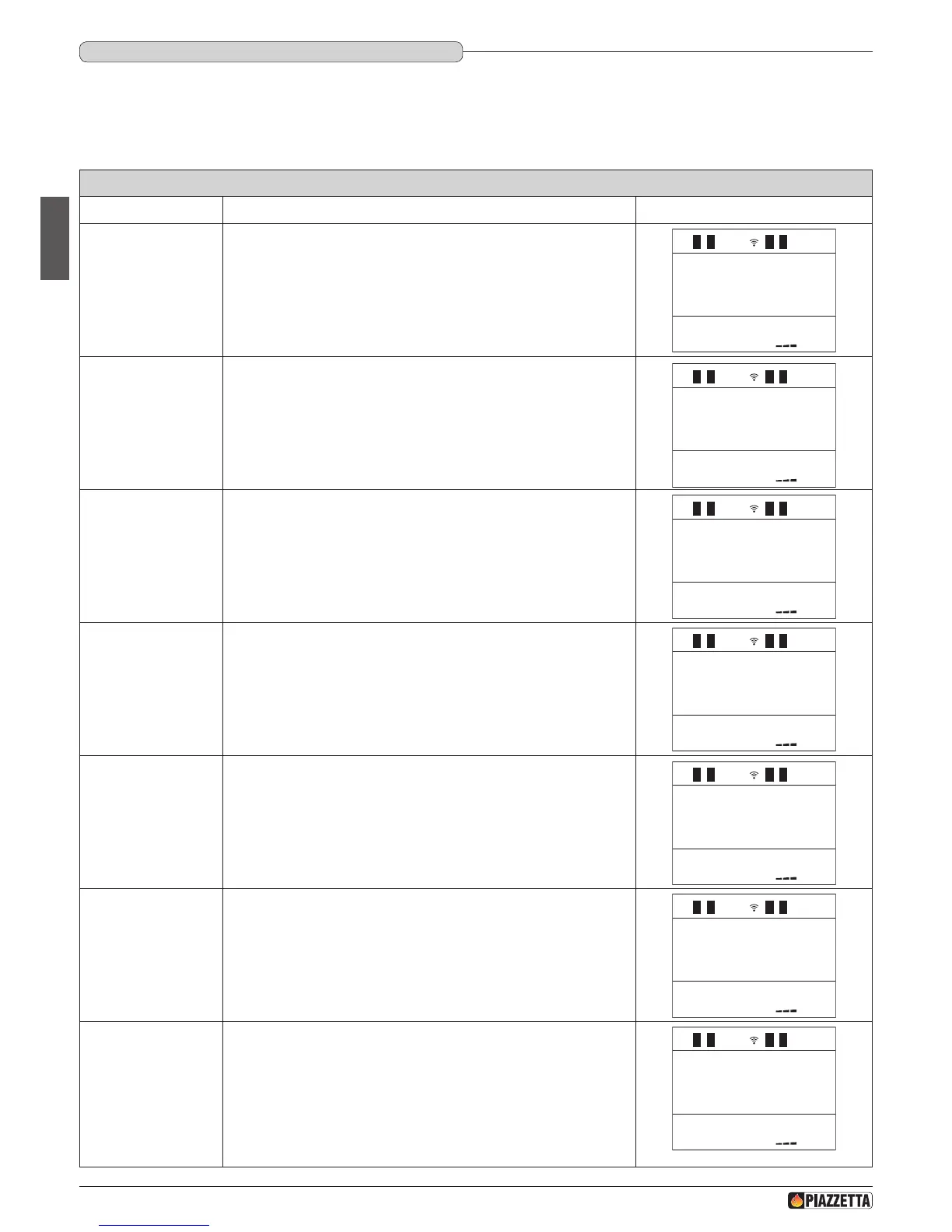
SET CLOCK (day/current time)
Function Action Display message
Set the current day of
the week
Press the MENU key, with the SELECT MENU key select SET CLOCK and
conrm by pressing the SET key.
SET
CLOCK
DAY
MONDAY
HOURS
CLOCK
12:
MINUTES
CLOCK
:01
1
1
1
DAY
CLOCK
MONTH
CLOCK
12
31
YEAR
CLOCK
12
1
1
1
Conrm the setting
and move to the next
section.
Press the SELECT MENU key and set the day, conrm by pressing the SET
key.
HOURS
CLOCK
12:
MINUTES
CLOCK
:01
1
1
1
DAY
CLOCK
MONTH
CLOCK
12
31
YEAR
CLOCK
12
1
1
1
Set the current hour
Press the SELECT MENU key and set the current hour, conrm by pressing
the SET key.
1
DAY
CLOCK
MONTH
CLOCK
12
31
YEAR
CLOCK
12
1
1
1
Set the minutes
Press the SELECT MENU key and set the minutes, conrm by pressing the
SET key.
SET
CLOCK
DAY
MONDAY
HOURS
CLOCK
12:
DAY
CLOCK
MONTH
CLOCK
12
31
YEAR
CLOCK
12
1
1
1
Set the current day of
the month
Press the SELECT MENU key and set the day of the month, conrm by
pressing the SET key.
SET
CLOCK
DAY
MONDAY
HOURS
CLOCK
12:
MINUTES
CLOCK
:01
1
1
1
1
Set the current month
Press the SELECT MENU key and set the month, conrm by pressing the
SET key.
SET
CLOCK
DAY
MONDAY
HOURS
CLOCK
12:
MINUTES
CLOCK
:01
1
1
1
1
DAY
CLOCK
Set the current year
Press the SELECT MENU key and set the year, conrm by pressing the
SET key.
After conrming with the SET key, the initial display will reappear.
SET
CLOCK
DAY
MONDAY
HOURS
CLOCK
12:
MINUTES
CLOCK
:01
1
1
1
1
DAY
CLOCK
MONTH
CLOCK
12
31
1
DT2040064-04
DT2011296-00
6.9 SETTING ThE CLOCk
The appliance leaves the factory with the clock set therefore simply check that the clock is giving the correct time or adjust for daylight saving time.
The correct time setting is required for the use of all time-dependant functions. Setting the clock implies programming the following values: day of
the week, hour, minute, day, month, year.
These values are displayed sequentially by pressing the SELECTOR key
H072047UK0 / DT2001513 – 04
38






 To Next Page