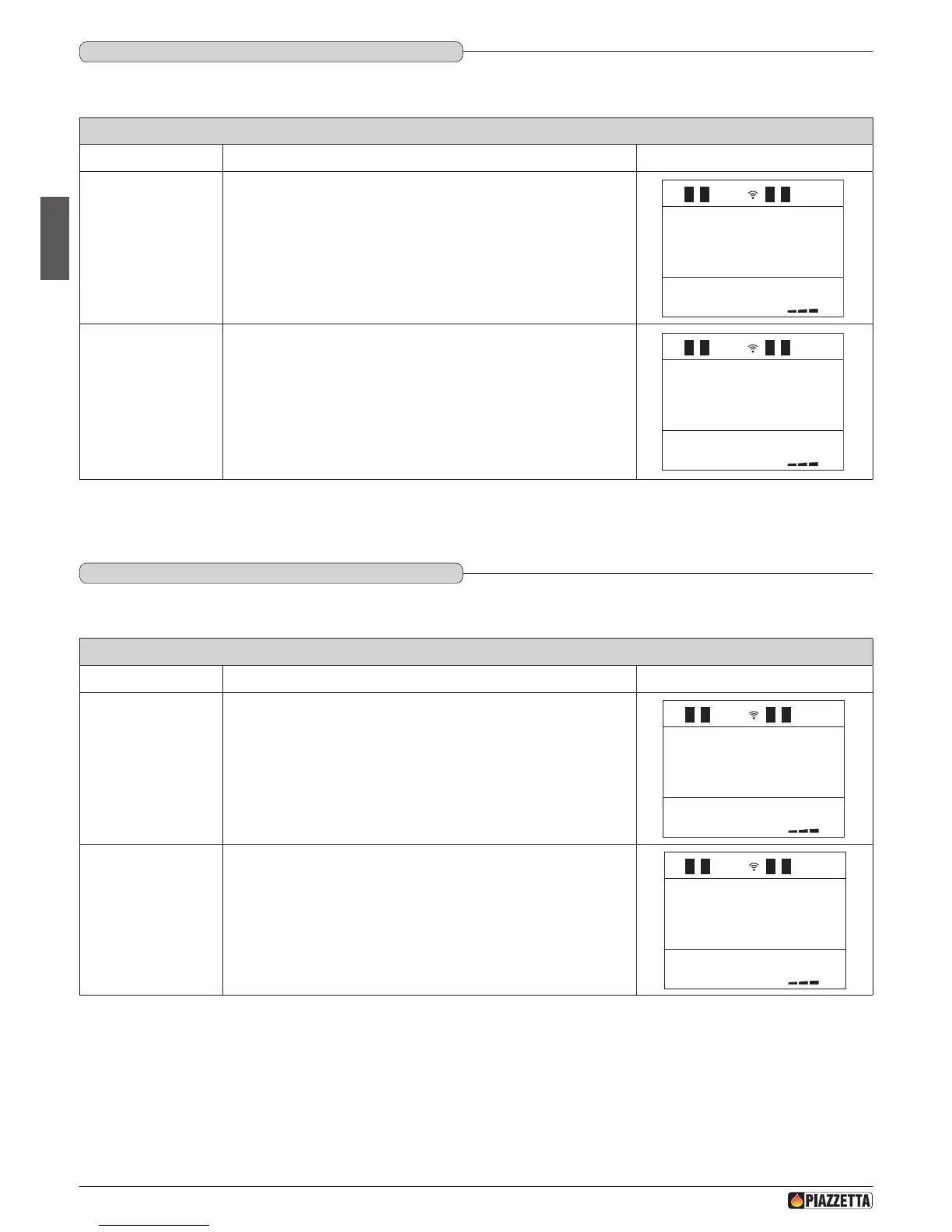
ENABLE BEEP (audio signal)
Function Action Display message
Select enable beep
menu
Press the MENU key, then using the SELECT MENU key select ENABLE
BEEP and conrm using the SET key.
ENABLE
BEEP
Select enable or
disable beep
Press the SELECT MENU key and select on to enable the beep or off to
disable the beep and conrm using the SET key. After conrmation with
the SET key, the readout function enabled will appear on the display while
the initial display will automatically reappear on the remote control.
The buzzer always sounds if the alarms activate.
1
DT2040065-03
6.15 ENAbLE bEEP (AUdIO SIGNAL)
This function allows you to engage or disengage the beep signal emitted by the stove to indicate that it has received the remote control commands.
STOVE STATUS
Function Action Display message
Select stove status
menu
Press the MENU key, then using the SELECT MENU key select STOVE
STATUS and conrm using the SET key.
STATE
STOVE
ENC 0000
COC 000
30 2 2.0
.
c
.
c
Display stove status
The display shows:
- smoke motor RPM;
- pellet unloading time;
- smoke temperature;
- room temperature;
ENC 0000
COC 000
30 2 2.0
.
c
.
c
1
DT2012057-02
6.16 STATE STOvE
This function shows stove state during the various operating conditions.
H072047UK0 / DT2001513 – 04
48



 To Next Page