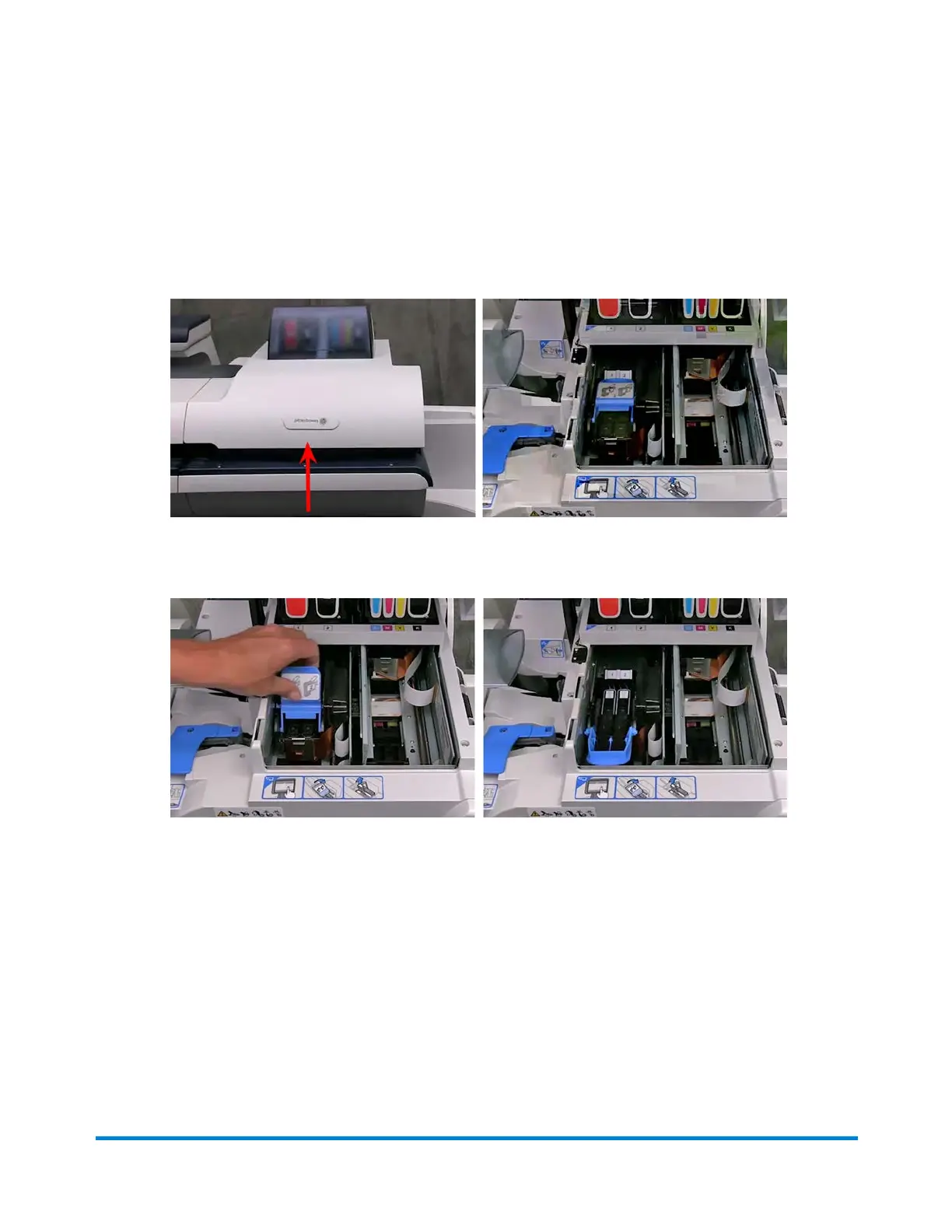
9. As soon as the system is ready, a demonstration of how to replace the print head appears on the
screen. Perform each of the steps shown in the demonstration. The steps are also shown here.
a. Open the printer cover.
b. Pull the blue latch up and all the way forward until it stops.
Troubleshooting
Pitney Bowes Operator Guide February,2018 Page 338 of 349











 To Next Page